
What is Doc Translator?
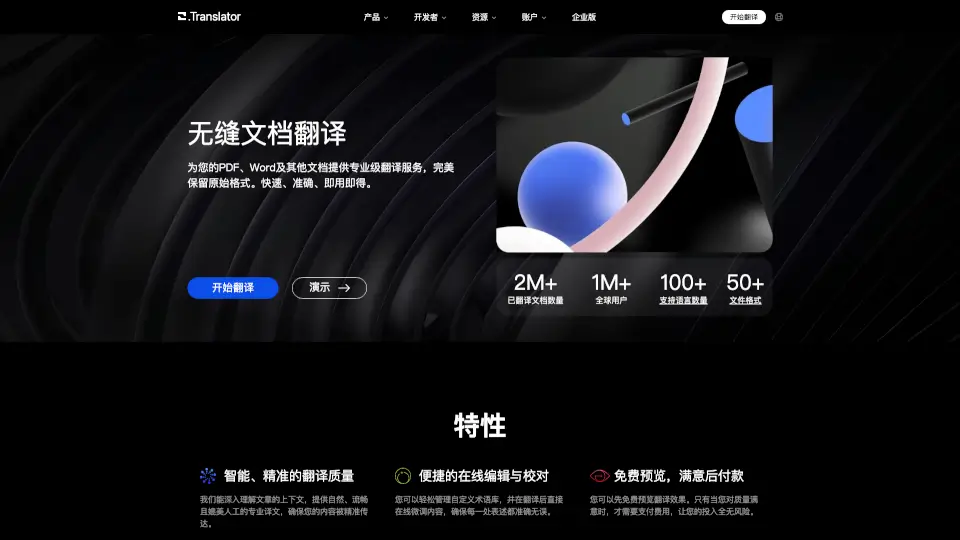
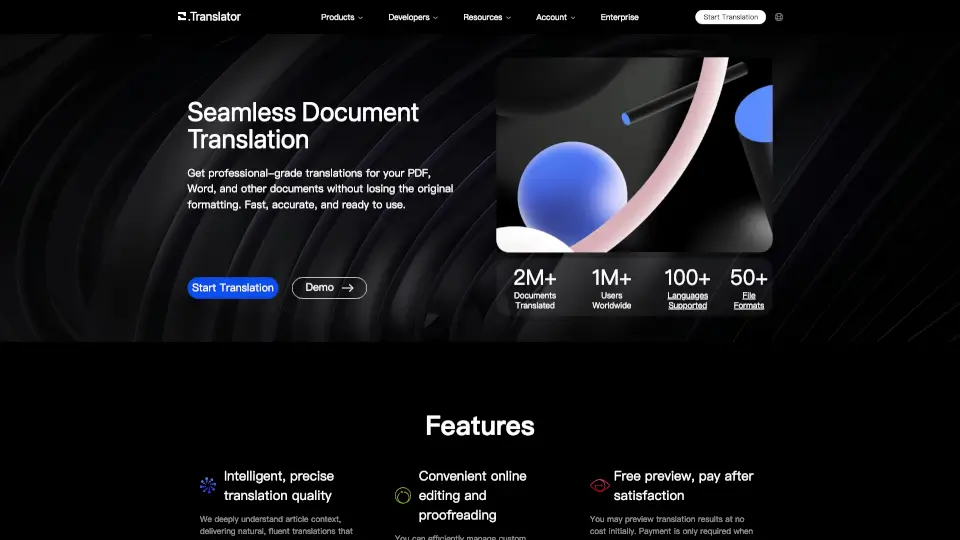
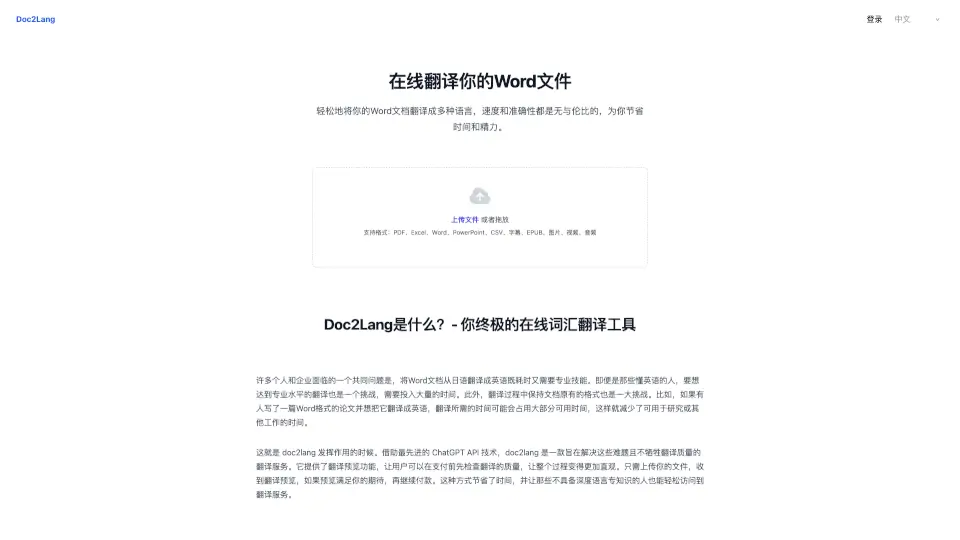
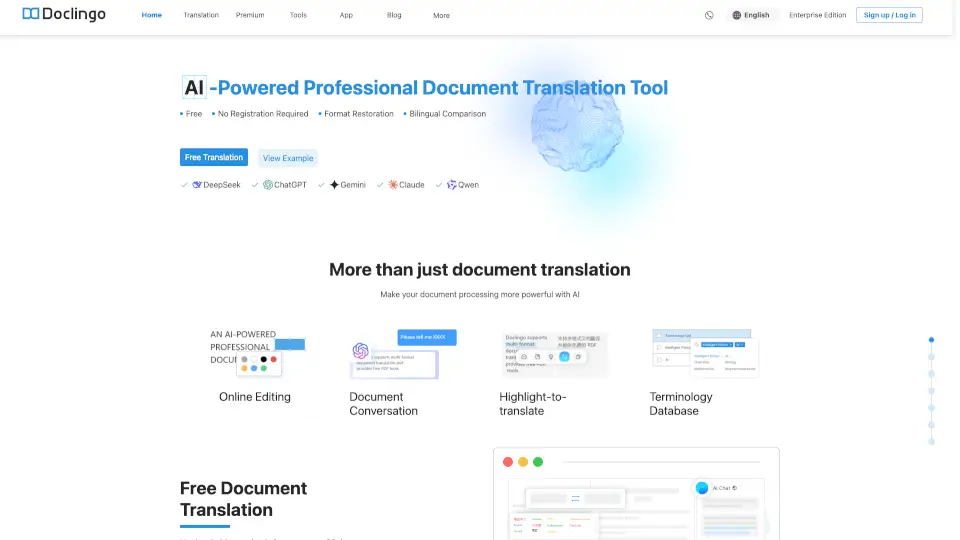
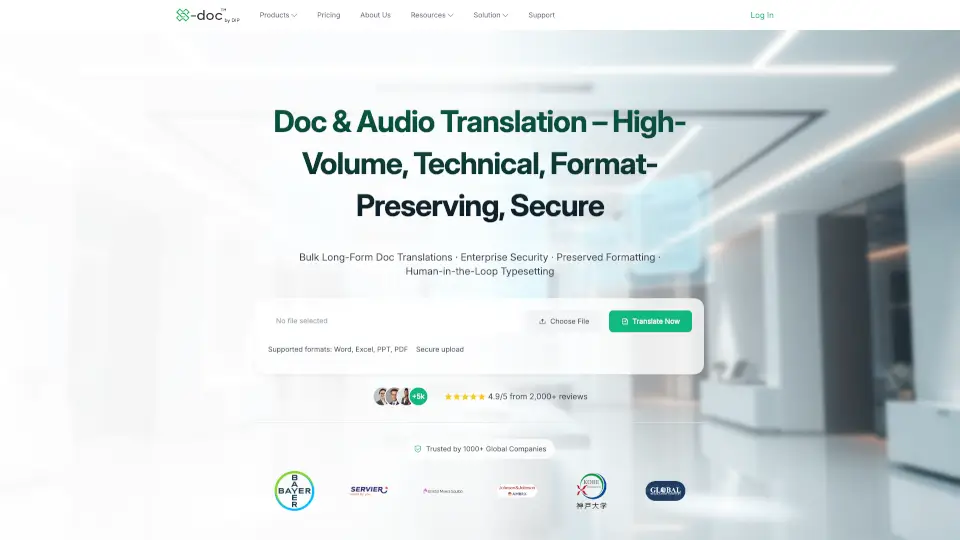
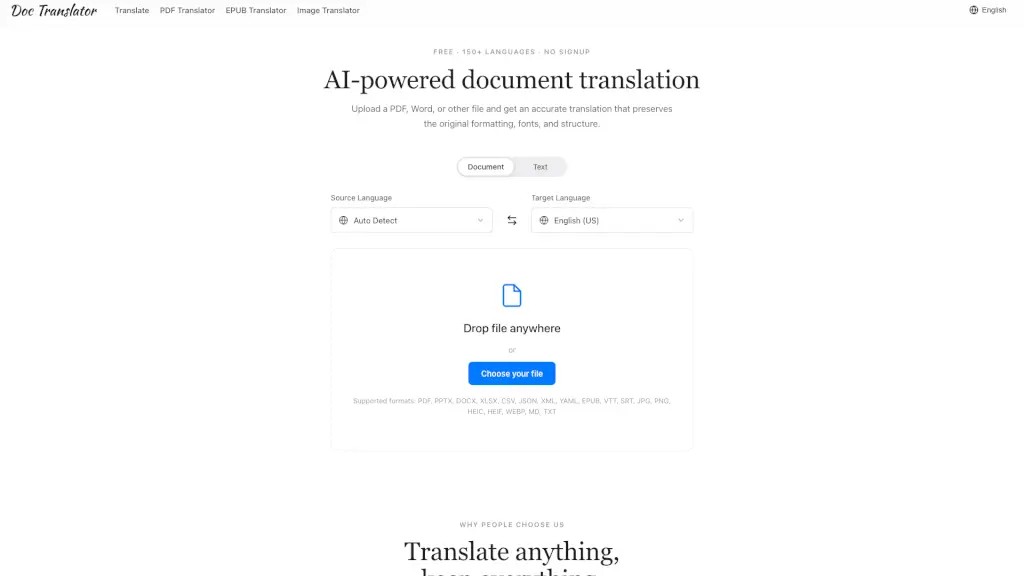
Tired of losing your document’s layout every time you translate it? Meet Doc Translator—an AI-powered tool that translates PDFs, Word files, slides, images, and more across 150+ languages, all while keeping your original formatting perfectly intact. Whether it’s a legal contract, a student handout, or a marketing deck, Doc Translator delivers results that look just like the source—no reformatting needed.
Best of all? It’s free to try with no signup required. Just drag in your file, pick a language, and download a polished, ready-to-share translation in seconds. Trusted by over 2 million users—from students to global teams—it’s built for real work where accuracy and appearance matter equally.
What are the features of Doc Translator?
- Pixel-Perfect Formatting Preservation: Keeps fonts, tables, columns, images, and charts exactly where they belong—so your translated file looks identical to the original.
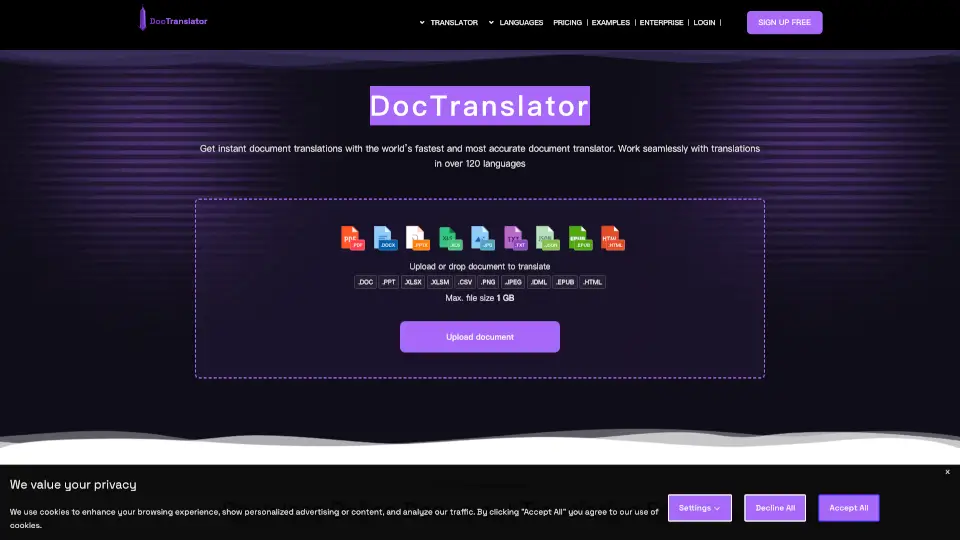
- Supports 50+ File Types: Handles PDF, DOCX, PPTX, XLSX, EPUB, TXT, CSV, JSON, XML, YAML, SRT, VTT, JPG, PNG, WebP, HEIC, HEIF, and Markdown—all in one place.
- 150+ Natural-Sounding Languages: Uses modern AI that understands context and tone, so translations read like they were written by a native speaker.
- No Signup or Payment Needed: Translate instantly without creating an account, entering payment info, or installing plugins.
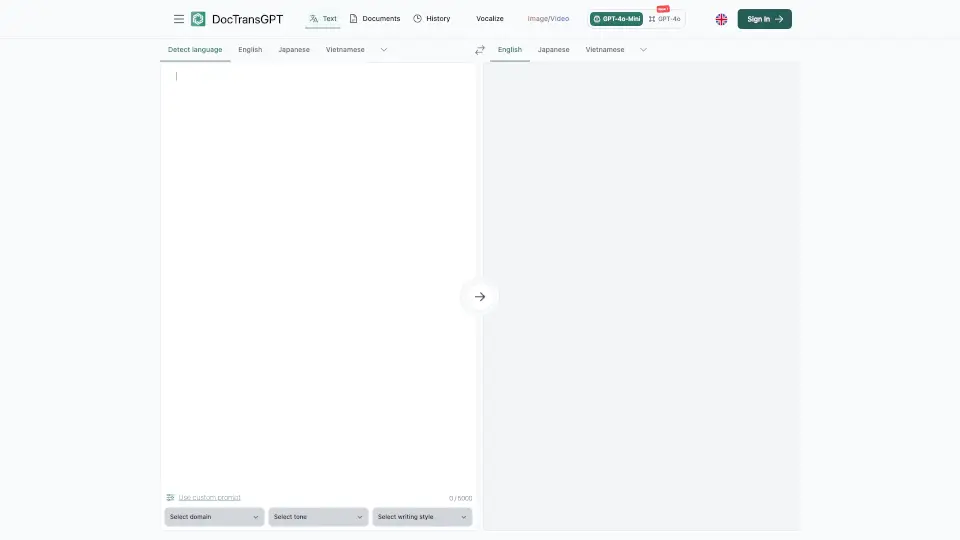
- Automatic Language Detection: Smartly identifies your source language so you only need to choose your target language.
- Secure & Private Processing: Files are encrypted in transit and automatically deleted after translation—never stored, shared, or sold.
What are the use cases of Doc Translator?
- A localization manager translating client contracts without spending hours fixing broken layouts.
- A graduate student converting research papers from French to English while preserving complex equations and citations.
- A freelance translator delivering client-ready documents that maintain professional typography and structure.
- A product marketer adapting pitch decks for international audiences with zero formatting headaches.
- An engineer sharing technical manuals across global teams in Japanese, German, or Spanish—exactly as designed.
- A content creator translating subtitles (SRT/VTT) for multilingual YouTube videos quickly and accurately.
How to use Doc Translator?
- Go to the Doc Translator website—no login or download needed.
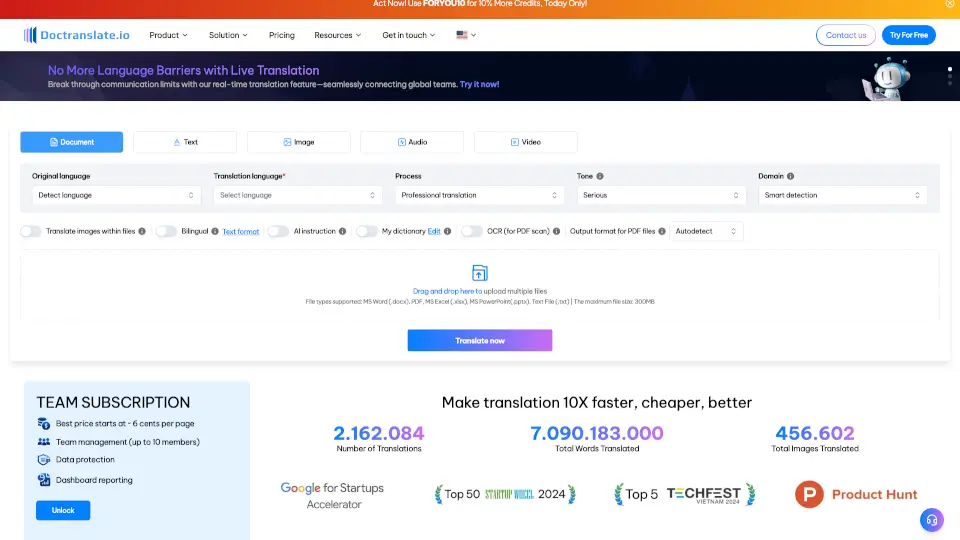
- Drag and drop your file (PDF, image, PPTX, etc.) into the upload area or click “Choose your file.”
- Let the system auto-detect your source language or select it manually.
- Choose your target language (e.g., English, Spanish, Chinese).
- Click translate—your file processes in under a minute for most documents.
- Download the translated file and use it immediately—no cleanup required!