What is Diagramming AI?
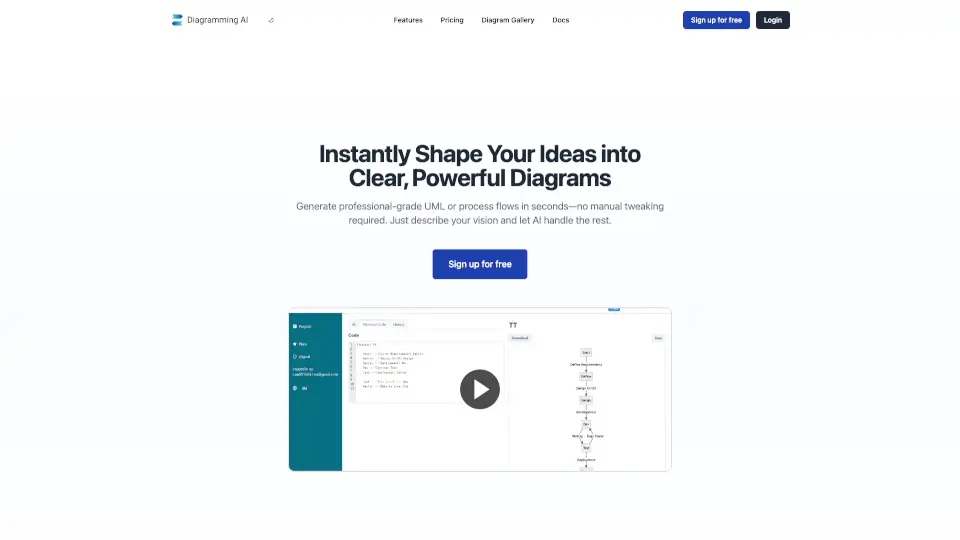
Diagramming AI is your go-to tool for creating professional-grade diagrams in seconds. Whether you need UML diagrams, process flows, or Gantt charts, just describe your vision, and let AI do the heavy lifting. No manual tweaking required!
What are the features of Diagramming AI?
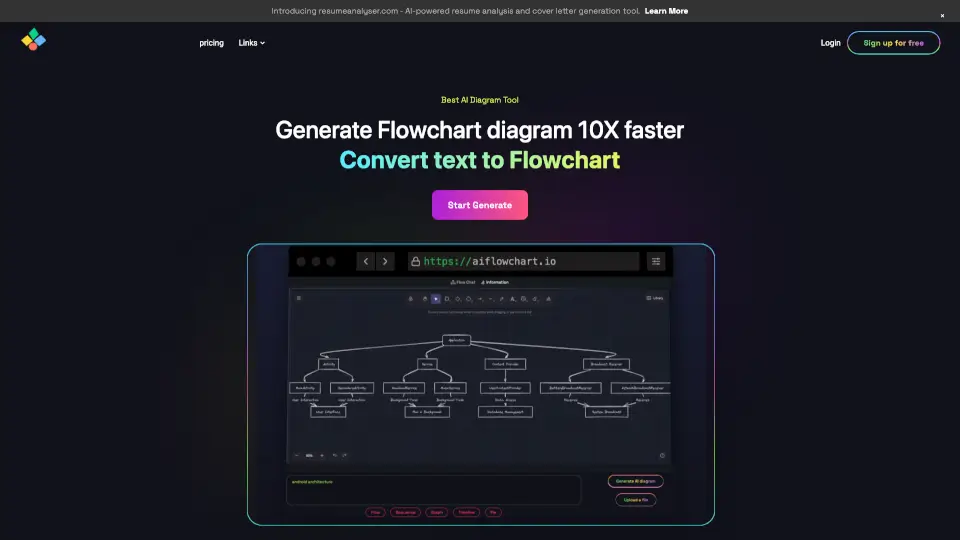
- AI-Powered Diagram Creation: Generate diagrams instantly using advanced AI. Just input text, and get flowcharts, sequence diagrams, and more.
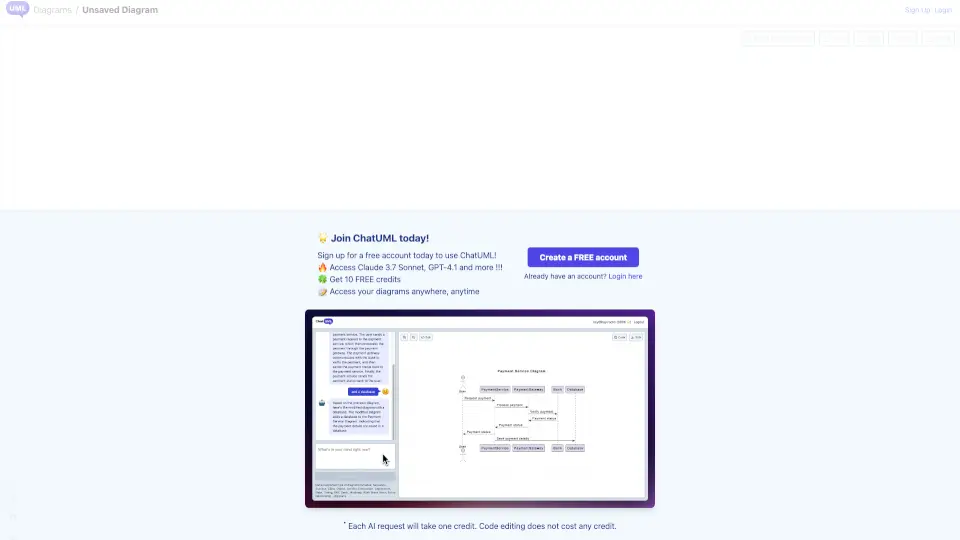
- AI Chat: Discuss, suggest, and update diagrams in real-time with AI. Two modes: Discussion and Update.
- Seamless Drawing: Experience fluid, AI-driven diagramming that ensures clarity and precision.
- Error Resolution: AI automatically fixes diagram errors, supporting Mermaid, PlantUML, and Graphviz.
- Quick Edit: Easily adjust diagram parts with intuitive controls.
- Excalidraw Integration: Transform text-based diagrams into interactive visual canvases.
- Project Storage: Store diagrams in Mermaid, PlantUML, Graphviz, and Excalidraw formats.
- Flexible Export: Export diagrams as SVG/PNG or shareable URLs.
- Custom Themes: Choose from 10+ Mermaid and 40+ PlantUML color themes.
- URL to Diagram: Turn any website into a diagram with a single URL.
- Image to Diagram: Generate diagrams from images, supporting text and diagram content.
What are the use cases of Diagramming AI?
- Software Developers: Illustrate system designs with sequence diagrams and flowcharts.
- Project Managers: Visualize project timelines with Gantt charts.
- Data Analysts: Map out data flows and processes.
- Educators: Explain complex topics visually.
- Business Analysts: Create flowcharts for business processes.
- Students: Study more effectively with visual topic maps.
How to use Diagramming AI?
- Sign up for free and choose your plan.
- Input your text or URL to generate a diagram.
- Use AI Chat to refine or update your diagrams.
- Export or share your diagrams as needed.