
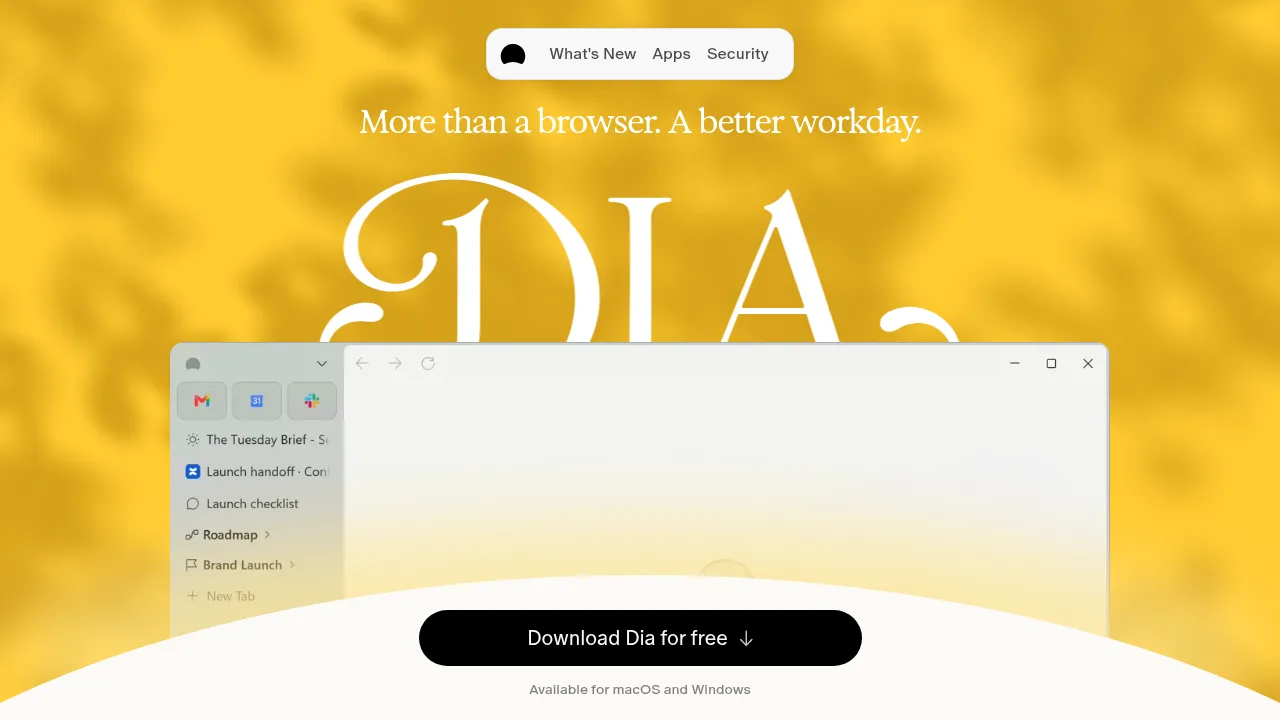
What is Dia Browser?
Dia Browser is a desktop web browser that integrates AI to aggregate information from open tabs and connected work tools. It is available as a free download for macOS and Windows. A separate Dia for Work tier adds enterprise security features like SSO and admin tools.
What are the features of Dia Browser?
- Morning BriefAggregates calendar events, inbox messages, and key links into a summary before the workday begins.
- Cross-tool synthesisAnswers questions by gathering context from connected tools such as Slack, Notion, Teams, GSuite, and open tabs.
- Slide generation (Decks)Converts scattered context into presentation slides with headers, layout, and flow upon request.
- ProfilesMaintains separate tabs, logins, and AI contexts for different roles, switchable via a swipe gesture.
- Split layoutsDisplays two views side-by-side, such as a meeting page and a document, and remembers preferred arrangements.
- Privacy controlsIncludes settings to block trackers and ads, toggle memory, control content data sharing, and enable end-to-end encrypted sync.
What are the use cases of Dia Browser?
- Recurring meetingsOpens the meeting page, agenda, notes, and related documents automatically with a countdown timer when joining calls.
- Active project trackingPulls live workspaces from GitHub or Notion directly into the tab bar for one-click access to specific PRs or drafts.
- Context separationKeeps freelance, personal, and work browsing isolated with distinct logins and AI memory per profile.
Dia Browser Pricing Information:
- Free downloadAvailable at no cost for macOS and Windows.
- Dia for WorkAdds team guardrails including SSO and admin tools; specific pricing is not stated in the source.