
What is DailyBot?
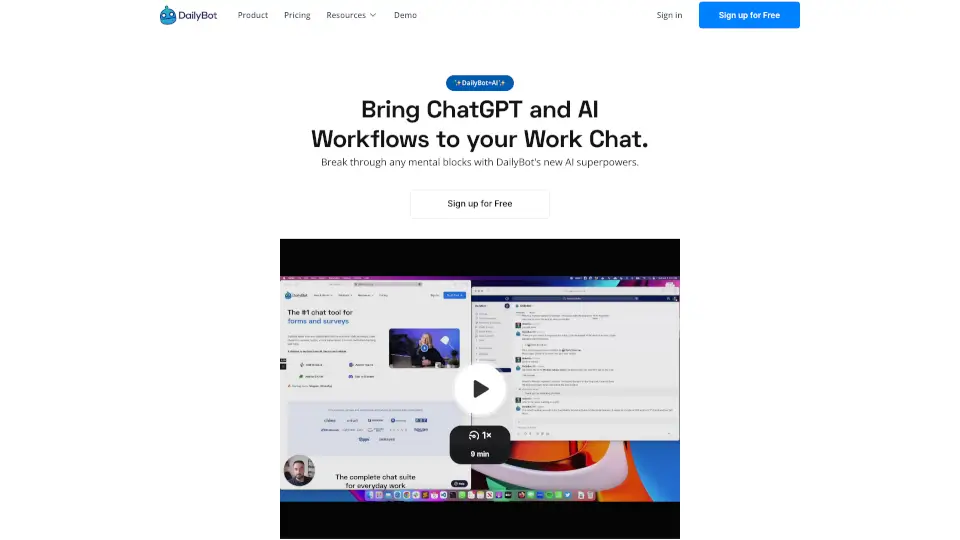
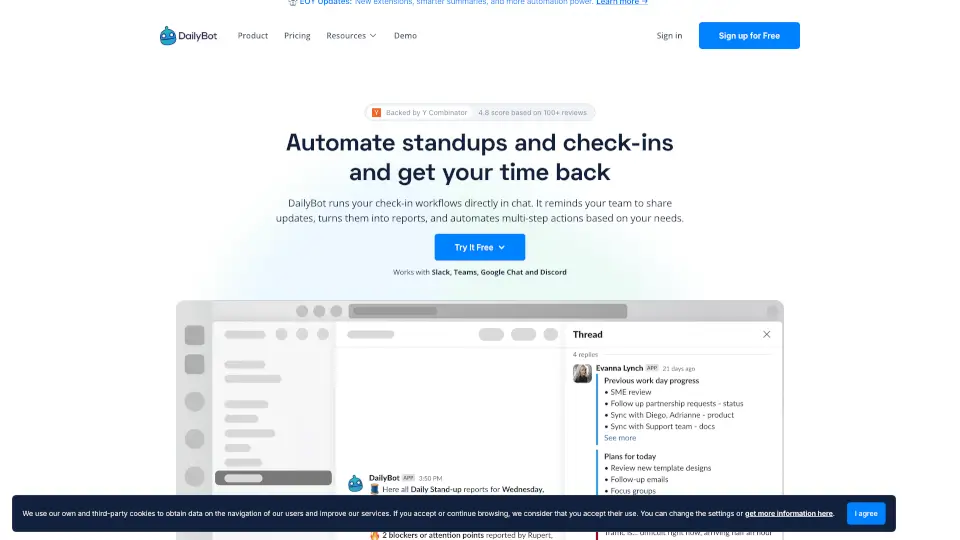
Dailybot is an AI-powered async communication platform that brings together team updates, AI agent reports, and activity tracking in one place. It connects to Slack, Microsoft Teams, Google Chat, and Discord so your team can share progress, flag blockers, and get smart summaries without adding more meetings or tools. Built for modern teams that use both people and AI agents, Dailybot turns scattered signals into clear, actionable visibility.
What are the features of DailyBot?
- Automated Check-Ins: Team members submit standups in chat; agents report activity automatically. No extra dashboards needed.
- AI Reports & Insights: Dailybot summarizes updates, surfaces blockers, and highlights patterns from your tools like Linear, Jira, GitHub, and Figma.
- Agent Visibility: See what your AI agents (deploy bots, code reviewers, monitoring tools) are doing right alongside human updates.
- Blocker Automation: Detects blockers from check-ins and automatically creates tickets, notifies owners, or runs workflows.
- Kudos & Recognition: Give and receive shout-outs in chat, tied to company values, with a team leaderboard to keep morale high.
- Multi-Platform Integration: Works in Slack, Teams, Google Chat, Discord, VS Code, Cursor, terminal, and browser extension.
- Enterprise-Grade Security: SOC 2 compliant, multi-tenant, privacy-first with granular permissions and 24/7 support.
What are the use cases of DailyBot?
- Daily Standups Without Meetings: Teams submit async updates in chat; Dailybot compiles clean reports with blocker alerts and AI insights.
- Agent Activity Monitoring: See what your CI/CD agents, code review bots, and security scanners are shipping – without chasing logs.
- Blocker Triage & Escalation: When a team member reports a blocker, Dailybot can auto-create a ticket in Linear and notify the right person.
- Cross-Tool Intelligence: Connect Linear, Jira, GitHub, Figma, and more – get a single view of progress across tools and agents.
- Team Recognition Programs: Run a kudos system directly in chat, track appreciation on a leaderboard, and celebrate wins without extra ceremonies.
How to use DailyBot?
- Set up check-ins: In your chat app (Slack, Teams, etc.), invite Dailybot to a channel and configure daily or weekly check-ins for your team.
- Connect your tools: Link accounts like Linear, GitHub, Jira, or Figma so Dailybot can pull in live activity and sync it with updates.
- Invite your agents: Use the agent API or install the skill (api.dailybot.com/skill.md) to let your AI bots report health, runs, and status.
- Review the daily report: Every day, Dailybot sends a summarized report with highlights, blockers, agent activity, and smart insights.
- Set up automations: Create triggers – for example, if a blocker is reported, auto-create a ticket and notify the owner in Slack.
- Use across platforms: Run check-ins from your code editor (VS Code, Cursor), terminal (CLI), or browser extension for maximum flexibility.