
What is CVAT?
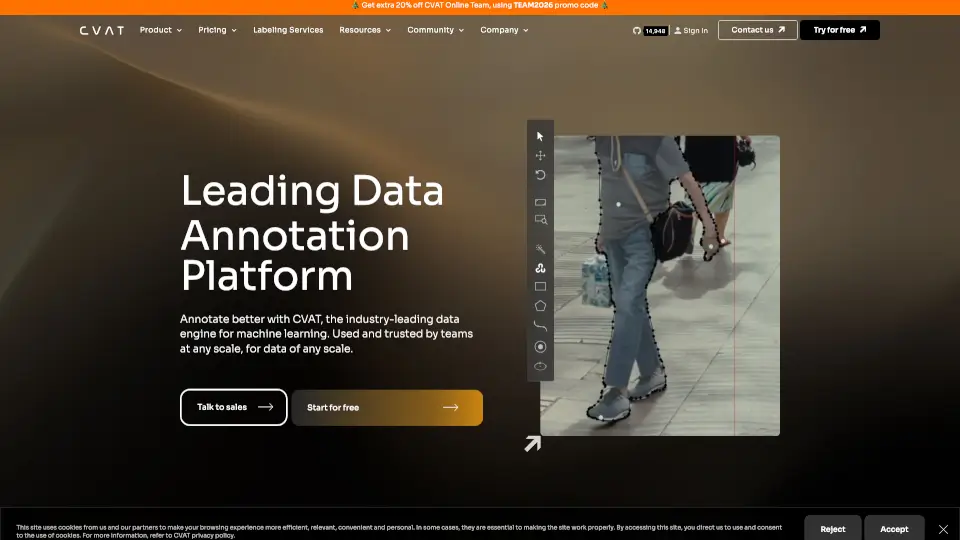
CVAT, or Computer Vision Annotation Tool, is a powerful platform designed to help you annotate images and videos for machine learning projects. Whether you're working on a small project or managing a large team, CVAT offers the tools and features you need to get the job done efficiently. With its intuitive interface and advanced capabilities, CVAT is trusted by professionals across various industries, from healthcare and retail to automotive and manufacturing.
What are the features of CVAT?
- Auto-Annotation: Annotate data up to 10x faster using integrated AI or your own models.
- Comprehensive Tools: Bounding boxes, polygons, points, skeletons, cuboids, and more.
- Cloud Storage: Store datasets privately in the cloud, supporting AWS S3, Google Cloud Storage, and Azure Blob Storage.
- Algorithmic Assistance: Use automated interactive algorithms like intelligent scissors and histogram equalization.
- Management & Analytics: Gain insights with metrics such as annotator working hours and objects per hour.
- Multiple Annotation Formats: Supports 19 different annotation formats, including PASCAL VOC, YOLO, COCO, and more.
What are the use cases of CVAT?
- Healthcare & Medicine: Train neural networks to recognize early signs of disease.
- Retail Optimization: Manage shelves, logistics, and cashierless checkouts.
- Drones & Aerial: Monitor agricultural crops, livestock, and dangerous environments.
- Sport & Athletics: Analyze and correct athlete motions, develop AI coaching.
- Automotive: Track pedestrians and vehicles, recognize driver actions.
- Manufacturing: Track employee activity, detect production defects, and optimize resources.
How to use CVAT?
- Sign Up: Create an account on the CVAT platform.
- Upload Data: Add your images or videos to the platform.
- Choose Tools: Select the appropriate annotation tools for your task.
- Annotate: Use the intuitive interface to annotate your data.
- Review and Export: Review your annotations and export them in your preferred format.