
What is Crikk?
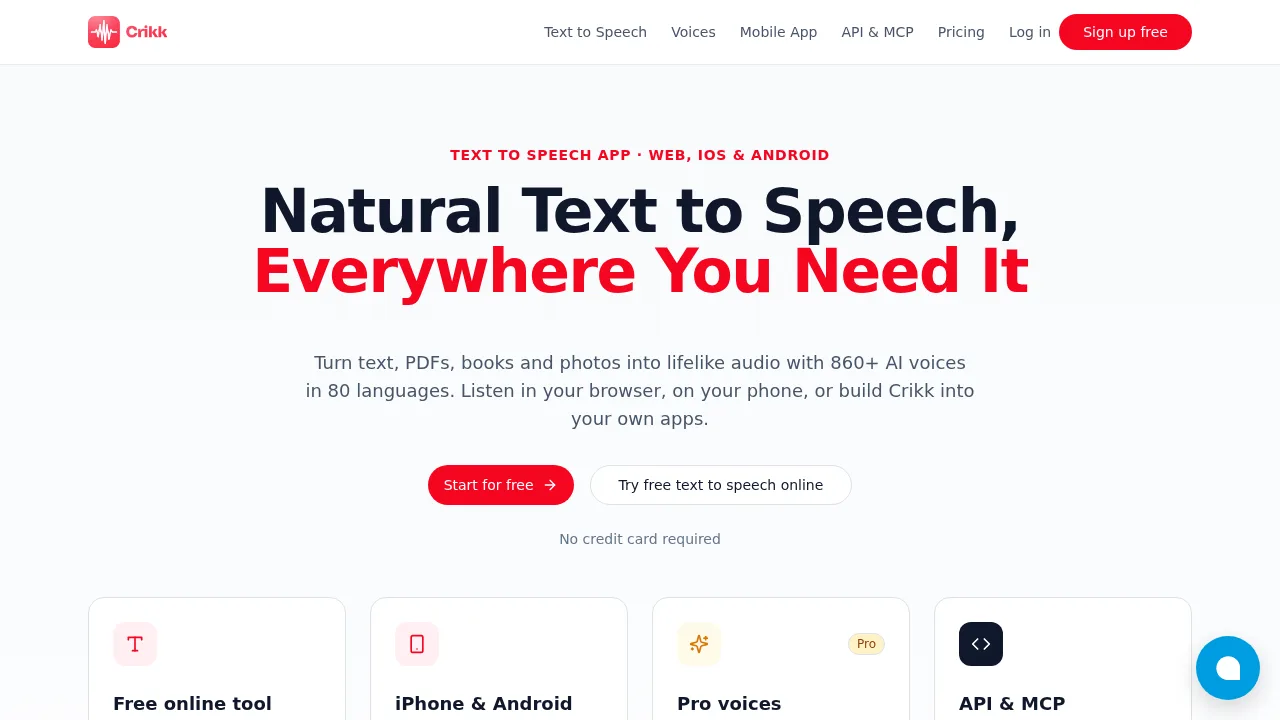
Crikk - Text To Speech converts text, documents, and images into audio using AI voices across 80 languages. It is accessible via web browser, iOS and Android apps, a REST API, and an MCP server for AI assistants. A free tier provides limited monthly characters without requiring a credit card.
What are the features of Crikk?
- File and image inputUploads PDF, DOCX, EPUB, TXT files or camera photos for OCR text extraction and audio conversion.
- Voice libraryOffers 317 free voices and over 540 premium Pro voices with adjustable pitch, pauses, and speaking styles.
- Audio exportDownloads generated speech as MP3 or WAV files.
- Playback controlsSupports listening speeds up to 4× on the web and 4.5× in the mobile app, with synchronized word highlighting.
- Developer APIProvides three REST endpoints for generating audio, polling job status, and listing voices, plus an MCP server at
https://crikk.com/mcp. - Cross-device syncOrganizes audio into folders and synchronizes libraries between web, iOS, and Android platforms.
What are the use cases of Crikk?
- Developers integrating speech generation into applications via the REST API or connecting AI assistants like Claude through the MCP server.
- Content creators producing voiceovers for videos by downloading generated audio as MP3 or WAV files.
- Students and professionals converting textbooks, reports, or Kindle books into audio for background playback on mobile devices.
How to use Crikk?
Web workflow:
- Open the online text-to-speech tool in a browser.
- Paste or type the desired text.
- Choose a language and voice.
- Press Play to hear the audio.
- Create a free account and click Download to save the output as an MP3 file.
Crikk Pricing Information:
- Free guest access: Paste text and listen directly in the browser without an account.
- Free account: $0 forever; 20,000 characters per month, 5,000 characters per conversion, 317 free voices in 74 languages, web, iOS, and Android access.
- Pro Monthly: $7 per month (regular price $14); unlimited characters with free voices, 540+ Pro voices with 1 million characters per month, 24,000 characters per conversion, API access with 2 million characters per month.
- Lifetime: $97 one-time payment; includes all Pro features permanently, but API access is not included.
- Dedicated API Plan: $100 per month; unlimited API generation using the 317 free voices, sold separately from other plans.