
What is Crayo?
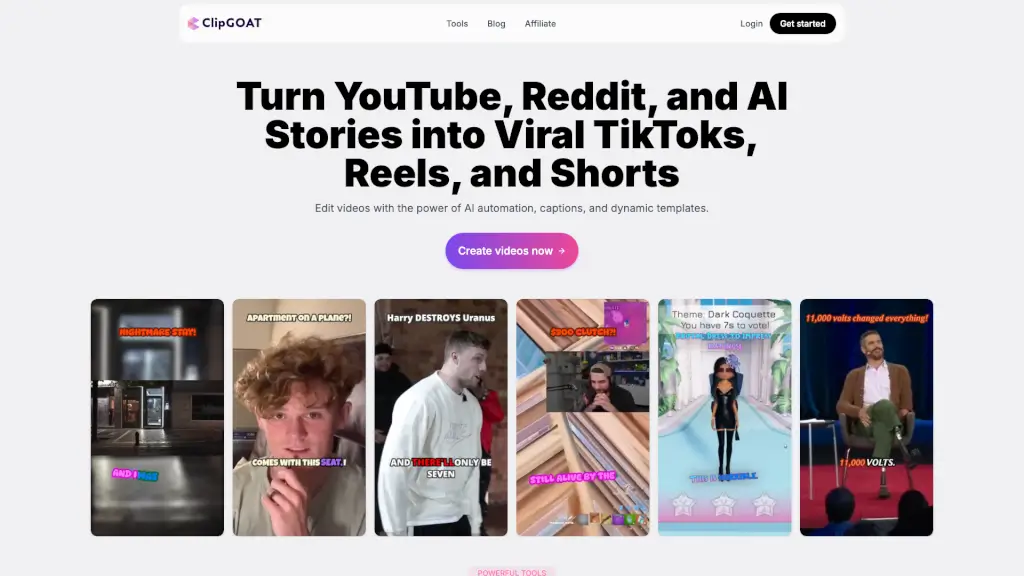
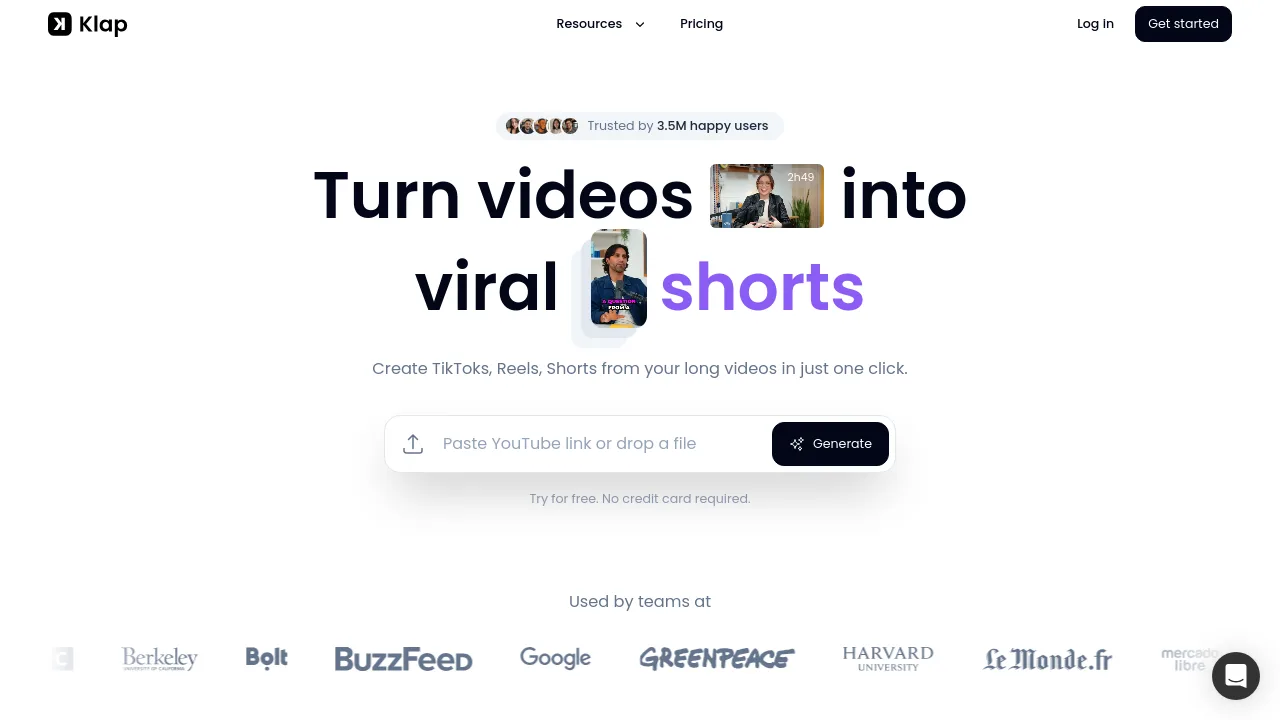
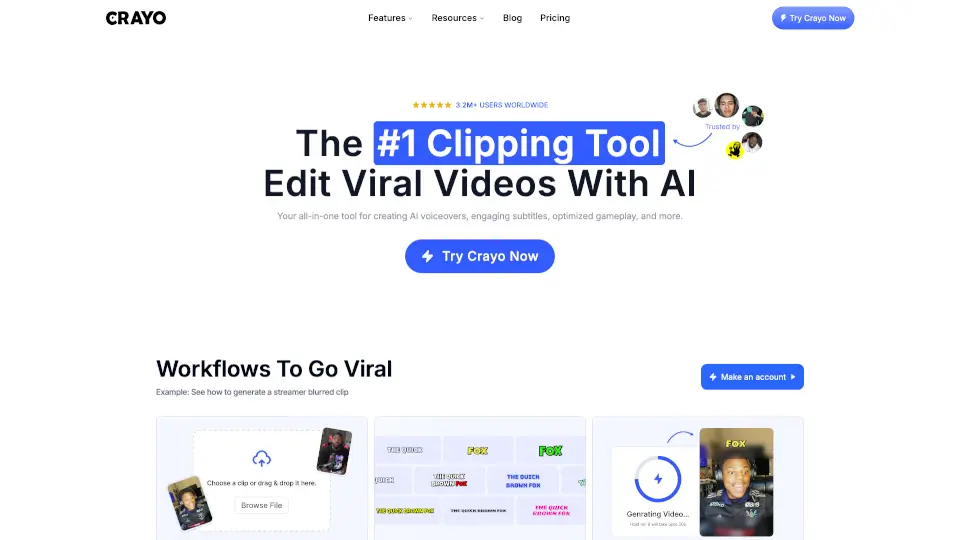
Crayo is an AI video editor designed for creators who want to generate viral shorts quickly. It combines AI voiceovers, auto-generated subtitles, and optimized gameplay editing into a single web-based platform. The tool is especially popular among clippers, streamers, and faceless channel operators who need to produce short-form content from longer videos or YouTube/TikTok links. Crayo’s three-step workflow (upload, pick a subtitle style, generate) reduces the manual editing process, letting users focus on finding trending clips instead of formatting.
What are the features of Crayo?
- AI Voiceover: Generate natural-sounding voiceovers for your videos without recording your own audio. Useful for faceless channels and Reddit story videos.
- Engaging Subtitles: Choose from 15+ viral subtitle styles to match your content’s tone and keep viewers watching longer.
- Background Remover: Remove or replace video backgrounds cleanly, as noted by users who found it the only tool that works well for this task.
- Image Generator: Create custom images directly within the editor, saving you from needing separate AI image subscriptions.
- Face Swap & Voice Changer: Swap faces in clips or alter voice tones, helpful for parody content and protecting identity on faceless channels.
- Speech Enhancer & Video Cutter: Clean up audio quality and trim clips precisely, all in one editor without toggling multiple apps.
What are the use cases of Crayo?
- Clippers turning long gameplay streams into short, subtitle-heavy viral clips for TikTok or YouTube Shorts.
- Faceless channel operators producing Reddit story videos with AI voiceovers and auto-generated images.
- Podcast hosts generating short, shareable highlight clips with branded subtitles and background removal.
- Streamers creating blurred or cropped clips of their best moments to post on social media.
- Agencies scaling content output by using Crayo’s batch-compatible tools like automatic clipping and speech enhancement.
How to use Crayo?
- Upload your video – Use a file from your device or paste a YouTube/TikTok link directly.
- Select a subtitle style – Pick from 15+ viral templates to match your video’s vibe.
- Generate the video – Click generate and review the AI-produced short within seconds.
- Refine with the web editor – Make manual adjustments to timing, captions, or effects if needed.
- Export or download – Save your final clip in the desired format for posting.