Corrector App logo

Corrector App

4.0
(0 Reviews)
France13.12%

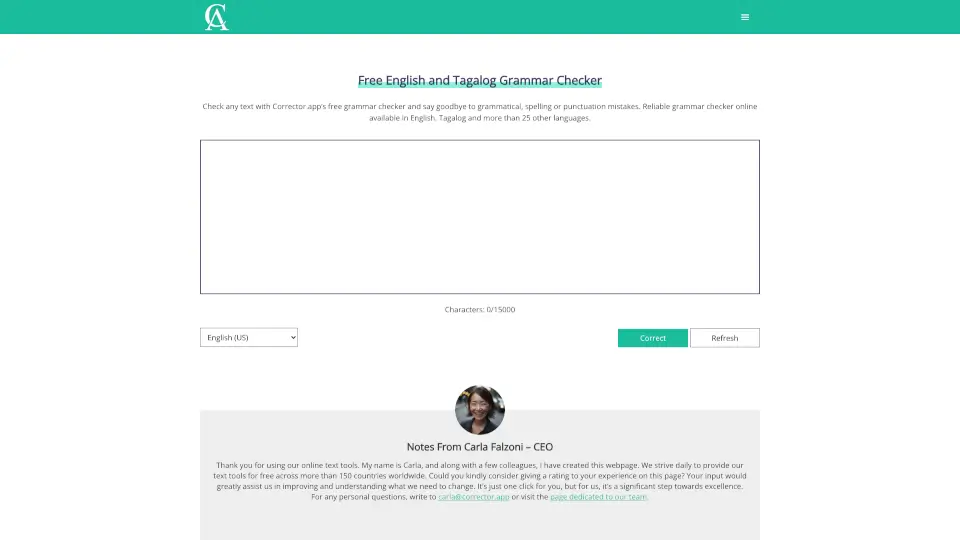
Corrector.app is a free, no-signup grammar checker for English, Tagalog, and 25+ languages that fixes spelling, grammar, and punctuation instantly in your browser.

Verified by SeekTool
Social Media:
Corrector App

Corrector App Product Information

What is Corrector App?

Tired of embarrassing typos or awkward phrasing in your writing? Corrector.app is a free online grammar checker that works instantly—no sign-up, no downloads, and no paywalls. Whether you're drafting an email, polishing an essay, or posting on social media, this tool scans your text for grammar, spelling, punctuation, and even style issues in English, Tagalog, and over 25 other languages.

Created by CEO Carla Falzoni and her team, Corrector.app is designed to be fast, accurate, and accessible to everyone—from students and professionals to bloggers and non-native speakers. Just paste your text, click “Check,” and get clear, color-coded suggestions with explanations so you learn as you edit.

What are the features of Corrector App?

  • Free & No Account Required: Use the full grammar checker instantly—no registration or payment needed.
  • Supports 27+ Languages: Includes English (US, UK, CA, AU, etc.), Tagalog, Spanish, French, German, Chinese, Arabic, Russian, and more.
  • Real-Time Error Highlighting: Grammar mistakes appear in red, punctuation/style issues in yellow, with one-click fixes.
  • AI-Generated Text Detection: Comes with a built-in free AI Content Detector to spot and correct errors in ChatGPT or GPT-4 output.
  • Mobile-Friendly: Works seamlessly on iPhone and Android browsers—no app download required.
  • Educational Explanations: Understand why something is wrong, not just that it’s wrong.

What are the use cases of Corrector App?

  • Students proofreading essays, research papers, or college applications
  • Professionals checking business emails, reports, or LinkedIn posts
  • Non-native speakers writing in English or Tagalog with confidence
  • Bloggers and content creators ensuring clean, credible posts
  • Job seekers polishing resumes and cover letters
  • Teachers and editors quickly reviewing student or client work

How to use Corrector App?

  • Copy your text (up to 15,000 characters) using Ctrl+C (or Cmd+C on Mac).
  • Paste it into the Rich Text Area on Corrector.app using Ctrl+V (or Cmd+V).
  • Select your preferred language variant (e.g., English US, Tagalog, Spanish).
  • Click the “Check Text” button to run the analysis.
  • Review highlighted errors—click any suggestion to accept or ignore it.
  • Copy your corrected text back into your document and save.
Corrector App Contact Email:

[email protected]

Do you like this tool?

Upvote to help others discover it!

Corrector App Alternatives

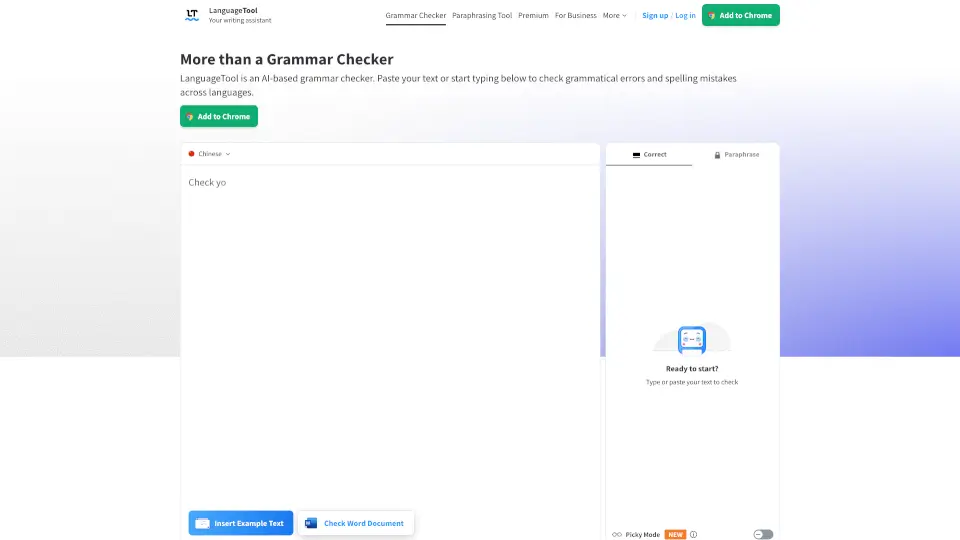
LanguageTool

LanguageTool is a smart, easy-to-use grammar checker that polishes your writing in 30+ languages. Free for basics, with Premium upgrades for power users.

DE
16.60%
6.7M
5.0
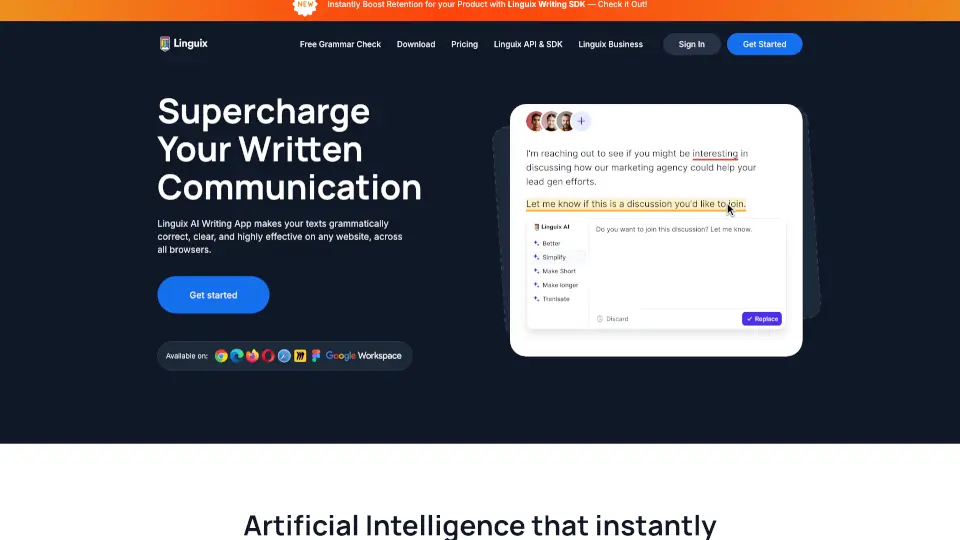
Linguix

Linguix is a free AI grammar checker and writing assistant that makes your texts grammatically correct, clear, and effective across any website in 7 languages.

US
4.59%
254.9K
5.0
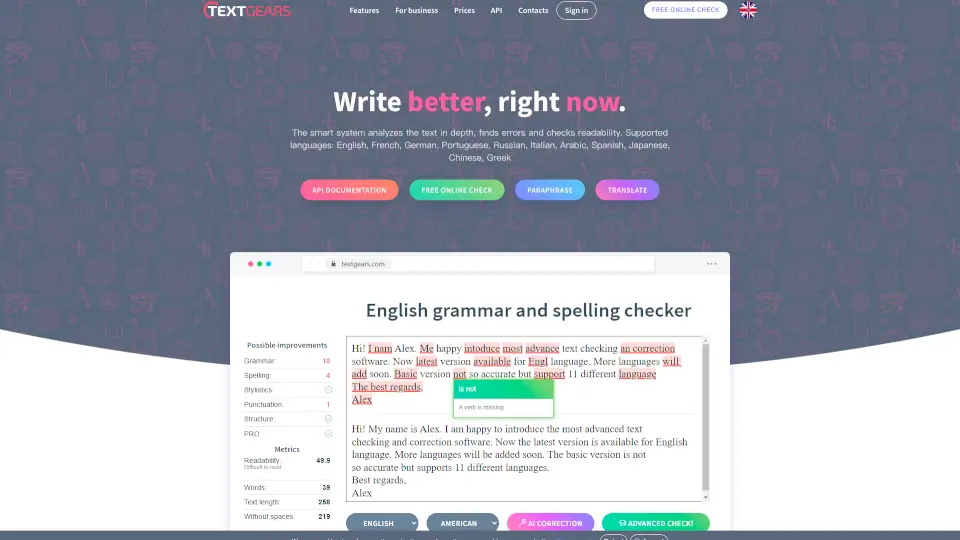
TextGears

TextGears makes writing error-free and easy with grammar checks, readability scores, and multi-language support—perfect for students and businesses alike.

RU
29.23%
59.4K
5.0
Grammar Checker

StudyCrumb’s free grammar checker is your go-to tool for error-free writing. It’s fast, accurate, and easy to use—perfect for students, professionals, and writers alike.

US
15.46%
56.6K
5.0
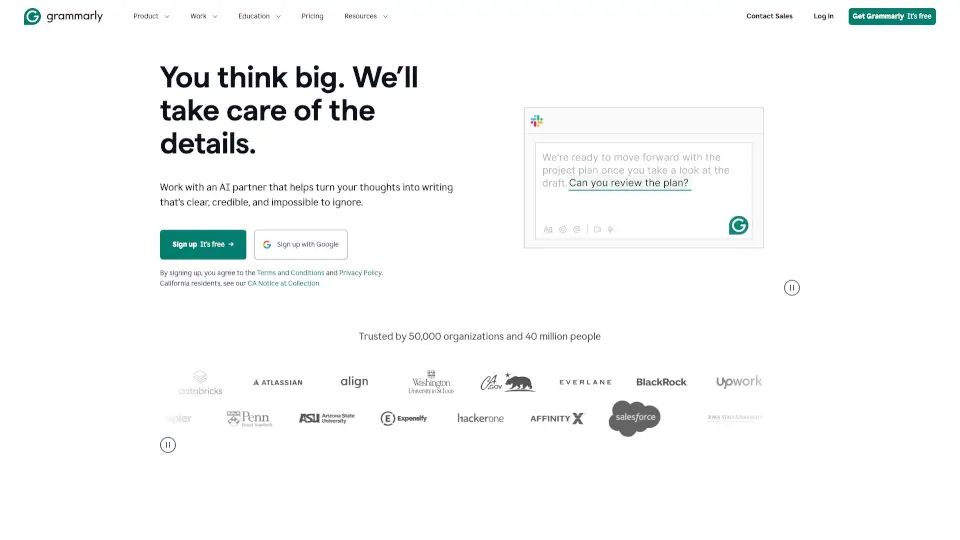
Grammarly

Grammarly is a free AI writing assistant that helps individuals and teams write clearer, more credible, and engaging content across every app and website.

US
45.83%
45.8M
5.0
Dechecker

Dechecker's AI Checker is a powerful tool for detecting and improving AI-generated text, ensuring your writing is original, readable, and human-like.

US
20.13%
240.8K
5.0
MyDetector AI

MyDetector AI Detector is a free, accurate tool for checking and humanizing AI-generated content in multiple languages—no login required.

US
12.06%
859.2K
5.0
TextAdviser

TextAdviser simplifies writing with AI-powered tools—grammar checks, plagiarism scans, translations, and more. Ideal for students, professionals, and creatives.

IT
23.50%
58.6K
5.0

Corrector App Related Other Categories

Corrector App Traffic Analysis

💡 Insights

🌱
Emerging Tool
10K-100K monthly visits. Niche or new tool with potential unique value.
⚠️
Slight Decline
Traffic has slightly decreased recently.
👍
Good Experience
Bounce rate of 39%. Users are willing to explore features.
🌐
Global Reach
Balanced user distribution worldwide.
  • Monthly Visits

    32.91K

  • Bounce Rate

    38.83%

  • Pages Per Visit

    1.50

  • Visit Duration

    00:00:11

  • Global Rank

    1001986

  • Country Rank

    265183

Visits Over Time

Traffic Sources

GenAi0.00%
DisplayAds0.00%
SocialOrganic0.00%
Mail0.00%
SearchPaid0.00%
SocialPaid0.00%
Referrals0.00%
Affiliate0.00%
SearchOrganic0.00%
Direct0.00%

Top Keywords

1
patah perkataan
370Traffic
2
corregir la gramtica y la redacción
190Traffic
3
영어 문법 검사기
CPC$0.26
180Traffic
4
korekta tekstu
CPC$0.18
160Traffic
5
aiチェッカー
CPC$0.16
130Traffic

Top Regions

RegionPercentage
France
France
13.12%
United States
United States
7.22%
Russia
Russia
7.10%
Indonesia
Indonesia
6.47%
Spain
Spain
5.92%
Low
High

Powered by SimilarWeb

Corrector App FAQ

Is Corrector.app really free to use?

Yes! The grammar and spell checker is 100% free, with no hidden fees, account requirements, or feature limits.

Does it work for Tagalog grammar and spelling?

Absolutely. Corrector.app includes a dedicated Tagalog grammar checker—just select “Tagalog” from the language menu before checking your text.

Can it detect and fix errors in AI-generated content like ChatGPT?

Yes! It not only corrects grammar in AI-written text but also offers a separate free AI Content Detector to identify if content was machine-generated.

Do I need to download an app or create an account?

No. Everything runs directly in your browser—on desktop or mobile—no download or sign-up needed.

How many languages does it support?

Over 27 languages, including multiple English variants (US, UK, Canada, Australia, etc.), plus Tagalog, Spanish, French, German, Chinese, Arabic, Russian, and more.

Can I use it on my phone?

Yes! The site is fully optimized for iPhone and Android—just open corrector.app in your mobile browser and start checking.

Why are some errors highlighted in red and others in yellow?

Red marks serious grammar or spelling mistakes, while yellow indicates punctuation issues, stylistic improvements, or word-choice suggestions.

Corrector App Reviews

0

0

0 Reviews
Sign Into leave a review

Recent Reviews

No reviews yet

Corrector App Embed

Use website badges to drive community support for SeekTool.ai. They are easy to embed in your homepage or footer.

Light
Dark
Corrector App - Featured on SeekTool.aiCorrector App - Featured on SeekTool.ai
How to install?