What is Corrector App?
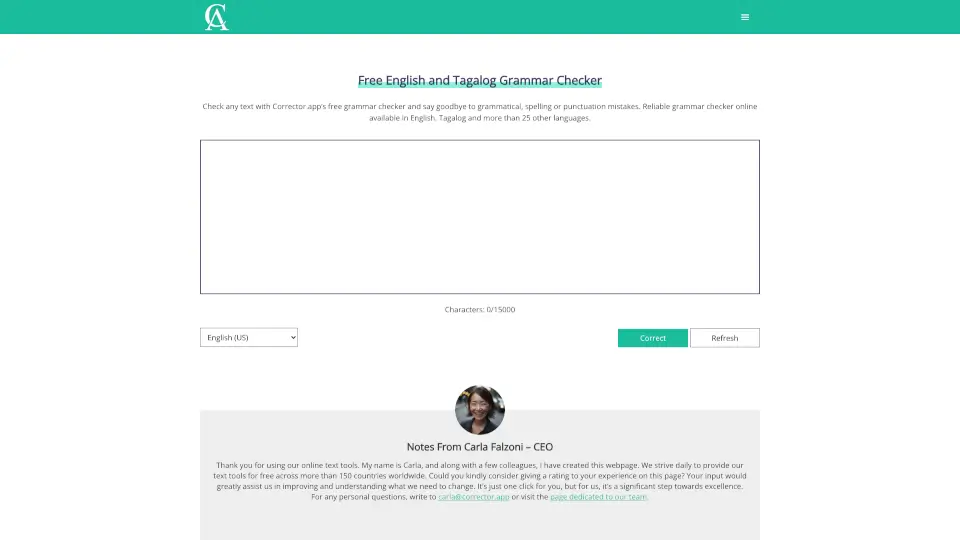
Tired of embarrassing typos or awkward phrasing in your writing? Corrector.app is a free online grammar checker that works instantly—no sign-up, no downloads, and no paywalls. Whether you're drafting an email, polishing an essay, or posting on social media, this tool scans your text for grammar, spelling, punctuation, and even style issues in English, Tagalog, and over 25 other languages.
Created by CEO Carla Falzoni and her team, Corrector.app is designed to be fast, accurate, and accessible to everyone—from students and professionals to bloggers and non-native speakers. Just paste your text, click “Check,” and get clear, color-coded suggestions with explanations so you learn as you edit.
What are the features of Corrector App?
- Free & No Account RequiredUse the full grammar checker instantly—no registration or payment needed.
- Supports 27+ LanguagesIncludes English (US, UK, CA, AU, etc.), Tagalog, Spanish, French, German, Chinese, Arabic, Russian, and more.
- Real-Time Error HighlightingGrammar mistakes appear in red, punctuation/style issues in yellow, with one-click fixes.
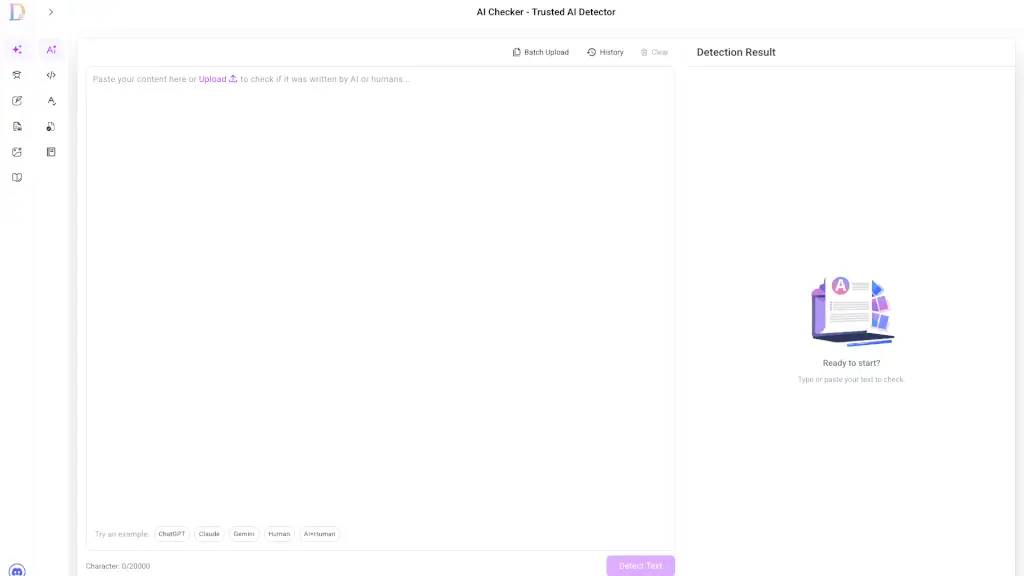
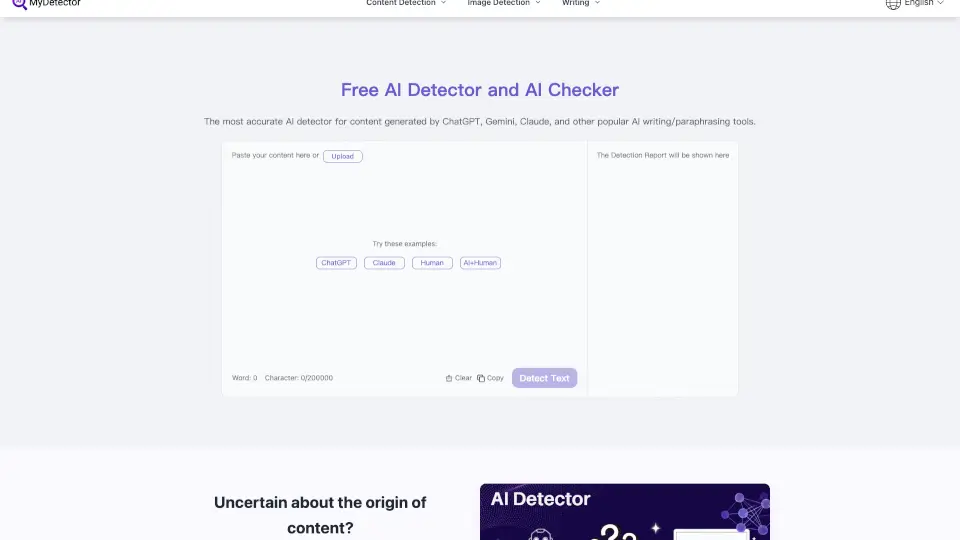
- AI-Generated Text DetectionComes with a built-in free AI Content Detector to spot and correct errors in ChatGPT or GPT-4 output.
- Mobile-FriendlyWorks seamlessly on iPhone and Android browsers—no app download required.
- Educational ExplanationsUnderstand why something is wrong, not just that it’s wrong.
What are the use cases of Corrector App?
- Students proofreading essays, research papers, or college applications
- Professionals checking business emails, reports, or LinkedIn posts
- Non-native speakers writing in English or Tagalog with confidence
- Bloggers and content creators ensuring clean, credible posts
- Job seekers polishing resumes and cover letters
- Teachers and editors quickly reviewing student or client work
How to use Corrector App?
- Copy your text (up to 15,000 characters) using Ctrl+C (or Cmd+C on Mac).
- Paste it into the Rich Text Area on Corrector.app using Ctrl+V (or Cmd+V).
- Select your preferred language variant (e.g., English US, Tagalog, Spanish).
- Click the “Check Text” button to run the analysis.
- Review highlighted errors—click any suggestion to accept or ignore it.
- Copy your corrected text back into your document and save.