
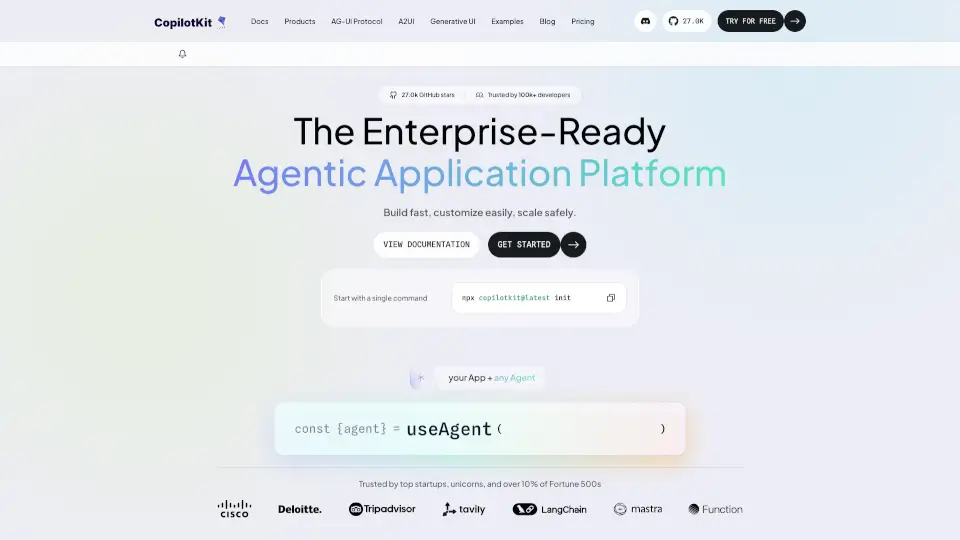
What is CopilotKit?
CopilotKit is an enterprise-ready frontend stack for building agentic AI applications that integrate large language models (LLMs) and AI agents directly into real apps, Slack, and Teams. It helps developers embed generative UI—where agents render interactive components like flight cards or data tables—while maintaining real-time context and human-in-the-loop control. The tool supports React, Angular, and Vue frontends and connects to any agent backend (OpenAI, LangChain, etc.). CopilotKit is the company behind the AG-UI protocol and is trusted by Fortune 500s like Docusign.
What are the features of CopilotKit?
- Generative UI: Agents render rich, interactive UI components (e.g., flight status cards, data tables) directly inside the app, Slack, or Teams—not just text responses.
- AG-UI Protocol: An open, bidirectional event stream between user-facing apps and any agentic backend, enabling 16 real-time event types for flexible interaction.
- Threads + Persistence: Automatic state saving across app sessions, Slack threads, and Teams conversations, so users can resume interactions seamlessly.
- Frontend SDKs (React, Angular, Vue): Drop-in customizable components or headless code control, with streaming-first architecture for near-instant responses.
- Enterprise Intelligence Platform: Optional premium features including product insights (analytics on AI feature adoption), self-learning (continuous feedback loop), and voice/multimodal support.
- Multi-Channel Support: One frontend stack works across web, mobile (iOS, Android), Slack, MS Teams, WhatsApp, and Telegram, adapting per channel.
What are the use cases of CopilotKit?
- SaaS product copilot: Add an intelligent assistant to help users navigate features, automate workflows, and get insights from their data.
- Co-creation copilot: Build collaborative AI tools for creative platforms, design apps, or content creation where users and agents co-create.
- Enterprise agentic app: Developers embed AI agents inside internal tools for tasks like flight status lookup, data analysis, or workflow automation.
- Generative UI in Slack/Teams: Deploy agents that render interactive cards, tables, or forms directly in team chat channels without switching contexts.
How to use CopilotKit?
- Run
npx copilotkit@latest createin your existing app’s directory to scaffold the integration. - Import the
CopilotSidebarcomponent (or headless hooks) and wrap your app’s root component. - Define agent actions using
useCopilotActionto specify which UI components the agent can render. - Connect your agent backend (e.g., LangGraph, OpenAI) via the
CopilotRuntimewith a simple URL or agent reference. - Customize the chat UI, header, and welcome screen using props or build your own components from scratch.