Coolo AI logo

Coolo AI

5.0
(0 Reviews)
United States11.54%

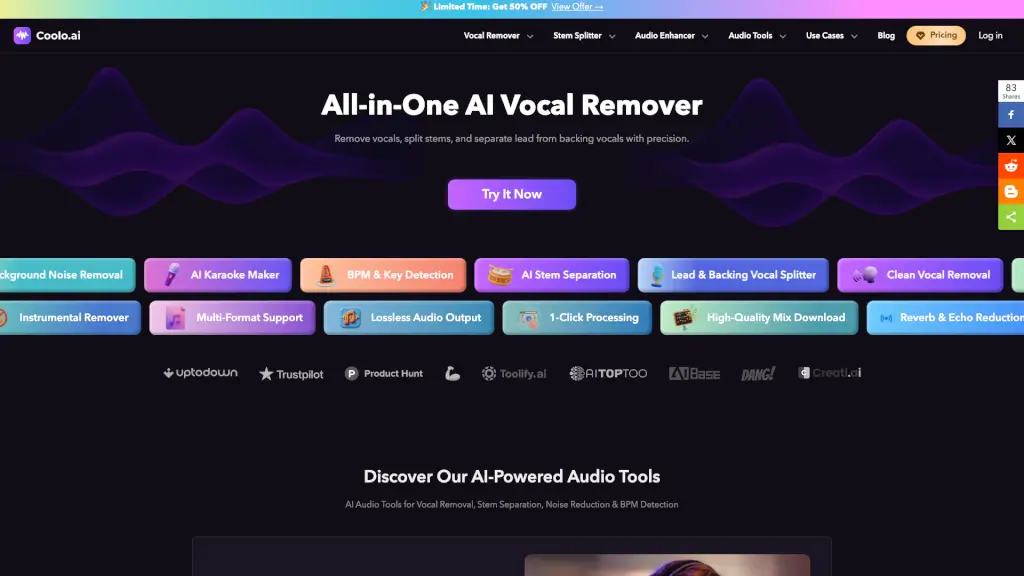
Coolo.ai is an AI-powered audio toolkit for removing vocals, splitting stems, detecting BPM and key, and enhancing audio, designed for musicians, producers, DJs, and creators.

Verified by SeekTool
Social Media:
Coolo AI

Coolo AI Product Information

What is Coolo AI?

Coolo.ai is an AI-powered audio toolkit for musicians, producers, DJs, content creators, and karaoke fans. It helps you remove vocals from songs, split stems (isolate drums, bass, guitar, piano, vocals), separate lead and backing vocals, reduce background noise, echo, and reverb, and detect song key and BPM — all from a web browser. The platform is free to use for basic tasks, with one-click processing and support for MP3, MP4, and other common formats. It’s designed to replace multiple standalone tools (like LALAL.AI or VocalRemover.org) with a single online workspace, making it a practical choice for anyone who needs clean audio tracks for practice, remixing, or content production.

What are the features of Coolo AI?

  • AI Vocal Remover: Removes vocals from any song in seconds, outputting a clean instrumental track. Ideal for creating karaoke versions or backing tracks for rehearsals. The tool preserves instrumental details while reducing artifacts.
  • AI Stem Splitter: Isolates vocals, drums, bass, piano, and guitar from a single audio file. Music producers and DJs can use the separated stems for sampling, remixing, or building custom edits. Compatible with all devices.
  • Lead & Back Vocal Splitter: Separates lead vocals from backing vocals with precision, maintaining original tone and reducing distortion. Useful for vocal coaches, remixers, and anyone analyzing vocal layers.
  • AI Background Noise Remover: Cleans up environmental sounds (traffic, hum, wind) while preserving natural vocal quality. Podcasters and content creators get polished audio ready for publishing.
  • Echo & Reverb Remover: Removes echo and reverb from recordings made in reflective spaces, improving clarity for dialogue and vocals with minimal distortion.
  • Song Key and BPM Finder: Detects the key and BPM of any MP3 or MP4 file using the latest AI model. Just drag and drop a song or video to get instant results — helpful for DJs matching tracks or producers transposing samples.
  • Audio to MIDI & Pitch Changer: Converts audio to MIDI data and allows pitch shifting. Useful for music transcription, remixing, and creative sound design.
  • Audio Enhancer Suite: Includes AI speech enhancer, podcast audio enhancer, and noise removers for specific noise types (breath, white noise, static, wind). Tailored for voice recordings and spoken-word content.

What are the use cases of Coolo AI?

  • Karaoke night: Remove vocals from any song to create a custom karaoke track in seconds, using the original music as backing.
  • Singer practice: Extract clean instrumentals from popular songs for rehearsals, audition prep, or cover recordings.
  • DJ live sets: Isolate vocals, drums, and bass from tracks to build mashups, transitions, and custom edits faster than with desktop software.
  • Music producer sampling: Separate drums, bass, and melodic elements from existing tracks to use as samples or inspiration for new beats.
  • Content creator workflow: Remove background noise from podcast recordings or tutorial videos, and replace copyrighted music with instrumental versions.
  • Music educator analysis: Isolate individual instruments (e.g., piano, guitar) so students can study arrangements and learn parts more easily.
  • Audio engineer reference: Quickly extract reference vocals or instrumentals for mixing and mastering comparisons without editing the original file.

How to use Coolo AI?

  • Visit the Coolo.ai website and choose the tool you need (e.g., AI Vocal Remover or Stem Splitter).
  • Upload your audio file — supported formats include MP3, MP4, and others. Most tools accept files up to a reasonable size for free use.
  • Click the process button. The AI analyzes the audio and delivers results in seconds.
  • Download the separated tracks (vocals, instrumental, individual stems) as high-quality MP3 or WAV files. For stem splitters, you get multiple files.
  • For advanced features like Lead & Back Vocal Splitter or Noise Remover, repeat the same upload-and-process workflow. No account registration is required for basic use.
Do you like this tool?

Upvote to help others discover it!

Coolo AI Alternatives

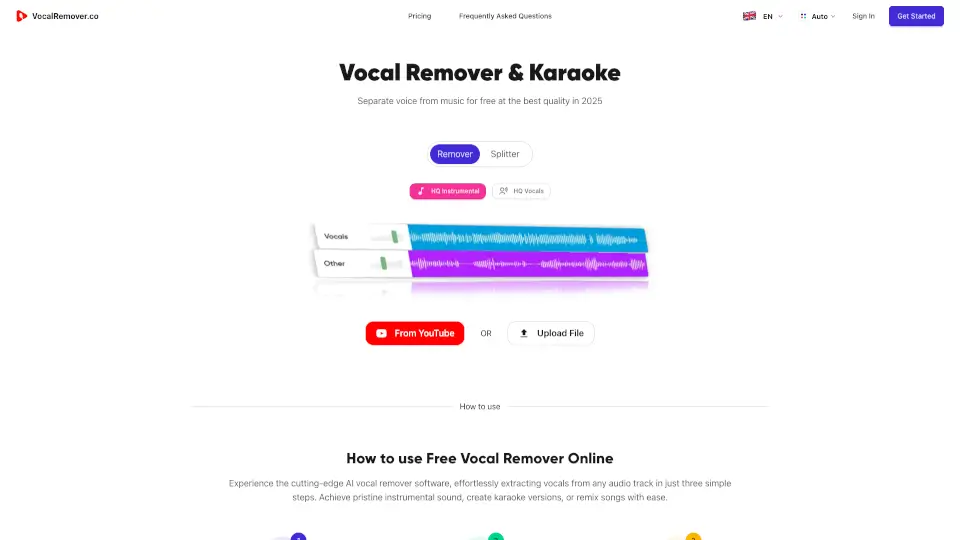
VocalRemover.co

VocalRemover.co

Transform your music with VocalRemover.co, the AI-powered vocal remover and stem separator that creates high-quality karaoke versions and isolated instrumentals in seconds.

US
38.67%
43.5K
4.0
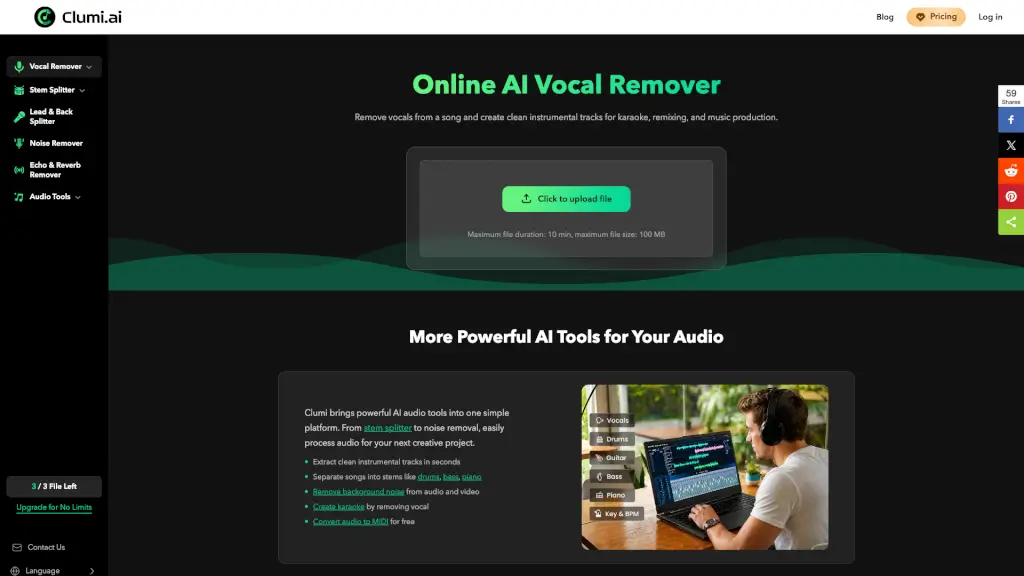
Clumi AI

Clumi AI

Clumi is an online AI vocal remover and stem splitter for musicians, creators, and karaoke fans that isolates vocals, instruments, and background noise from audio files.

US
12.59%
634.5K
5.0
Splitter.ai

Splitter.ai

Splitter.ai makes audio separation easy and free, perfect for musicians, creators, and DJs. Try it today!

US
13.80%
146.7K
5.0
Lalal.ai

Lalal.ai

LALAL.AI is your go-to tool for splitting vocals and instrumentals with AI precision. Perfect for music production, podcast editing, and more.

US
21.30%
2.4M
5.0
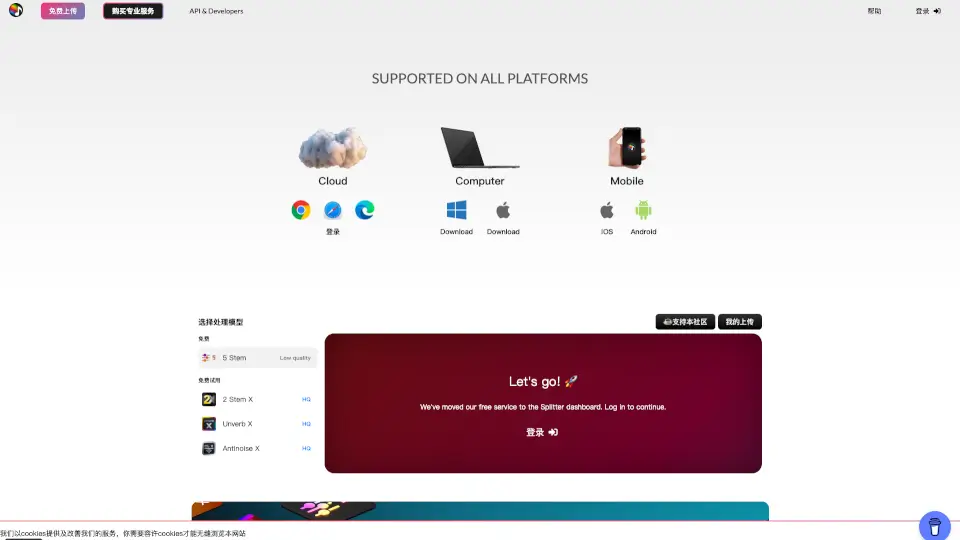
Audio Enhancer

Audio Enhancer

Audio Enhancer is an AI-powered audio processing platform that offers tools for noise removal, vocal separation, and audio enhancement for content creators and musicians.

IN
7.57%
105.0K
5.0
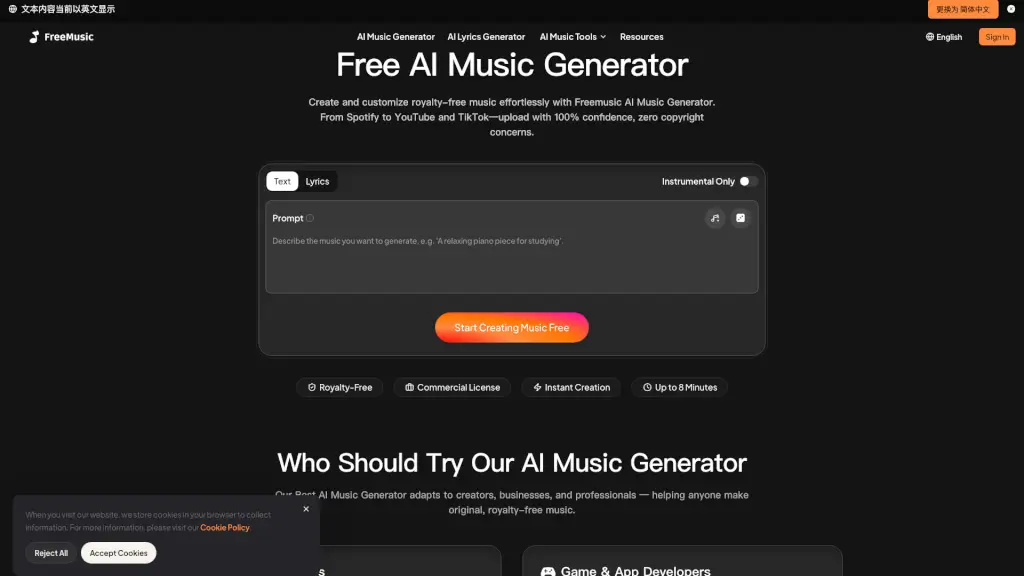
FreeMusic AI

FreeMusic AI

FreeMusic AI is an AI music generator for content creators, podcasters, and brands that produces royalty-free songs from text prompts or lyrics with commercial licensing.

BR
9.50%
498.5K
5.0
CleanAudio AI

CleanAudio AI

Cleanaudio is an AI background noise remover for audio and video files that lets podcasters, YouTubers, and marketers remove wind, echo, traffic, and static with a free preview and no signup required.

US
38.03%
155.4K
5.0
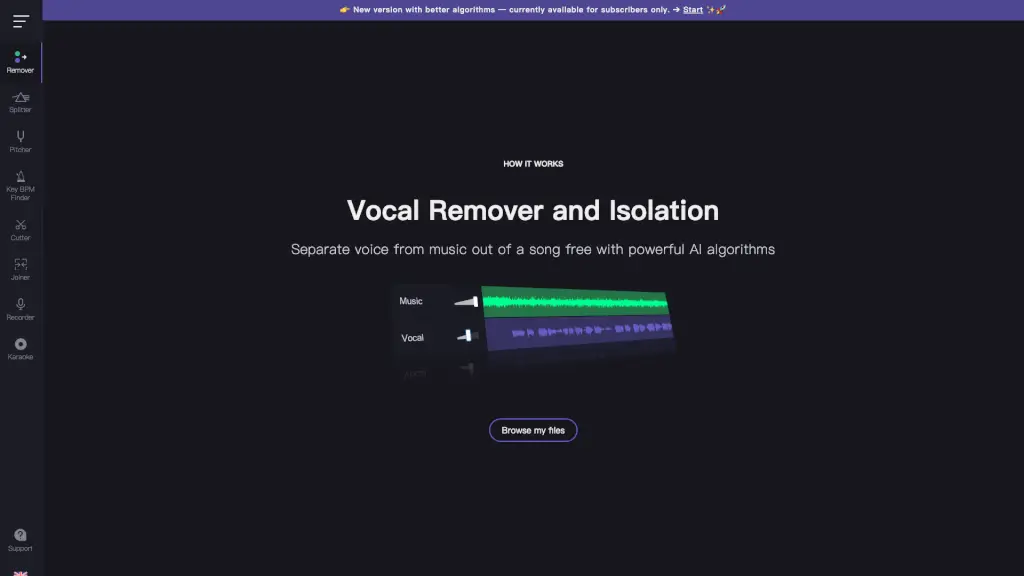
Vocal Remover

Vocal Remover

Vocal Remover and Isolation [AI] is a free, fast, and easy-to-use online tool that splits songs into isolated vocals and instrumental tracks using artificial intelligence.

US
15.51%
10.7M
5.0

Coolo AI Related Other Categories

Coolo AI Traffic Analysis

💡 Insights

🌱
Emerging Tool
10K-100K monthly visits. Niche or new tool with potential unique value.
⚠️
Slight Decline
Traffic has slightly decreased recently.
👍
Good Experience
Bounce rate of 35%. Users are willing to explore features.
🌐
Global Reach
Balanced user distribution worldwide.
  • Monthly Visits

    95.10K

  • Bounce Rate

    35.32%

  • Pages Per Visit

    2.28

  • Visit Duration

    00:00:28

  • Global Rank

    388274

  • Country Rank

    52050

Visits Over Time

Traffic Sources

Search Organic40.29%
Direct29.20%
Referrals21.69%
Social Organic8.62%
Gen Ai0.19%
Search Paid0.00%
Social Paid0.00%
Affiliate0.00%

Top Keywords

1
coolo ai
690Traffic
2
vocalremover org
CPC$0.24
360Traffic
3
x minus
CPC$0.64
330Traffic
4
drum remover
CPC$0.74
330Traffic
5
descobrir a escala do beat
290Traffic

Top Regions

RegionPercentage
United States
United States
11.54%
Taiwan
Taiwan
11.11%
Japan
Japan
9.72%
Brazil
Brazil
7.73%
France
France
4.37%
Low
High

Powered by SimilarWeb

Coolo AI FAQ

What is Coolo.ai?

Coolo.ai is an AI-powered audio toolkit that lets you remove vocals, split stems, separate lead/backing vocals, reduce noise, and detect BPM and key — all online and for free.

Is Coolo.ai free to use?

The core tools (vocal remover, stem splitter, key/BPM finder) are free. The site also mentions a limited-time 50% discount for premium features. Check the current pricing on the website.

What audio formats does Coolo.ai support?

It supports multi-format input, including MP3 and MP4. Outputs are delivered as high-quality MP3 or WAV files.

Can I separate lead vocals from backing vocals?

Yes. The Lead & Back Vocal Splitter isolates the lead vocal and backing vocal layers separately, with minimal distortion.

Who is Coolo.ai best for?

It’s designed for singers, DJs, music producers, musicians, content creators, podcasters, and karaoke enthusiasts who need quick, clean audio separation without installing desktop software.

Does Coolo.ai have a desktop app?

No — it’s a web-based tool that works in any browser. No downloads or installations are required.

Coolo AI Reviews

0
0 Reviews
Sign Into leave a review

Recent Reviews

No reviews yet

Coolo AI Embed

Use website badges to drive community support for SeekTool.ai. They are easy to embed in your homepage or footer.

Light
Dark
Coolo AI - Featured on SeekTool.aiCoolo AI - Featured on SeekTool.ai
How to install?