
What is Continue?
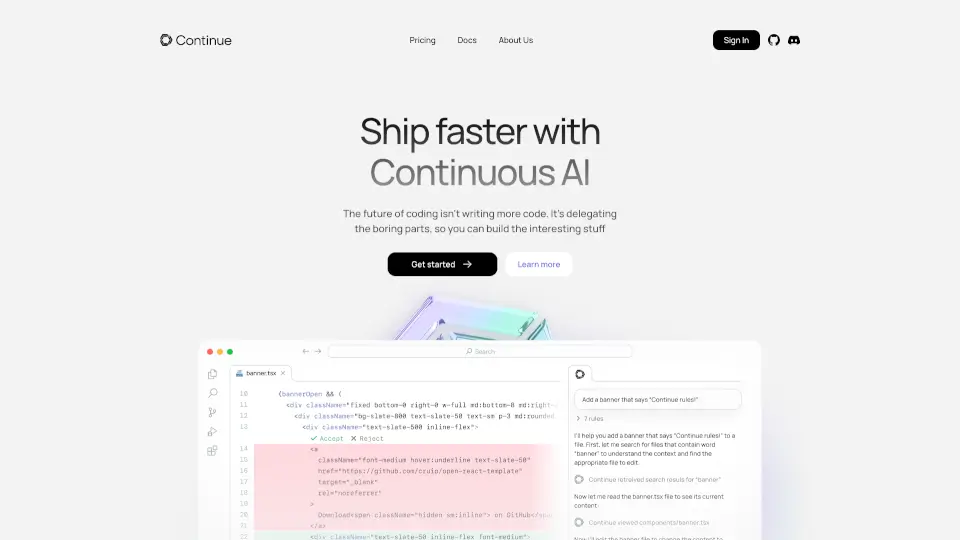
Continue is an open-source AI code assistant designed to amplify developers' productivity. It integrates seamlessly with your IDE, offering custom AI code assistance tailored to your development environment and practices. With Continue, you can enhance your coding experience by leveraging AI to autocomplete code, reference context, and rewrite sections effortlessly.
What are the features of Continue?
- Tab to Autocomplete: Automatically completes single lines or entire sections of code in any programming language as you type.
- Reference and Chat: Attach code or context to ask questions about functions, files, or the entire codebase.
- Highlight and Edit: Select code sections and use a keyboard shortcut to rewrite code from natural language instructions.
What are the use cases of Continue?
- Accelerating Development: Speed up coding tasks with AI-driven autocompletion and code suggestions.
- Codebase Understanding: Quickly grasp complex functions or files by referencing and chatting with the AI.
- Code Refactoring: Easily rewrite or optimize code sections using natural language commands.
How to use Continue?
- Install the Extension: Download and install Continue for your preferred IDE (VS Code or JetBrains).
- Customize Your Assistant: Connect any AI model (e.g., OpenAI, Anthropic, Mistral) and context (e.g., codebase, documentation) to tailor the assistant to your needs.
- Start Coding: Use the tab key for autocompletion, reference code for questions, and highlight sections for editing.