
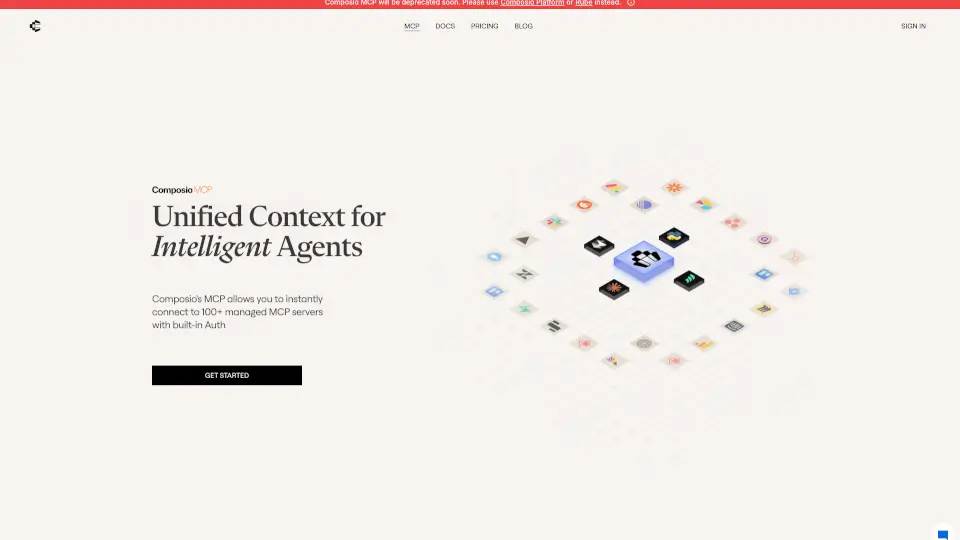
What is Composio-MCP?
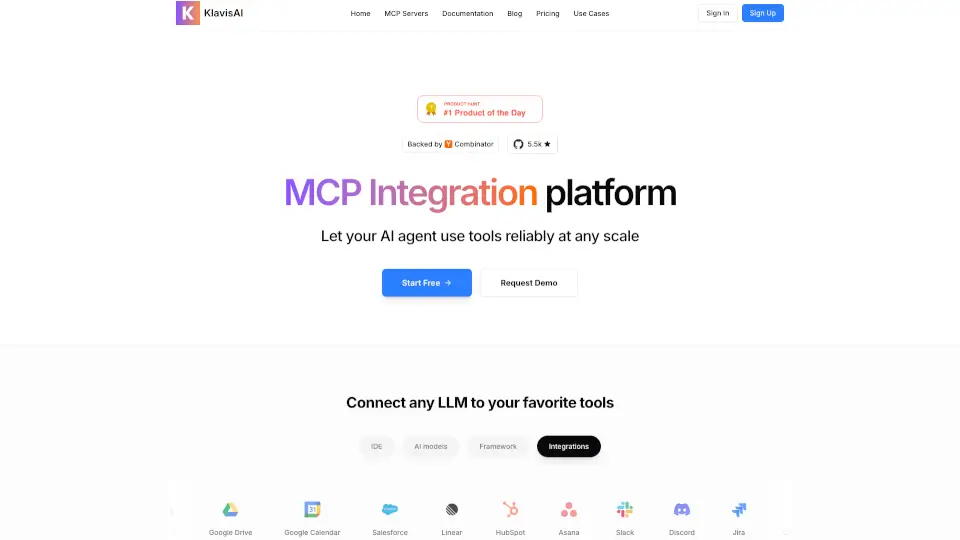
Composio MCP is your go-to solution for connecting LLMs, IDEs, and Claude with over 250 fully managed MCP servers. It simplifies the integration process, making it easy for you to automate tasks and enhance productivity.
What are the features of Composio-MCP?
- Managed Authentication: Enjoy seamless support for OAuth, API keys, JWT, and more, ensuring your connections are both simple and reliable.
- Improved Tool Accuracy: Tools are optimized for better function calling accuracy, leading to fewer errors and more reliable automation.
- 24/7 Support: Get help whenever you need it, ensuring your operations run smoothly around the clock.
What are the use cases of Composio-MCP?
- Integrate with Agents: Connect your agents effortlessly to Composio’s MCP servers using Python and TypeScript SDKs.
- Enhance Automation: Use Composio MCP to automate important actions without needing a full account.
- Custom Solutions: Looking for something specific? Composio offers custom solutions tailored to your business needs.
How to use Composio-MCP?
- Connecting to MCP Servers: Follow the simple steps provided in the documentation to add Composio MCP servers to your setup.
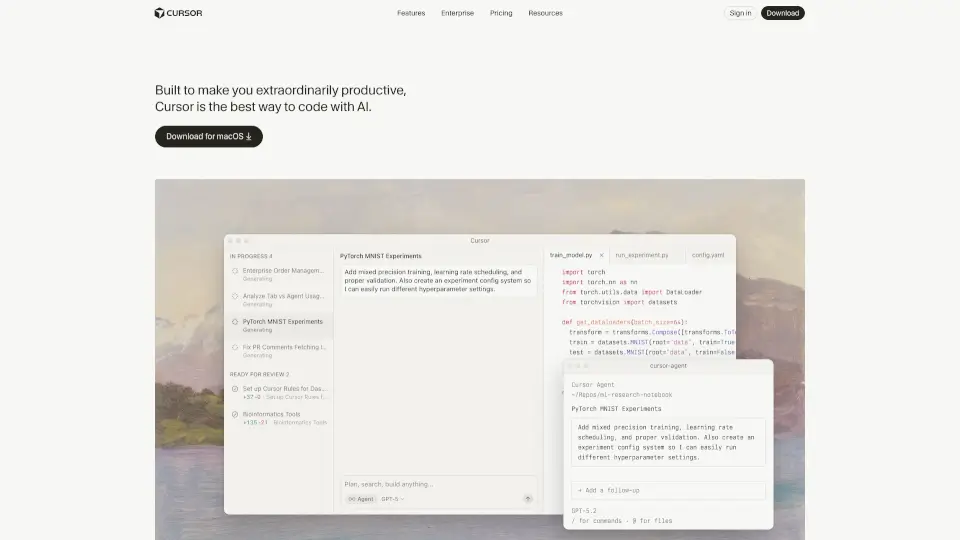
- Using with Cursor: Easily integrate Composio MCP servers with Cursor by checking out the detailed process available online.
- Adding to Claude Desktop: You can also add Composio servers to Claude Desktop by following the outlined steps.