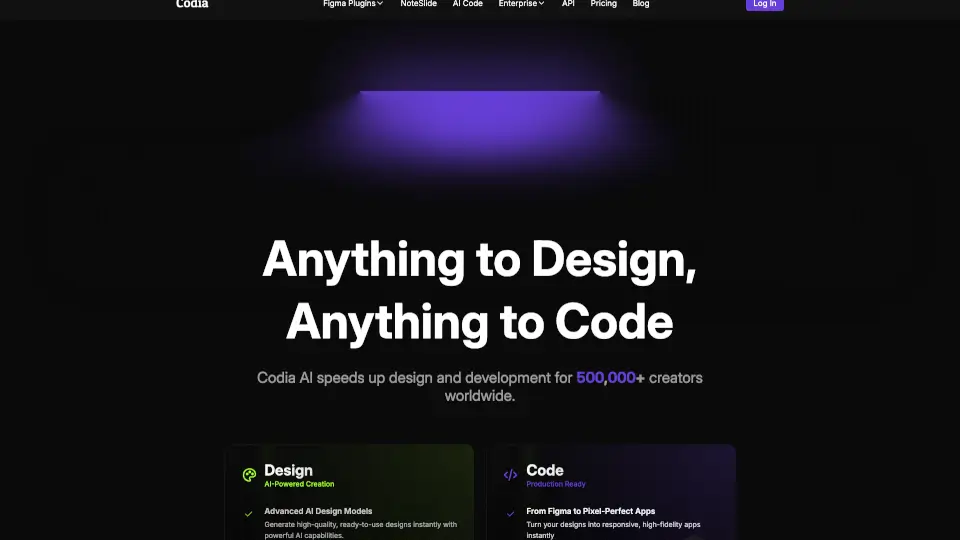
What is Codia AI?
Codia AI is a game-changer in the world of design and development. It’s an AI-powered platform that turns screenshots, PDFs, and webpages into editable Figma designs and functional code. Whether you’re a designer, developer, or just someone who loves creating, Codia AI makes the process faster, easier, and more efficient.
What are the features of Codia AI?
- Screenshot to Figma: Upload screenshots and instantly convert them into editable Figma designs.
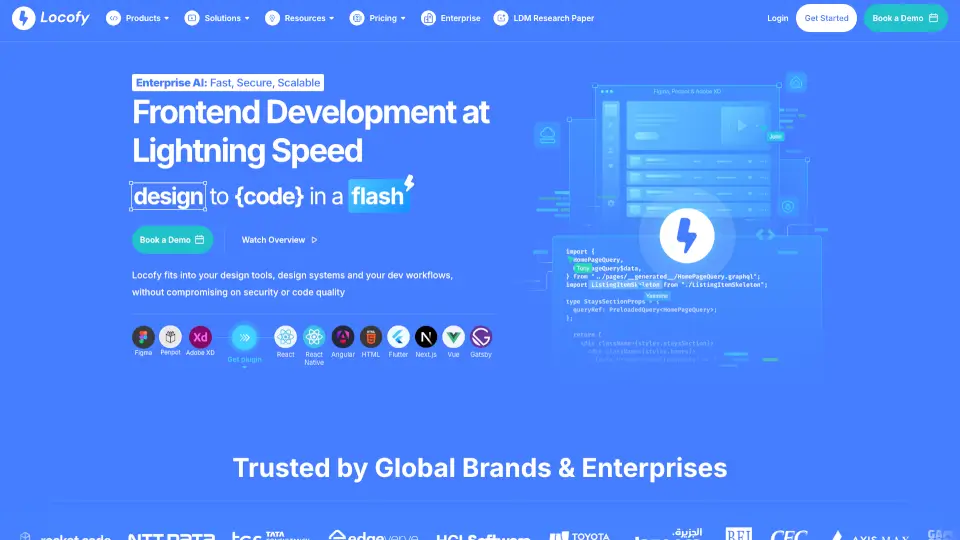
- Design to Code: Transform Figma designs into ready-to-use code for faster development.
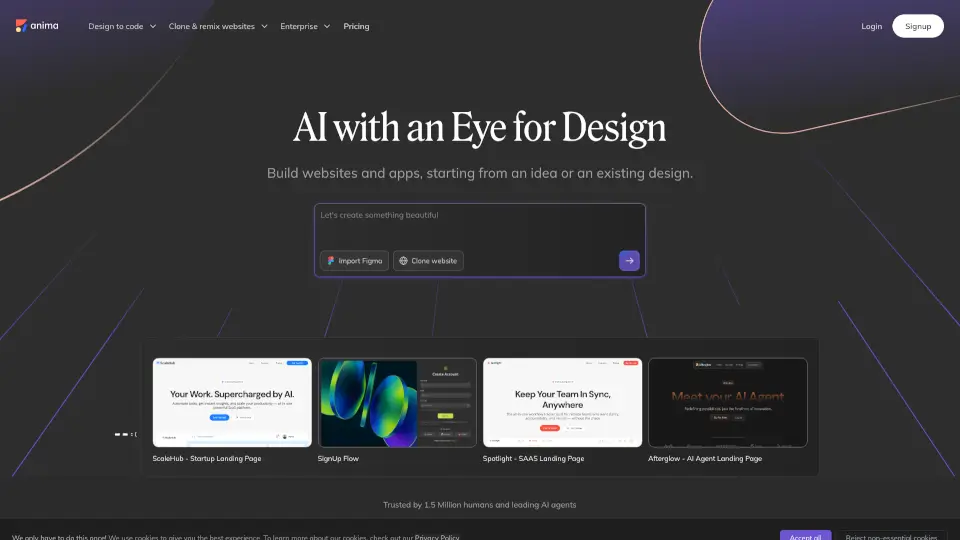
- Prompt to UI: Create responsive website UIs in Figma with just a simple prompt.
- Image to SVG: Convert images into sharp, scalable vector graphics using AI.
- PDF to Figma: Turn PDF files into editable Figma designs quickly and accurately.
- HTML to Design: Transform HTML into Figma designs without any coding or screenshots.
- Photoshop to Figma: Convert Photoshop files into Figma designs seamlessly.
- Illustrator to Figma: Bring Adobe Illustrator designs into Figma with ease.
What are the use cases of Codia AI?
- Designers: Quickly turn ideas into editable designs without starting from scratch.
- Developers: Generate code from Figma designs to speed up development.
- Businesses: Automate design and development workflows to save time and resources.
- Creatives: Experiment with new ideas by converting images, PDFs, and more into Figma designs.
How to use Codia AI?
- Upload your file: Whether it’s a screenshot, PDF, or image, just upload it to the platform.
- Choose your tool: Select the feature you need, like Screenshot to Figma or Design to Code.
- Let AI work its magic: Codia AI will process your file and generate the desired output.
- Edit and export: Make any final tweaks in Figma or export the code for development.