What is Code to Flowchart?
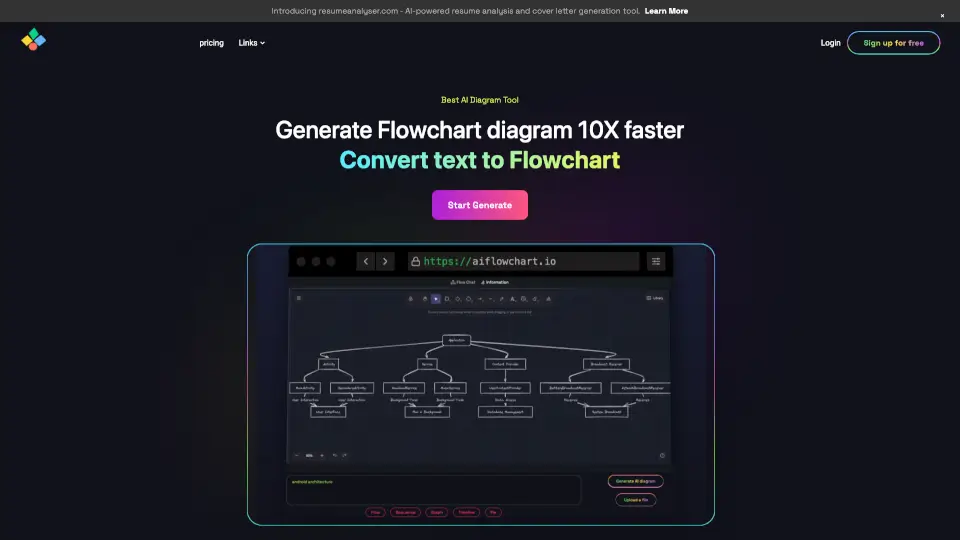
Code to Flowchart is your go-to tool for visualizing and understanding program logic instantly. Whether you're a beginner or a seasoned developer, this AI-powered tool simplifies complex code into interactive flowcharts, making it easier to grasp the flow and structure of your code.
What are the features of Code to Flowchart?
- AI-Powered Analysis: Automatically identifies functions, classes, and modules in your code.
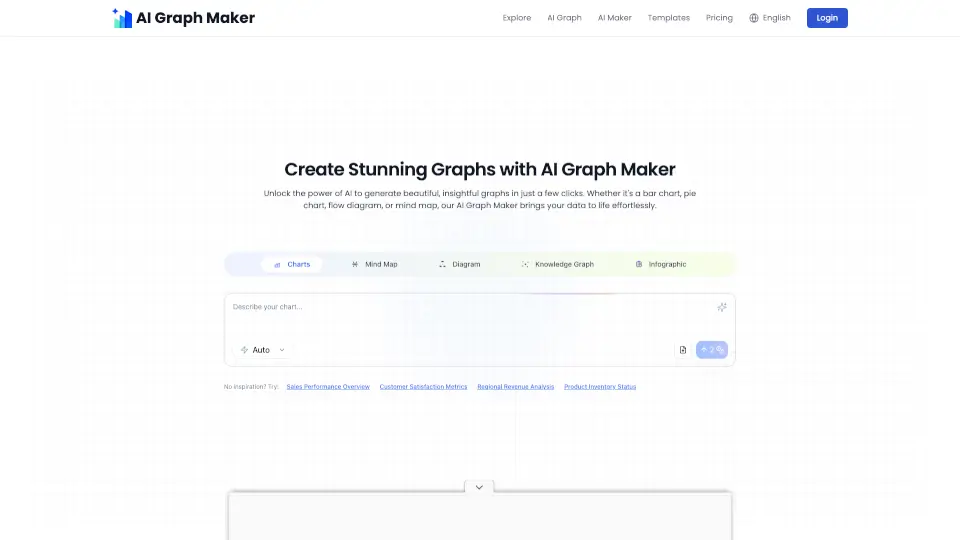
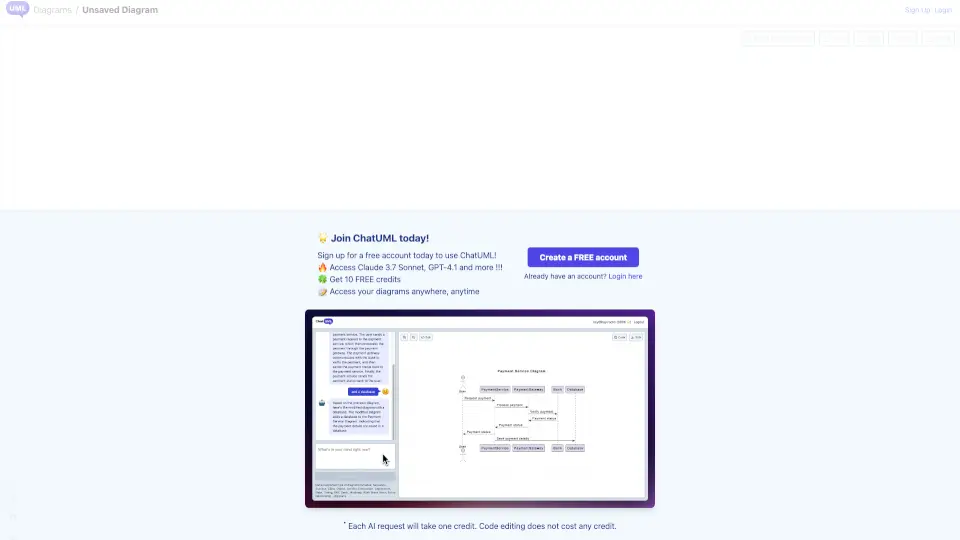
- Multiple Diagram Types: Choose from flowcharts, sequence diagrams, and class diagrams.
- Export Options: Save your diagrams as SVG, PNG, or PDF for easy sharing.
- Customizable Themes: Personalize your flowcharts with different color schemes.
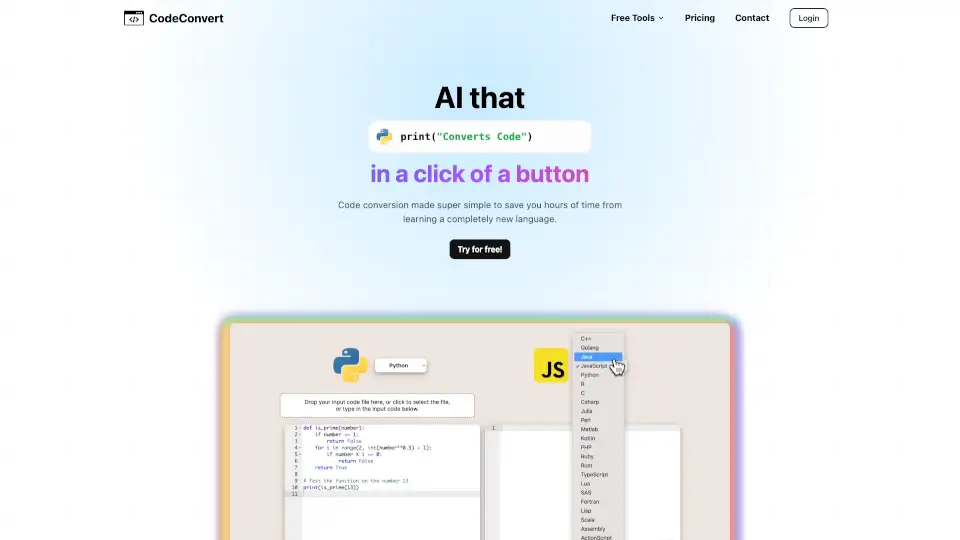
- Multi-Language Support: Works with Python, JavaScript, Java, C++, and more.
What are the use cases of Code to Flowchart?
- Personal Projects: Visualize code logic for better understanding and debugging.
- Team Collaboration: Share flowcharts to explain code to non-technical team members.
- Education: Use flowcharts to teach programming concepts visually.
- Task Management: Break down complex tasks and visualize dependencies.
How to use Code to Flowchart?
- Paste Your Code: Simply copy and paste your code into the editor.
- Select Diagram Type: Choose the type of diagram that best represents your logic.
- Generate Flowchart: Click 'Generate Flowchart' to see your code visualized.
- Explore and Share: Interact with the flowchart, download, or share it with others.