

What is Card Scanner?
Transform your physical business cards into digital contacts effortlessly with our Online Business Card Scanner!
This AI-powered tool uses OCR (Optical Character Recognition) technology to quickly scan and extract details from business cards, converting them into convenient formats like vCard (.vcf), CSV, or Excel. Whether you're at your desk or on the go, this scanner makes organizing contacts a breeze.
What are the features of Card Scanner?
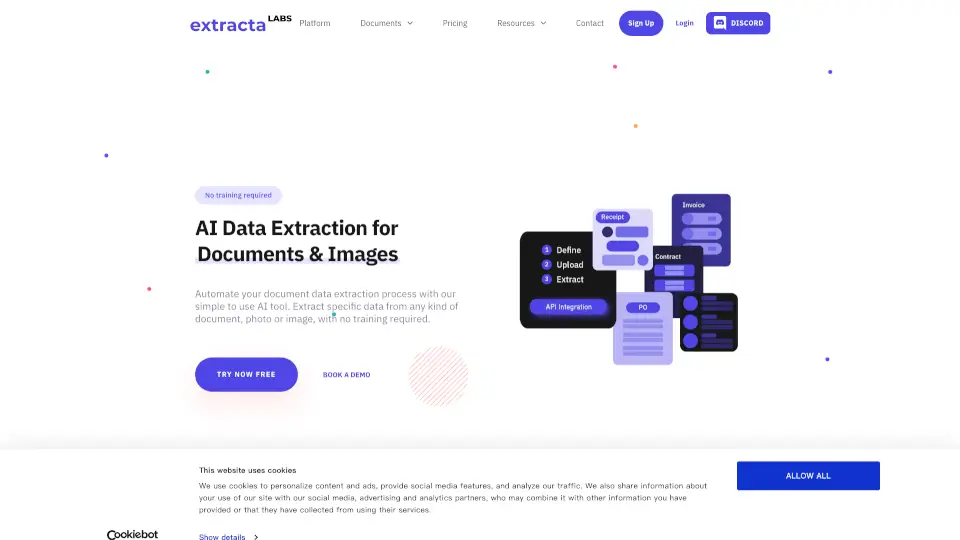
- AI-Powered OCR Technology: Accurately extracts names, emails, phone numbers, and more from business cards, even with complex designs.
- Multiple Upload Options: Upload images directly from your device, via URL, or from cloud storage like Dropbox.
- Data Export Options: Save contacts in vCard, CSV, or Excel formats for easy integration with your contact management systems.
- Fully Secured: Your data is never stored on our servers—everything is deleted after conversion.
- Batch Conversion: Scan and convert multiple cards at once to save time.
- Multi-Language Support: Works with cards in any language, including Urdu, Korean, Turkish, and more.
- Mobile-Friendly: Use seamlessly on desktops, tablets, or smartphones.
What are the use cases of Card Scanner?
- Sales Professionals: Automate contact collection for future sales opportunities.
- Marketing Professionals: Capture leads at events and seminars without missing a detail.
- Entrepreneurs: Manage contacts with investors, clients, and partners on the go.
- Event Planners: Organize vendor and client info efficiently for future events.
- HR Professionals: Streamline contact management for recruits and business partners.
- Real Estate Agents: Quickly capture and organize potential clients' details.
How to use Card Scanner?
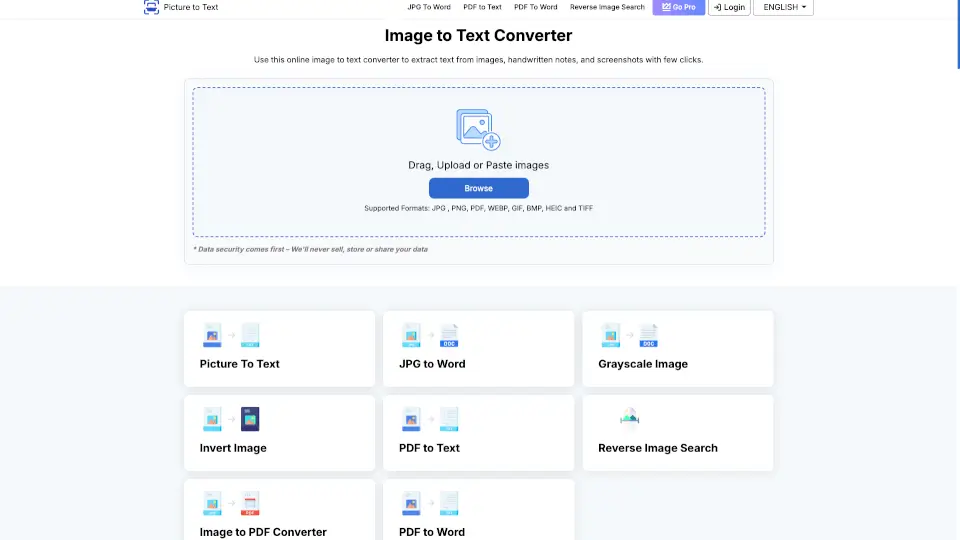
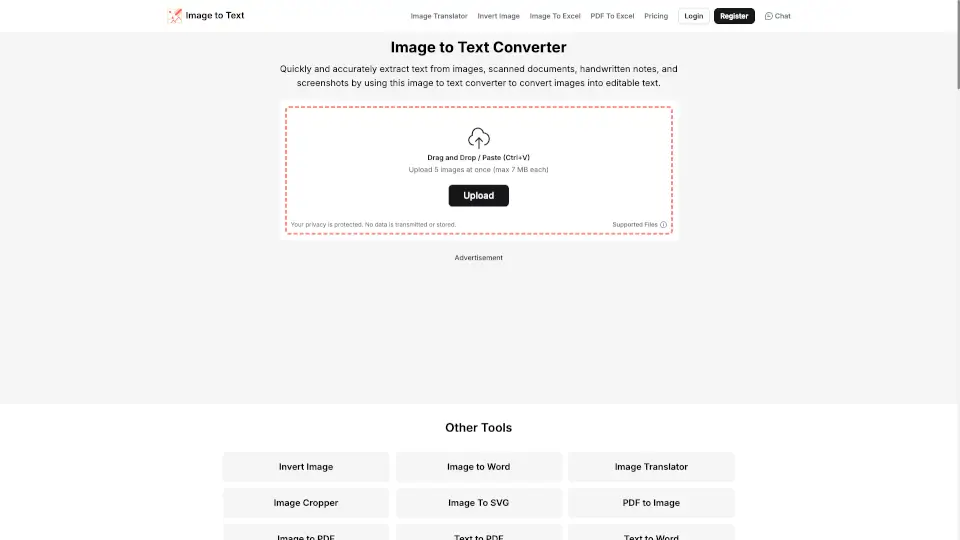
- Upload Your Card: Take a photo or upload an image of your business card from your device, URL, or cloud storage.
- Scan Automatically: Click "Scan" and let the AI-powered OCR tool extract the details.
- Export or Copy: Download the extracted data in your preferred format (vCard, CSV, Excel) or copy it directly.