
What is Beepbooply?
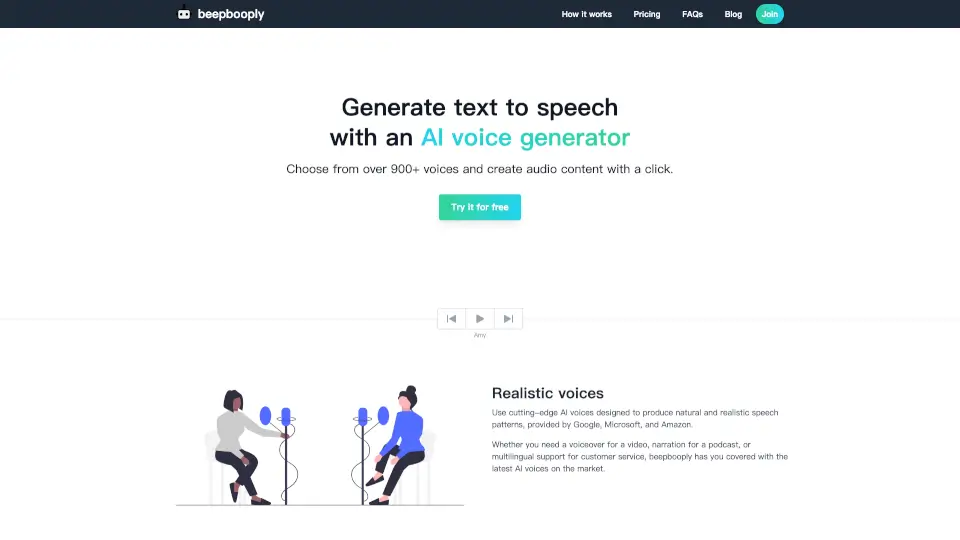
Looking for a fast, easy way to turn written words into lifelike speech? beepbooply is an AI-powered text-to-speech tool that lets you generate natural-sounding audio in seconds—no recording studio or voice actor needed. With access to over 900+ voices across 80+ languages, it’s perfect for creators, educators, marketers, and businesses who need high-quality voiceovers without the hassle.
Whether you’re making a podcast intro, narrating an e-learning module, or localizing customer service messages, beepbooply uses cutting-edge AI voices from top providers like Google, Microsoft, and Amazon to deliver realistic tone, pacing, and emotion. Plus, you can fine-tune pitch, speed, and volume to match your exact needs—all with just a few clicks.
What are the features of Beepbooply?
- 900+ Realistic AI Voices: Choose from a massive library of natural-sounding voices powered by leading tech providers.
- 80+ Language Support: Create multilingual content for global audiences—from English and Spanish to Punjabi, Swahili, and Icelandic.
- Customizable Audio Settings: Adjust pitch, speaking rate, volume, and style to fit your project’s mood and purpose.
- Instant Generation & Download: Turn text into downloadable audio in seconds, ready for personal or commercial use.
- Scalable for Any Project Size: Generate minutes or hours of audio without extra costs or equipment.
- Flexible Pricing Plans: Start free or upgrade for more characters, unlimited downloads, and longer project retention.
What are the use cases of Beepbooply?
- Create professional voiceovers for YouTube videos, explainer animations, or social media reels.
- Narrate audiobooks, blog posts, or educational content for students or online courses.
- Build multilingual IVR systems or customer support messages for international clients.
- Generate accessible audio versions of websites or documents for visually impaired users.
- Produce podcast intros, outros, or full episodes using consistent, high-quality AI voices.
- Localize marketing campaigns quickly across different regions and languages.
How to use Beepbooply?
- Pick a voice from over 900 options across 80+ languages—each with unique tone and style.
- Type or paste your text into the editor; double-check grammar for smoother, more natural speech.
- Tweak settings like speed, pitch, and volume to match your desired delivery.
- Click “Generate voice” to instantly create your audio file.
- Listen, preview, and download your audio in seconds—no watermarks.
- Save projects for future editing (retention varies by plan).