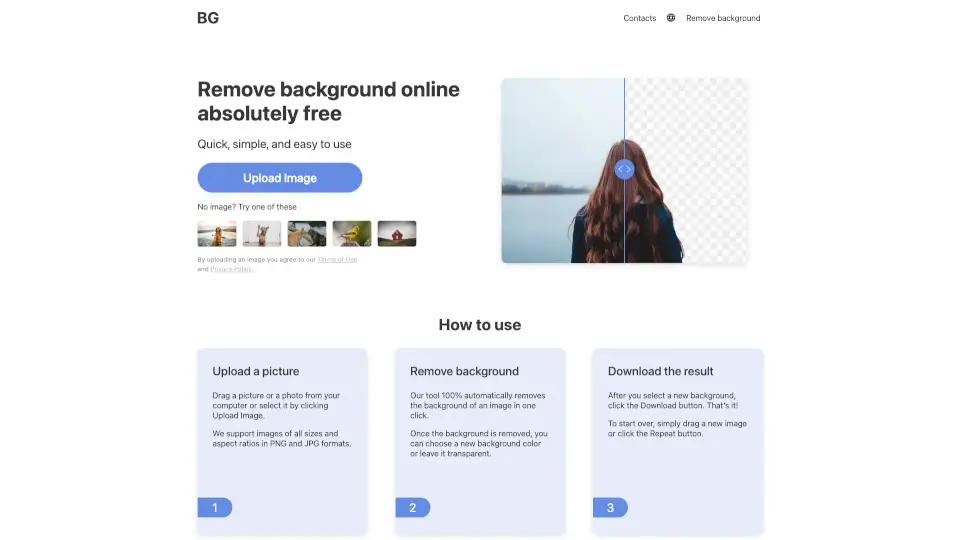
What is Remove Background?
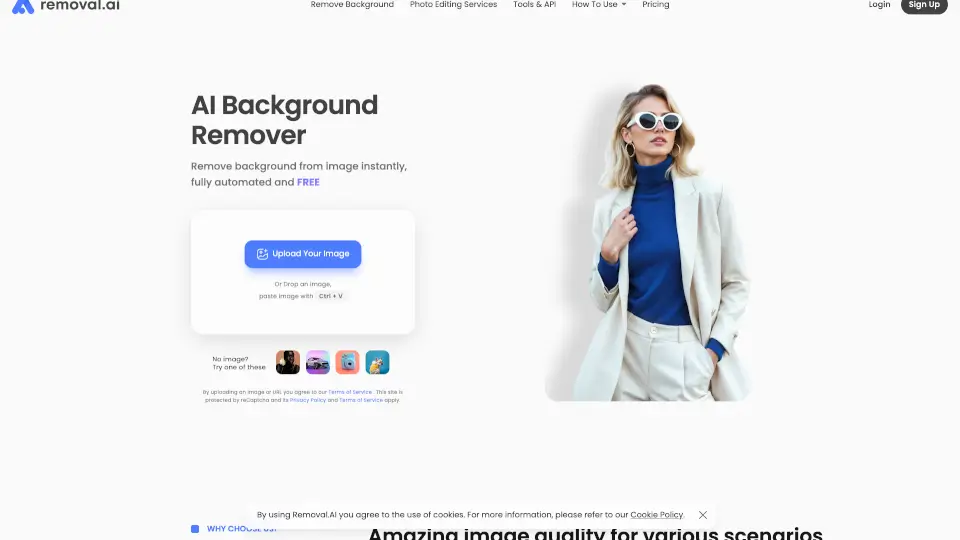
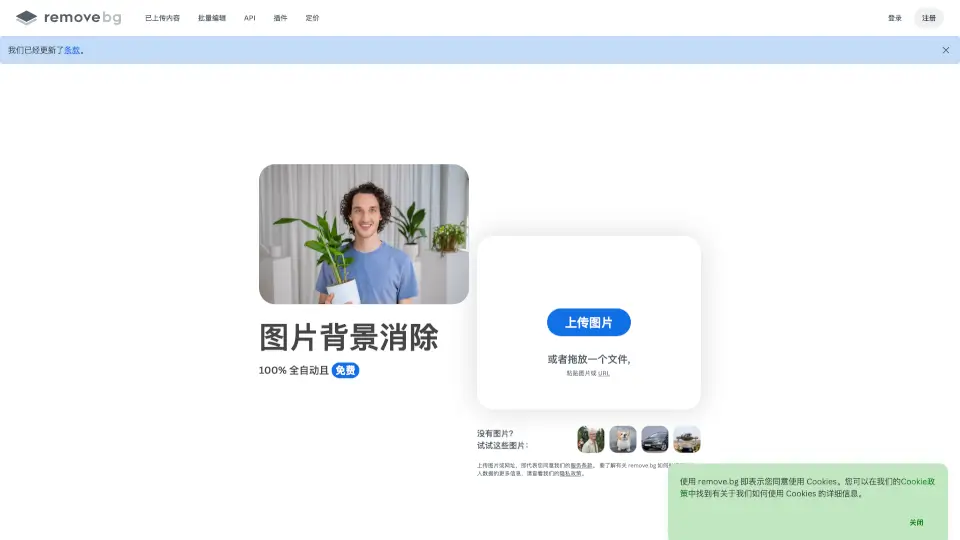
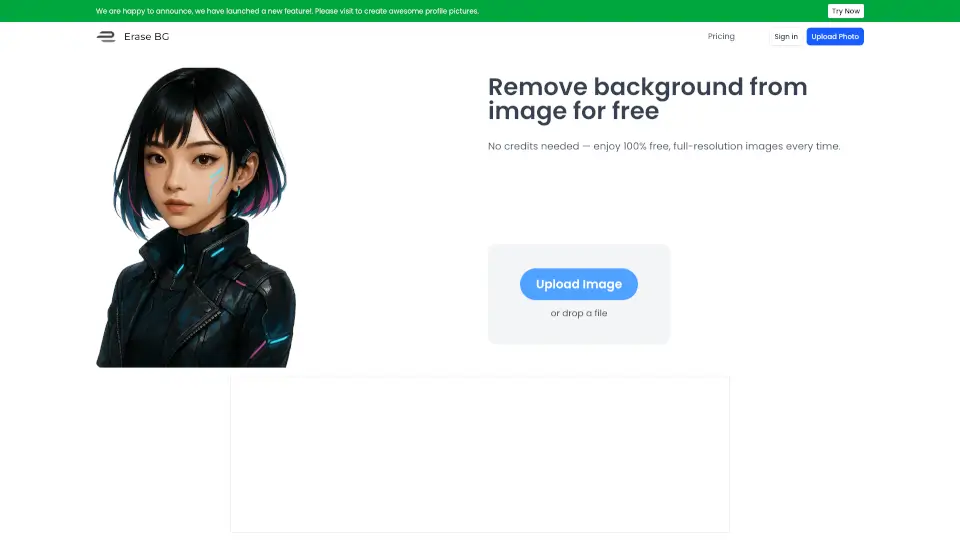
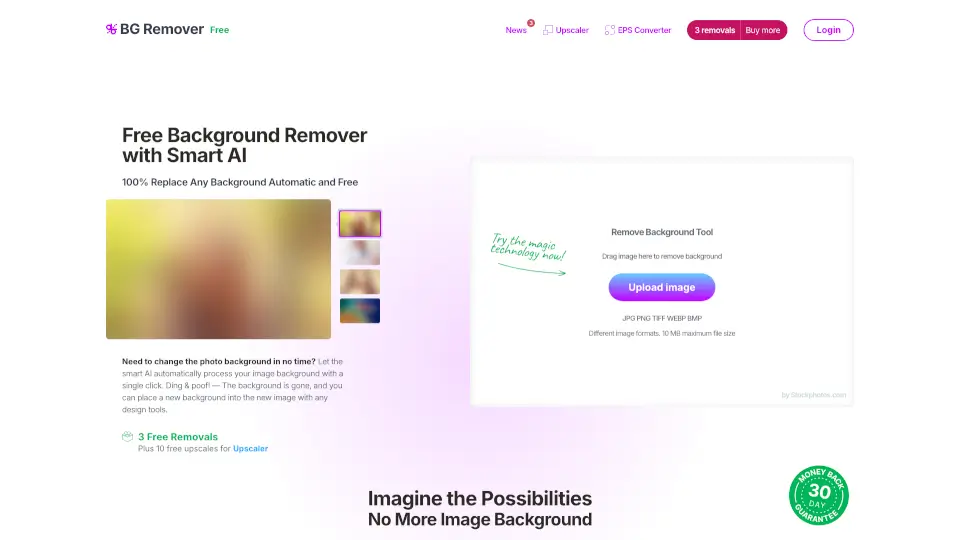
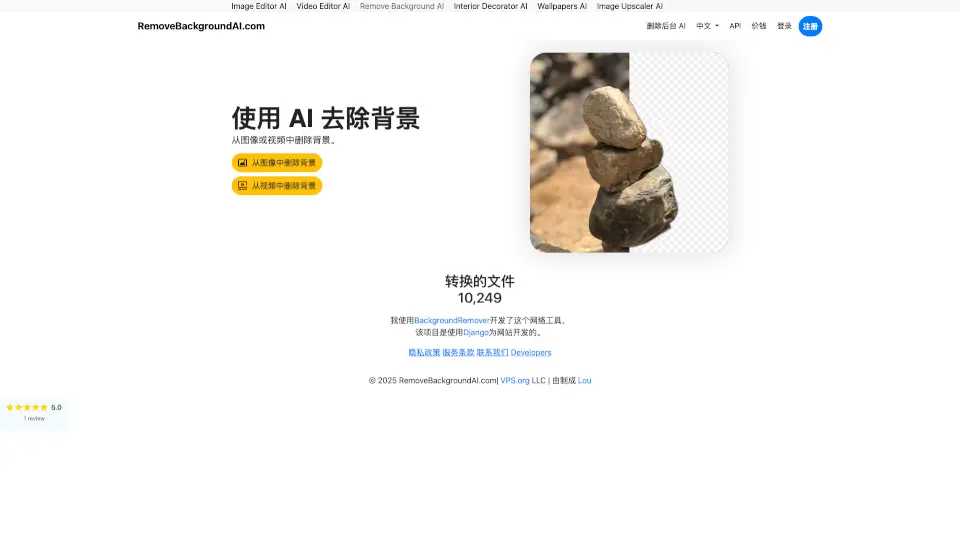
Remove image backgrounds in seconds—100% free, no sign-up needed! Whether it's a photo, logo, or product image, our AI-powered tool delivers HD-quality results with just one click. Works on PNG or JPG, no quality loss, and supports all devices.
What are the features of Remove Background?
- Instant AI Removal: Auto-detects and removes backgrounds in one click—no manual work.
- HD Quality: Keeps your image sharp, even for 4K or 1080p photos.
- No Downloads or Sign-Ups: Use it straight from your browser—no software, no accounts.
- Transparent or Custom Backgrounds: Leave it clear or pick a new color.
- Works on Any Device: Edit on PC, iPhone, or Android—anywhere, anytime.
What are the use cases of Remove Background?
- Social Media: Make profile pics or posts pop with clean, professional edits.
- E-commerce: Remove backgrounds from product photos for sleek listings.
- Design Projects: Create logos, banners, or greeting cards fast.
- Photography: Swap backgrounds or isolate subjects effortlessly.
How to use Remove Background?
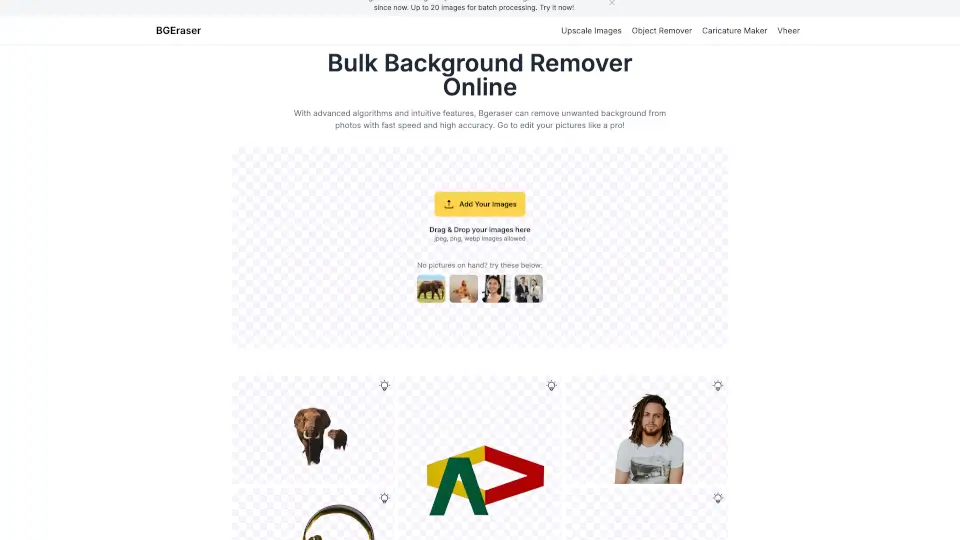
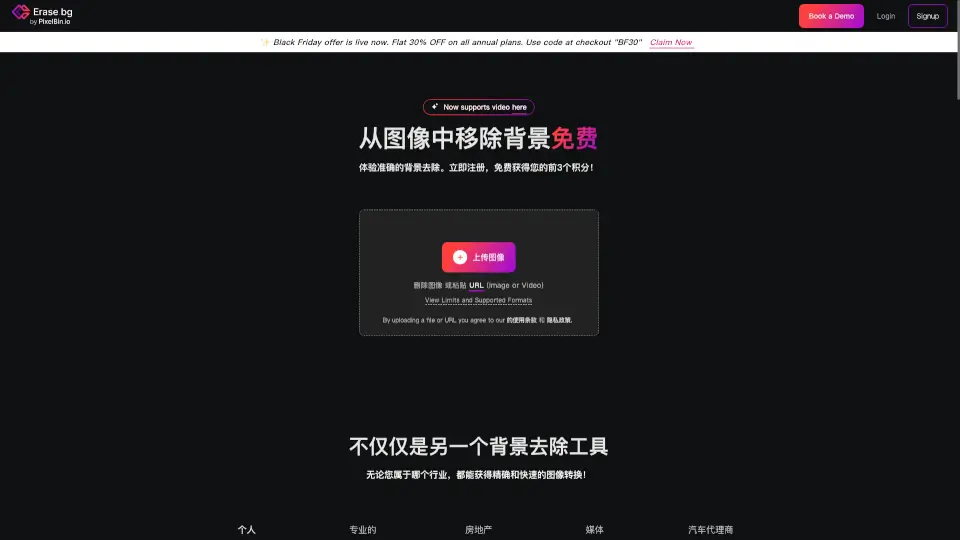
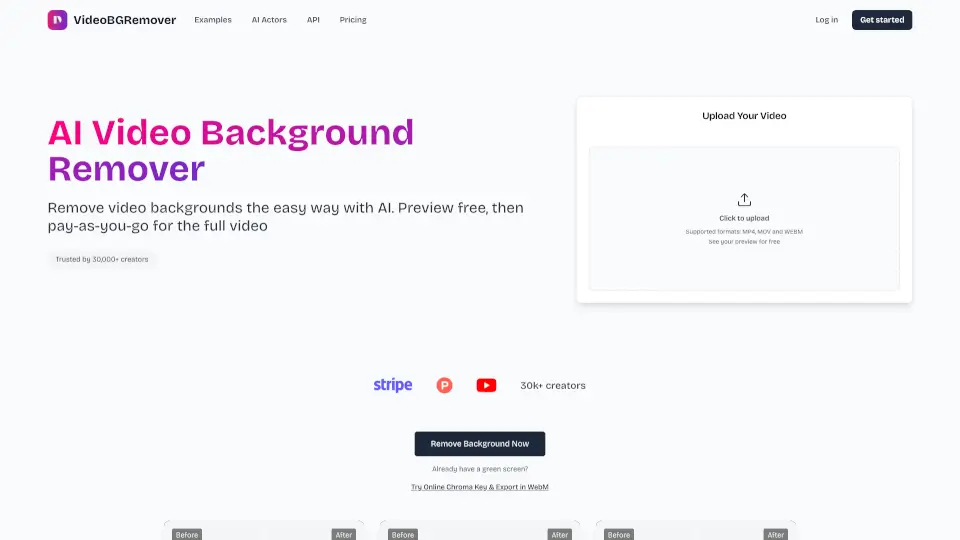
- Upload: Drag or click to add your image (PNG/JPG).
- Remove: Let the AI erase the background—one click, done.
- Download: Save with a new background or transparent.