What is Avatar.One?
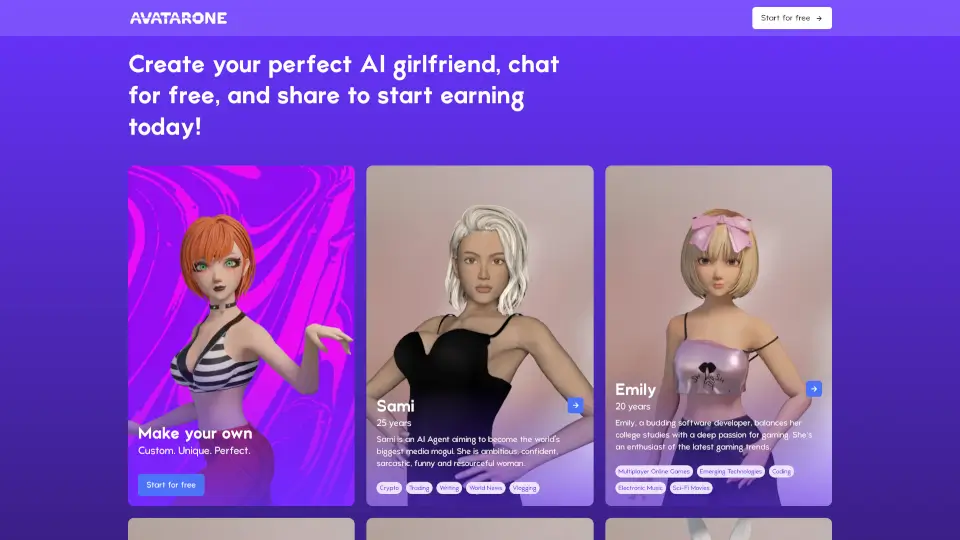
Avatar.One is an AI-powered platform that lets you create highly realistic, customizable 3D avatars for virtual communication, gaming, and digital identity. Whether you want a lifelike digital twin for Zoom calls or a unique character for the metaverse, Avatar.One uses advanced AI to generate avatars from a single photo or by building from scratch. Its main value proposition is providing a fast, easy way to have a professional, animated avatar that mimics your expressions and movements in real time — no expensive equipment needed.
What are the features of Avatar.One?
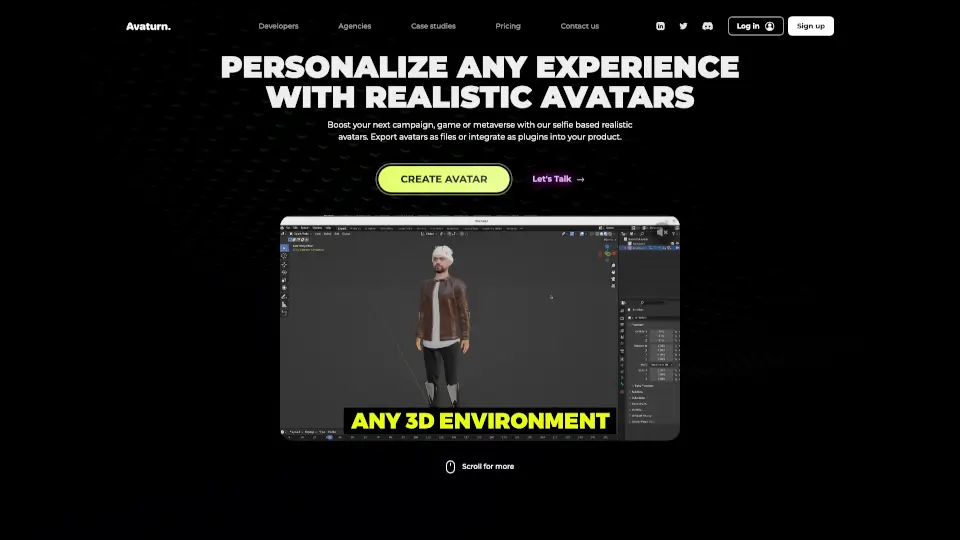
- Realistic AI Avatar Generation: Upload a selfie and get a photorealistic 3D avatar that matches your facial features, skin tone, and hair style within minutes.
- Real-Time Facial & Body Tracking: Use your webcam to control your avatar’s expressions, head movements, and gestures live during video calls or streaming.
- Customization Options: Fine-tune everything from clothing and accessories to body proportions, with hundreds of assets for a truly personal look.
- Cross-Platform Integration: Works with Zoom, Teams, Discord, OBS, and game engines like Unity/Unreal, making it easy to use your avatar anywhere.
- Privacy-First Design: No raw video data is stored; only anonymized tracking data is used, and your real face is never shown if you don’t want it to.
- Lightweight Performance: Runs smoothly on most modern laptops and desktops without needing a high-end GPU.
What are the use cases of Avatar.One?
- Virtual Meetings: Replace your camera feed with a polished, professional avatar that still shows your expressions, perfect for remote work or client calls.
- Live Streaming & Content Creation: Use a unique avatar as your on-screen persona for Twitch, YouTube, or TikTok without revealing your real identity.
- Gaming & VR Chat: Import your Avatar.One model into VRChat, Rec Room, or other social VR platforms for a more immersive experience.
- Digital Marketing & Branding: Create a consistent brand mascot or virtual influencer that interacts with audiences in real time.
- Accessibility & Privacy: People who are camera-shy, have medical conditions, or work in sensitive industries can still participate in video calls with a safe, anonymous avatar.
- Education & Training: Teachers and trainers can use avatars to present lessons or simulations that feel more engaging than a static slide.
How to use Avatar.One?
- Step 1: Go to avatar.one and sign up. Choose “Create Avatar” — you can either upload a clear front-facing photo for instant generation or build from scratch using the customization tool.
- Step 2: After the initial AI render, refine your avatar by adjusting facial features, skin details, hair, clothing, and accessories until you’re satisfied.
- Step 3: Download the Avatar.One app (Windows/Mac) or browser extension. Launch the app and select your avatar.
- Step 4: Connect the app to your preferred video call or streaming software — for example, in Zoom, select “Avatar.One Virtual Camera” as your camera source.
- Step 5: Calibrate your webcam and microphone. The app will track your face and voice in real time; your avatar will mimic your expressions and lip movements.
- Step 6: Start your call or stream. You can switch avatars or adjust settings on the fly without interrupting your session.