
What is AutoPod?
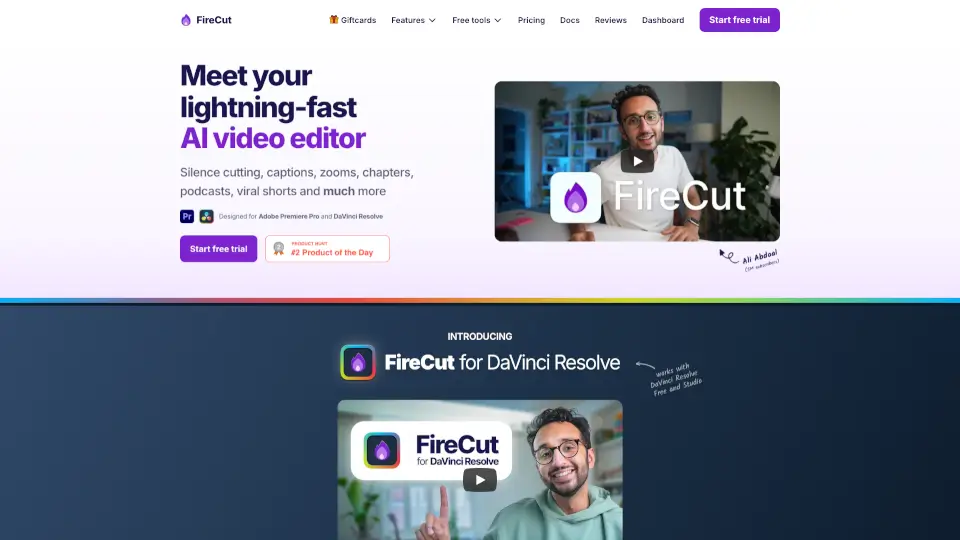
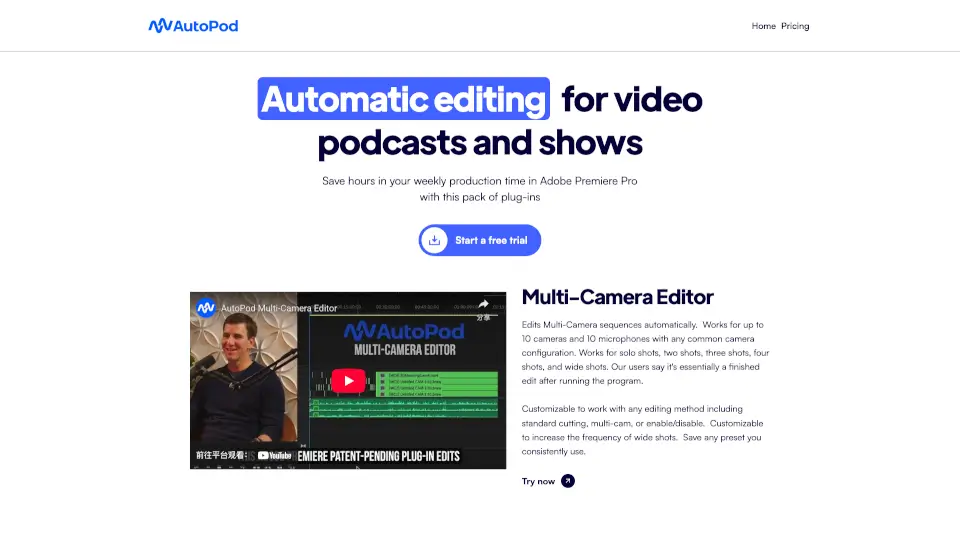
AutoPod is a game-changer for video podcast and show editors. It’s a set of Adobe Premiere Pro plug-ins that automates editing tasks, saving you hours of work. Whether you’re dealing with multi-camera setups, creating social clips, or cutting out silent parts, AutoPod has got you covered.
What are the features of AutoPod?
- Multi-Camera Editor: Automatically edits sequences for up to 10 cameras and microphones. Works with solo shots, two shots, three shots, four shots, and wide shots.
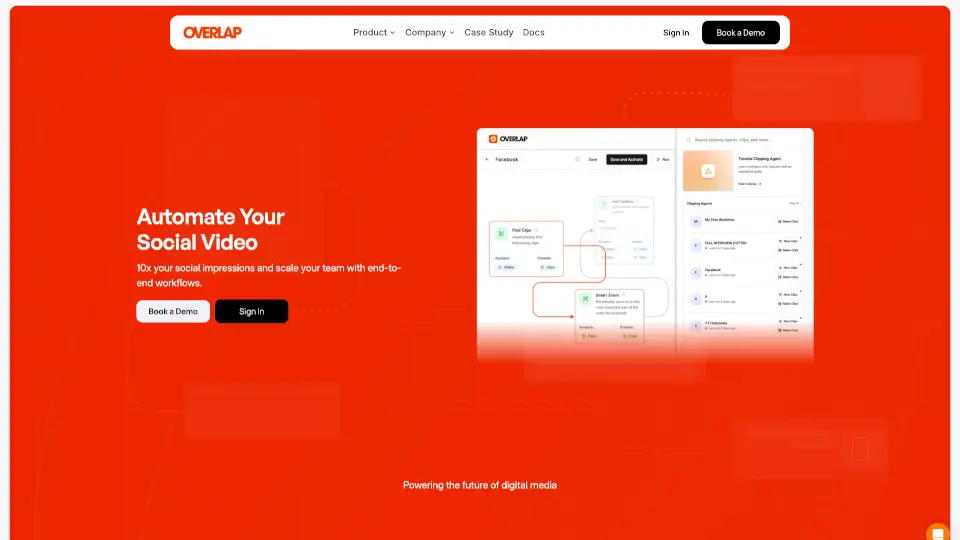
- Social Clip Creator: Generates clips in 1920x1080, 1080x1350, and 1080x1920 formats. Adds auto-reframe, watermarks, and endpages if needed.
- Jump Cut Editor: Creates jump cuts based on silence, perfect for keeping social media audiences engaged.
What are the use cases of AutoPod?
- Video Podcasts: Automate multi-camera editing for professional-looking podcasts.
- Social Media: Quickly create and export clips optimized for platforms like Instagram and YouTube.
- Time-Saving: Reduce editing time by automating repetitive tasks like jump cuts and multi-cam edits.
How to use AutoPod?
- Install the AutoPod plug-ins in Adobe Premiere Pro.
- Use the Multi-Camera Editor to automatically edit your footage.
- Create social clips with the Social Clip Creator, customizing aspect ratios and adding watermarks.
- Use the Jump Cut Editor to remove silent parts and keep your content engaging.
AutoPod Contact Email:
Support: support@autopod.fm
Business Inquiries: business@autopod.fm