
What is Async?
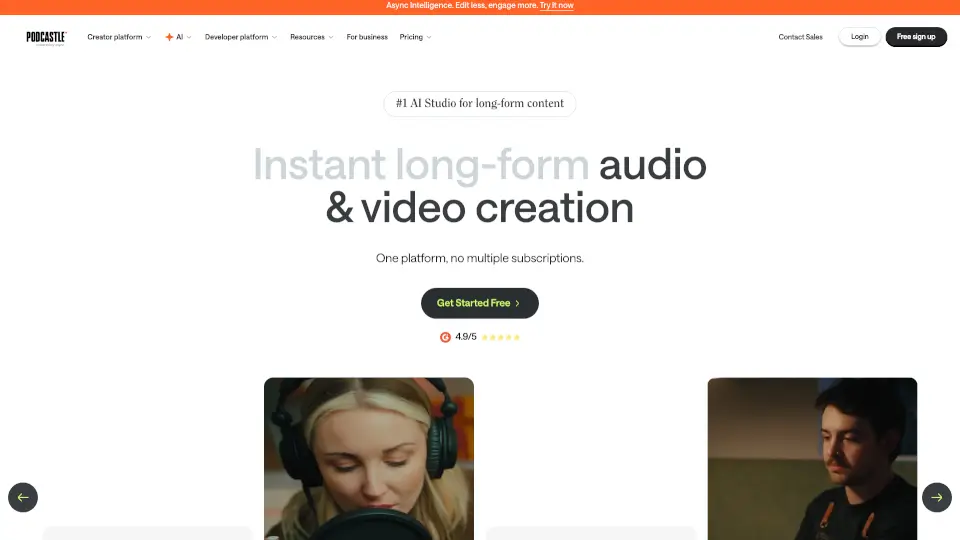
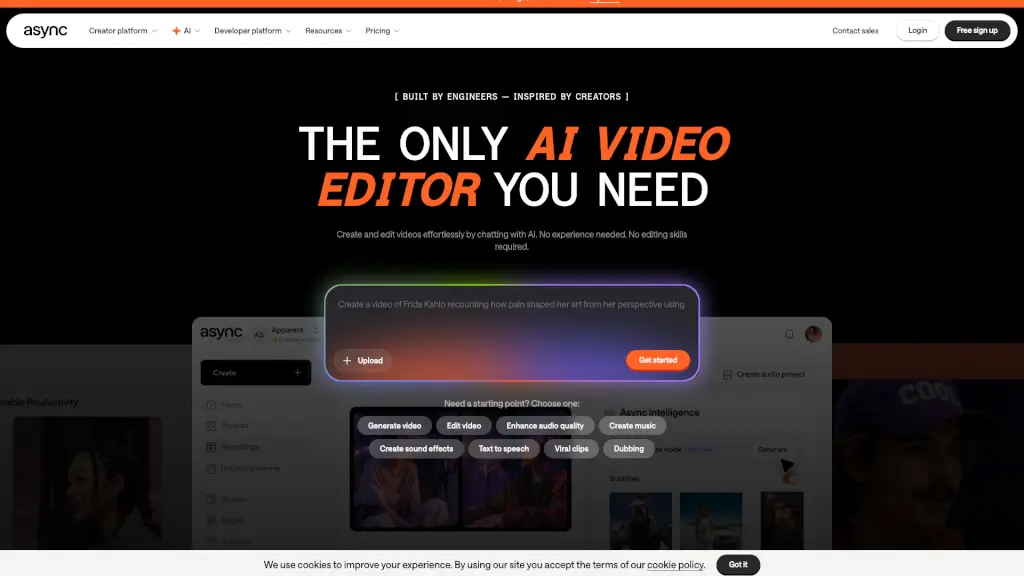
Async is a powerful, all-in-one AI platform that brings together video, sound, and voice to help creators, businesses, and developers produce high-quality content effortlessly. Whether you're a podcaster, YouTuber, or part of a marketing team, Async offers a suite of tools to streamline your workflow. From editing videos and enhancing audio to generating music and creating AI avatars, Async has everything you need to bring your creative ideas to life without the need for extensive technical skills.
What are the features of Async?
- AI Video Editor: Effortless video editing with smart AI tools, allowing you to create and edit videos by simply chatting with AI.
- AI Audio Editor: Intuitive audio editing simplified by AI, making it easy to enhance and refine your audio tracks.
- Recording Studio: High-quality audio and video recording, perfect for creating professional podcasts and videos.
- Hosting Hub: An easy way to host and publish your shows, ensuring your content reaches your audience seamlessly.
- AI Text to Speech: Real-time text-to-speech with voice cloning, enabling you to convert text into natural-sounding voices.
- AI Models: Over 100 models for video and audio generation, giving you a wide range of creative options.
What are the use cases of Async?
- Podcasters: Create and edit podcast episodes with studio-quality audio, add subtitles, and generate viral clips for social media.
- Video Creators: Edit and enhance your YouTube videos, add engaging sound effects, and create eye-catching thumbnails.
- Marketing Teams: Generate and edit promotional videos, create multilingual dubbing, and produce high-impact social media content.
- Businesses: Streamline internal communications, create training videos, and produce engaging content for HR and sales teams.
- Developers: Build conversational AI infrastructure with real-time text-to-speech and voice cloning capabilities.
How to use Async?
- Start by Signing Up: Create a free account on the Async platform.
- Choose Your Tool: Select the tool you need, such as the AI Video Editor or AI Audio Editor.
- Upload Your Content: Drag and drop your video or audio files into the editor.
- Use AI Tools: Leverage the AI features to edit, enhance, and generate new content.
- Publish and Share: Use the Hosting Hub to publish your content and share it with your audience.
- Collaborate with Team: Utilize the collaborative features to work with your team on projects.