
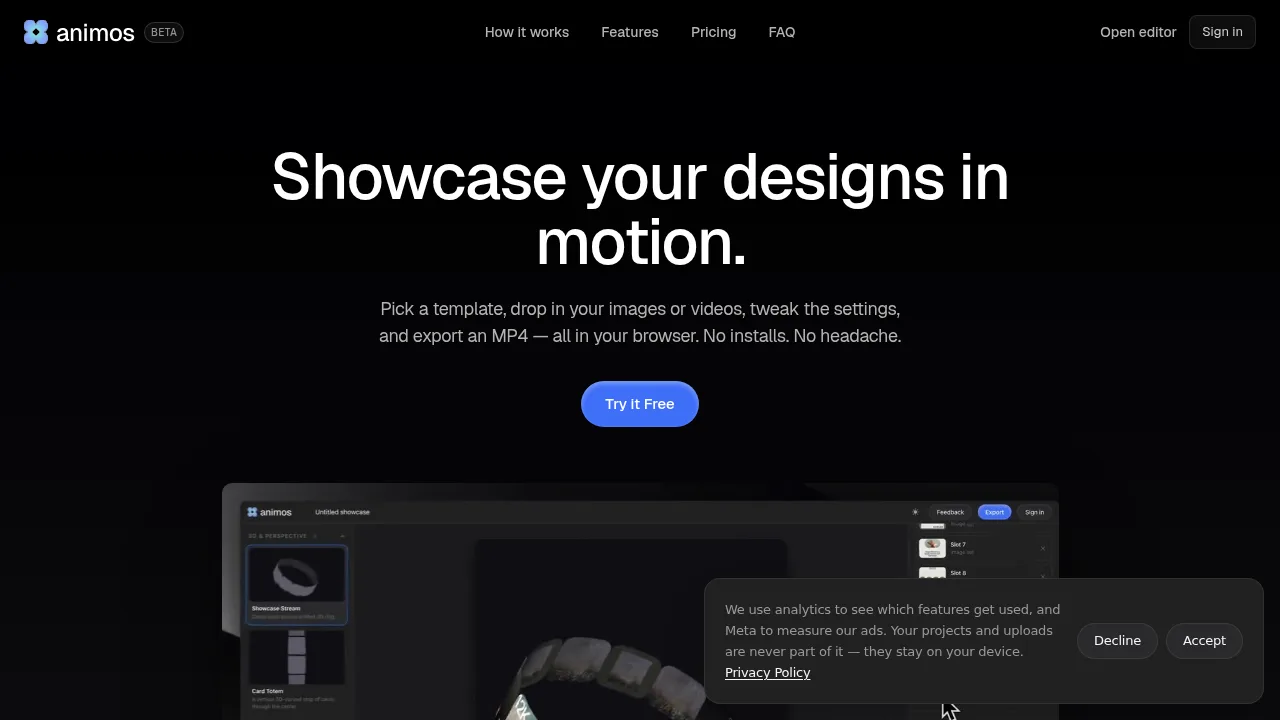
Animos converts static designs into seamless looping MP4 and WebM animations directly in the browser using 25 pre-made templates.

Animos

Animos Product Information

What is Animos?

Animos is a browser-based tool that turns static images and videos into looping motion showcases using pre-made templates. It targets designers, developers, and content creators who need animated exports without installing software or learning timeline editors. All processing happens locally in the browser, so media files are not uploaded to external servers.

What are the features of Animos?

  • Template library
    25 looping animation templates designed to play seamlessly with no visible jump between cycles.
  • Media insertion
    Accepts user-provided images or videos as inputs, automatically applying the selected template's motion.
  • Export formats and resolutions
    Renders MP4 and WebM files from 720p up to 8K directly in the browser.
  • Aspect ratios
    Supports six frame ratios for export, including 16:9, 4:3, 1:1, 4:5, 3:4, and 9:16.
  • Client-side processing
    Runs entirely in the browser without uploading images, videos, or projects to any server.

What are the use cases of Animos?

  • Portfolio presentation
    Turn UI, app, and web mockups into looping showcases for platforms like Dribbble or Behance.
  • Social media clips
    Generate reels and feed posts in specific aspect ratios like 9:16 without using a separate video editor.
  • Product announcements
    Create animated feature demonstrations for launch posts and release notes.

How to use Animos?

  1. Open the editor
    Launch Animos in a web browser; no account is required to begin editing.
  2. Select a template
    Browse the available looping animations and choose one.
  3. Insert media
    Drop an image or video into the template and adjust parameters as needed.
  4. Export the file
    Render the final MP4 or WebM at the chosen resolution and aspect ratio (a free account is required at this step).

Animos Pricing Information:

  • Free
    $0; includes every template, unlimited edits, and 720p export. A free account is required only when exporting.
  • Pro — Worldwide
    $9 per month or $90 per year; unlocks 1080p, 2K, 4K, and 8K exports with unlimited usage and access to every template. Refunds are available within 7 days of purchase if no HD exports have been used.

Animos Contact Email:

halo@animos.app

Do you like this tool?

Upvote to help others discover it!

Animos Alternatives

Animate Image AI

Animate Image AI

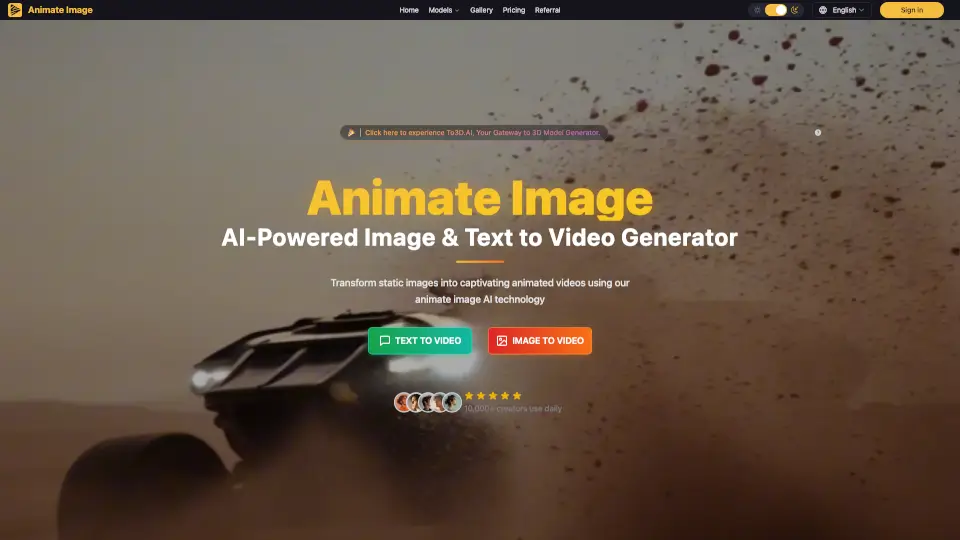
Animate Image AI turns photos into animated videos in seconds. Free, easy to use, and perfect for social media, marketing, or personal memories.

BR
27.34%
6.6K
0
Paper Animation

Paper Animation

Paper Animation converts images or keywords into vertical MP4 or GIF clips styled as unfolding paper, newspaper highlights, or magazine cutouts.

IN
15.87%
140.6K
0
Instories

Instories

Instories is a powerful and user-friendly tool for creating stunning animated stories with over 300 stylish templates, making it perfect for social media, personal branding, and more.

BY
38.27%
46.4K
0
Paper Animator Art

Paper Animator Art

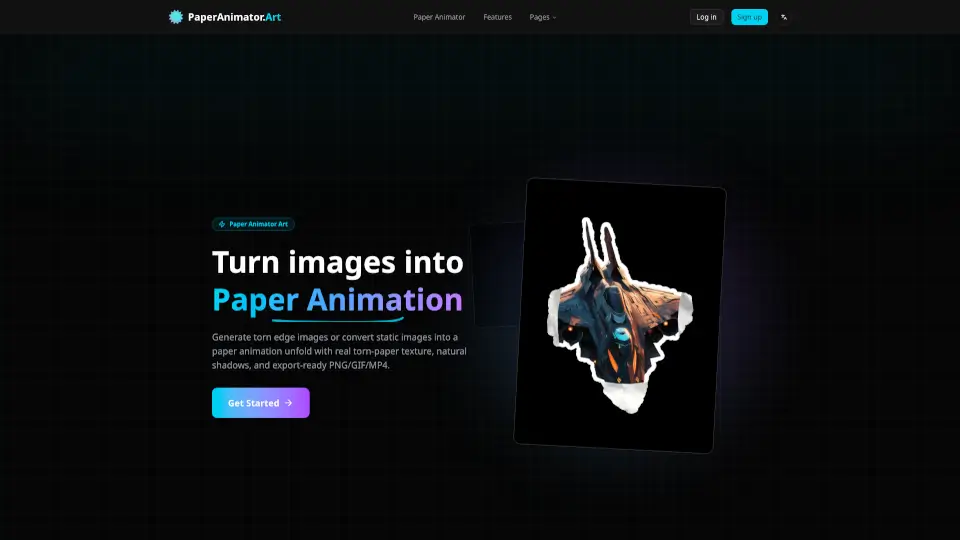
Transform your images into captivating paper animations with PaperAnimator.Art. Easily remove backgrounds, add smart torn edges, and create high-quality, customizable animations perfect for social media, brand storytelling, and product launches. Get started and make your content stand out!

IN
28.28%
8.6K
0
Magic Animator

Magic Animator

Magic Animator lets anyone create pro-level animations in seconds—no hassle, no steep learning curve. Perfect for logos, social media, and UI design.

IN
19.89%
10.9K
0
Anijam

Anijam

Anijam is an all-in-one AI animation platform that transforms text, scripts, images, or audio into professional animated videos with zero prior experience needed.

BR
18.80%
193.4K
0
Motionvid.ai

Motionvid.ai

Create professional motion graphics and animated videos in seconds with Motionvid.ai, no design skills needed.

IN
12.47%
153.3K
0
Jitter

Jitter

Jitter is a fast and simple web-based motion design tool that lets you create professional animations in minutes, with features like Figma import, intuitive animation, and high-quality exports.

IN
16.22%
1.4M
0

Animos Related Other Categories

Animos Traffic Analysis

Website traffic estimates for animos.app. Visits are not unique users or product usage.

💡 Insights

⭐
Medium Scale
100K-1M monthly visits. Growing tool with active development.
🔥
Explosive Growth
Recent growth of 71%. Extremely hot in the market right now!
💎
High Stickiness
Low bounce rate (39%) and deep engagement (8.5 pages/visit). Excellent user experience.
🎯
Strong Brand
57% direct traffic. High user loyalty.
  • Monthly Visits

    362.58K

  • Bounce Rate

    39.21%

  • Pages Per Visit

    8.46

  • Visit Duration

    00:07:27

  • Global Rank

    91850

  • Country Rank

    6316

Visits Over Time

Traffic Sources

Direct57.21%
Search Organic20.41%
Referrals12.01%
Social Organic7.94%
Social Paid0.98%
Gen Ai0.65%
Mail0.49%
Display Ads0.30%
Search Paid0.00%
Affiliate0.00%

Top Keywords

1
animos
CPC$0.80
12.96KTraffic
2
animos app
CPC$0.30
2.99KTraffic
3
animos motion templates
260Traffic
4
animos.app
250Traffic
5
what is zinxdrive
200Traffic

Top Regions

RegionPercentage
India
India
24.77%
United States
United States
13.73%
Indonesia
Indonesia
13.73%
Poland
Poland
8.90%
Egypt
Egypt
6.54%
Low
High

Powered by SimilarWeb

Animos FAQ

Do I need to create an account to use Animos?

You can open the editor and start animating without an account, but a free account is required when you export your project.

Are my uploaded images stored on Animos servers?

No. The vendor states that Animos runs entirely in the browser, meaning images, videos, and projects never leave your device or get stored on any server.

Animos Reviews

0
0 Reviews
Sign Into leave a review

Recent Reviews

No reviews yet

Animos Embed

Use website badges to drive community support for SeekTool.ai. They are easy to embed in your homepage or footer.

Light
Dark
Animos - Featured on SeekTool.aiAnimos - Featured on SeekTool.ai
How to install?