
What is Paper Animation?
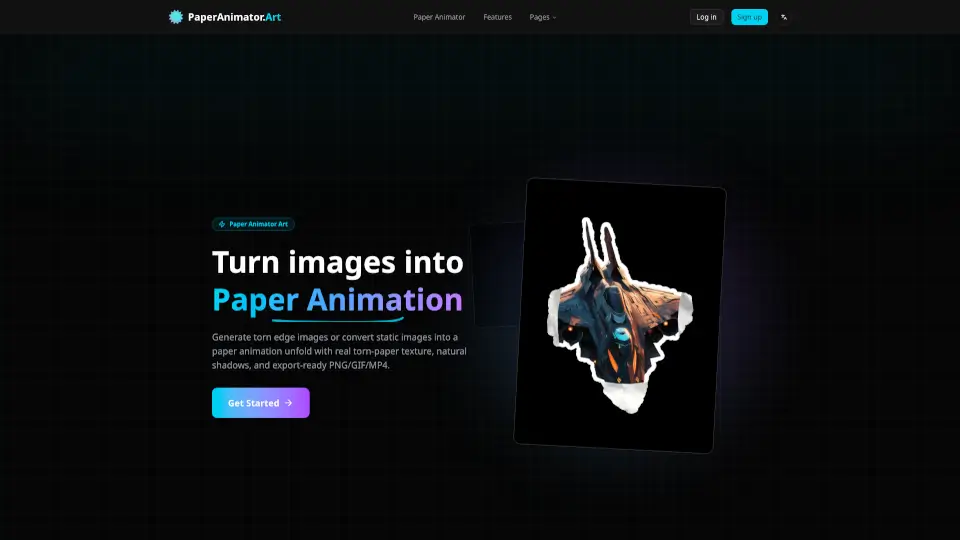
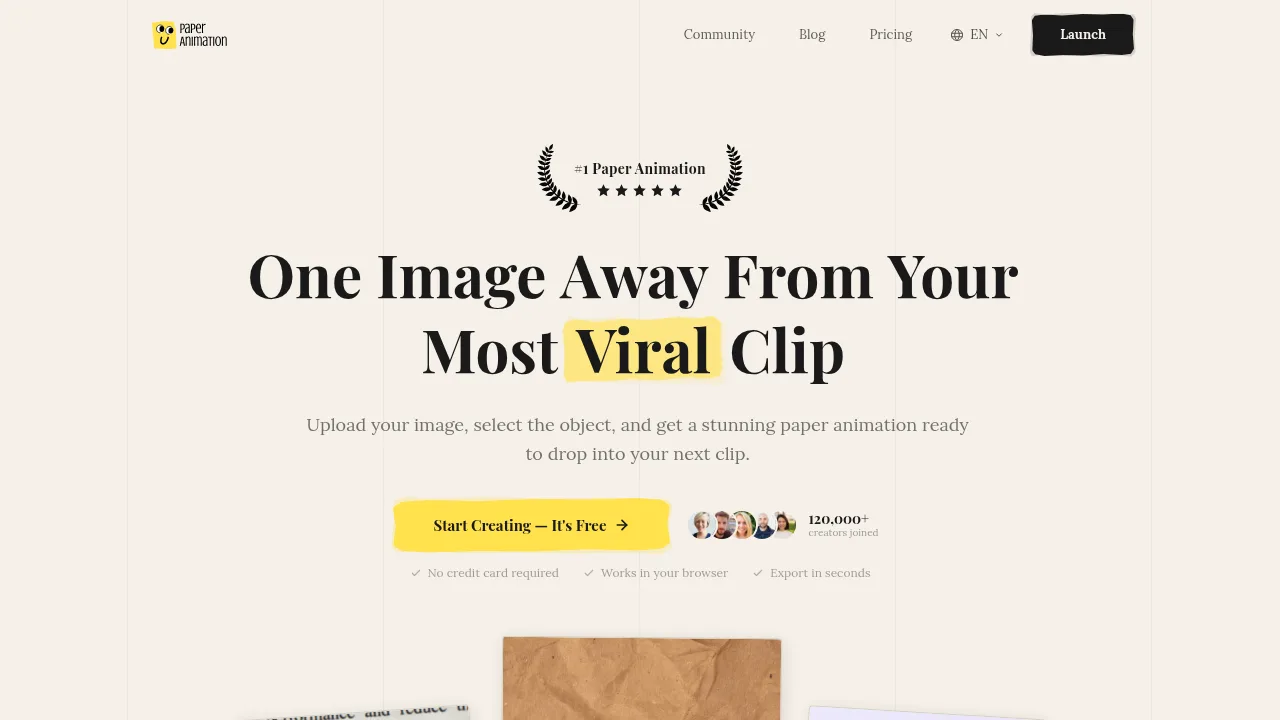
Paper Animation is a browser-based tool that generates animated paper-style video clips from an uploaded image or typed keyword. It targets content creators who need short visual assets for social media and video projects. The service runs entirely in the web browser without requiring downloads, plugins, or specific hardware.
What are the features of Paper Animation?
- Newspaper highlight animationTypes a user-submitted keyword across 10+ generated newspaper frames using 15 typefaces, justified columns, and 8 paper textures.
- Paper fold animationAccepts an uploaded image, isolates the subject with built-in AI background removal, and animates it unfolding with torn paper edges.
- Style variationsOffers magazine ransom-note letter collages, simulated social post cards, and multi-publication press coverage layouts as distinct animation formats.
- Export optionsOutputs 720×1280 vertical MP4 video or animated GIF files, with a green screen background mode available for compositing.
- Customization controlsAllows adjustment of size, distortion, paper texture, and animation direction before export.
What are the use cases of Paper Animation?
- Short-form video hooksCreators insert highlighted keyword animations into CapCut timelines to produce paper-rip transitions for TikTok or Instagram Reels.
- Podcast audiogramsPodcasters animate episode titles or guest names to serve as visual backgrounds for audio clips shared on social platforms.
- Brand campaignsMarketers feature product names or taglines across simulated press clippings for launch teasers and event promotions.
How to use Paper Animation?
- Choose style and inputSelect Paper Fold, Newspaper Highlight, Magazine Letters, or Press Coverage, then upload an image or type a word in the browser.
- Customize the animationAdjust parameters such as size, distortion, paper texture, and animation direction.
- Export the fileDownload the result as an MP4 video or GIF, optionally enabling green screen mode for compositing.
Paper Animation Pricing Information:
- Free planNo cost; allows unlimited exports as GIFs and videos with a small watermark in the bottom area.
- Creator$9 per month; provides unlimited watermark-free exports, private projects not shown in the community gallery, all four animation styles, and priority support. Cancel anytime.
- Founder's Lifetime$39 one-time payment; includes everything in Creator plus a numbered badge limited to the first 1,000 buyers, automatic access to future animation styles, price locking, early access to new features two weeks before subscribers, and 24-hour priority support replies. All sales are final with no refunds.