
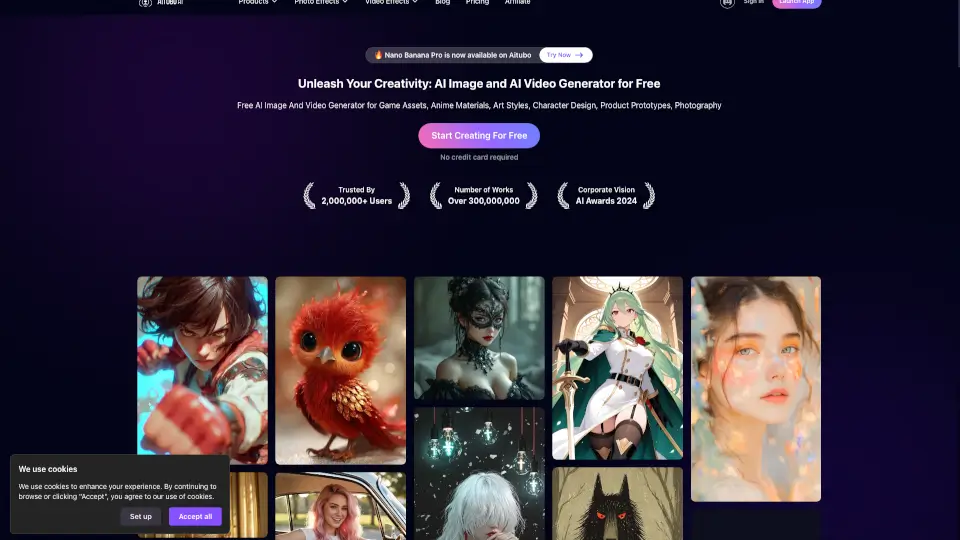
What is Aitubo AI?
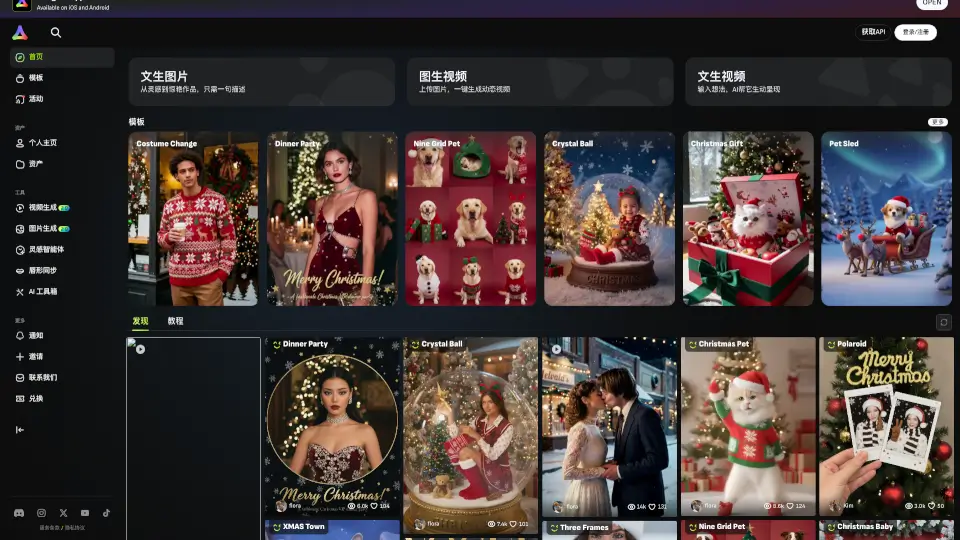
Aitubo is your go-to platform for creating stunning images and videos using the latest AI technology. Whether you're a student, artist, or content creator, Aitubo offers a range of tools to bring your ideas to life. From generating realistic images and videos from text to editing and enhancing your existing media, Aitubo makes it easy and fun to unleash your creativity without needing expensive equipment or advanced skills.
What are the features of Aitubo AI?
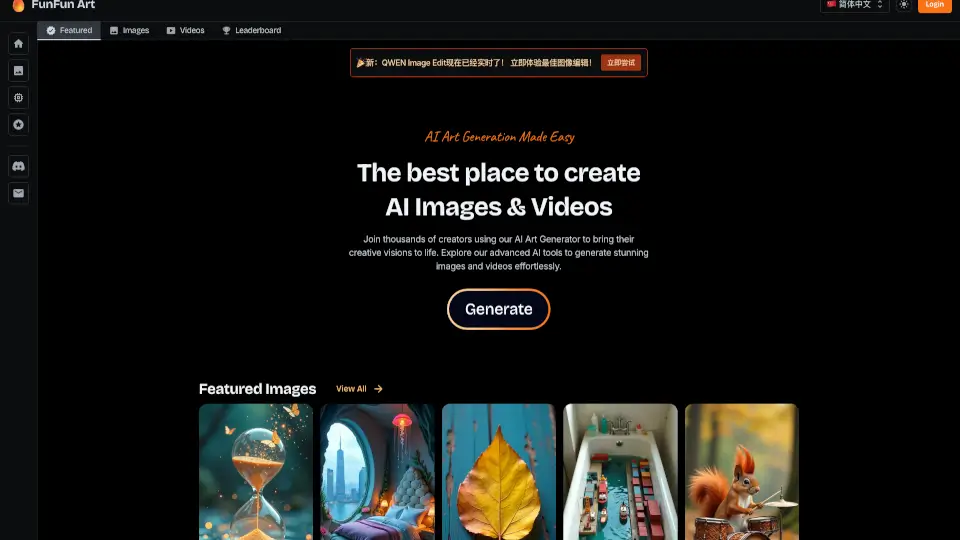
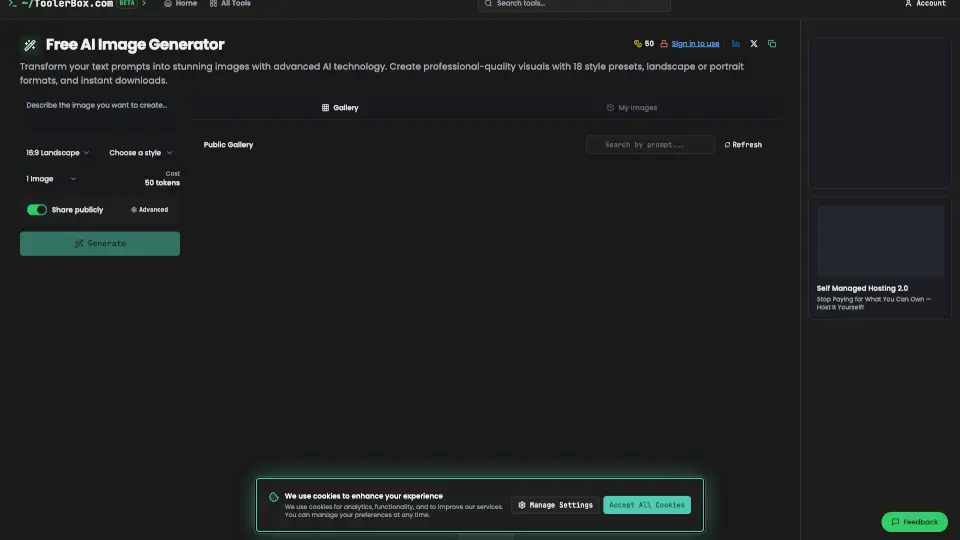
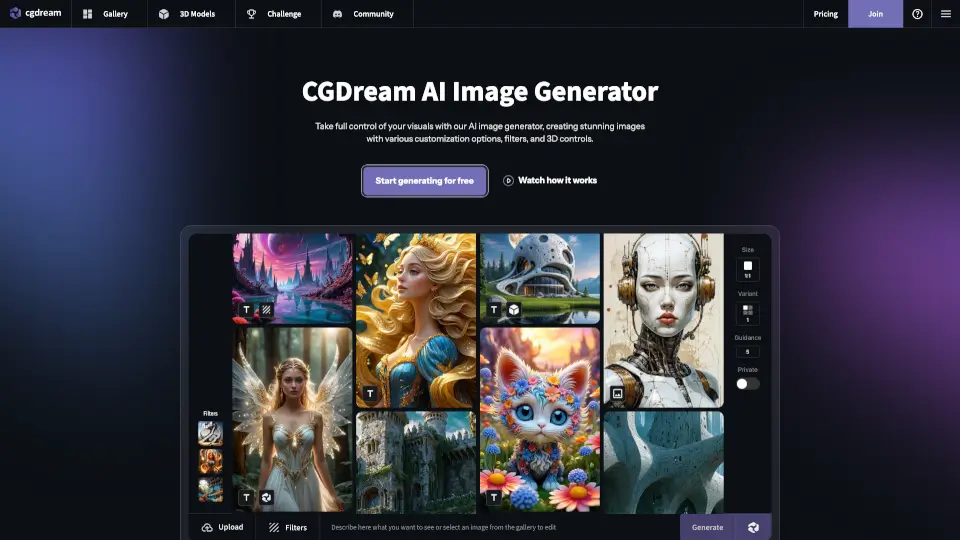
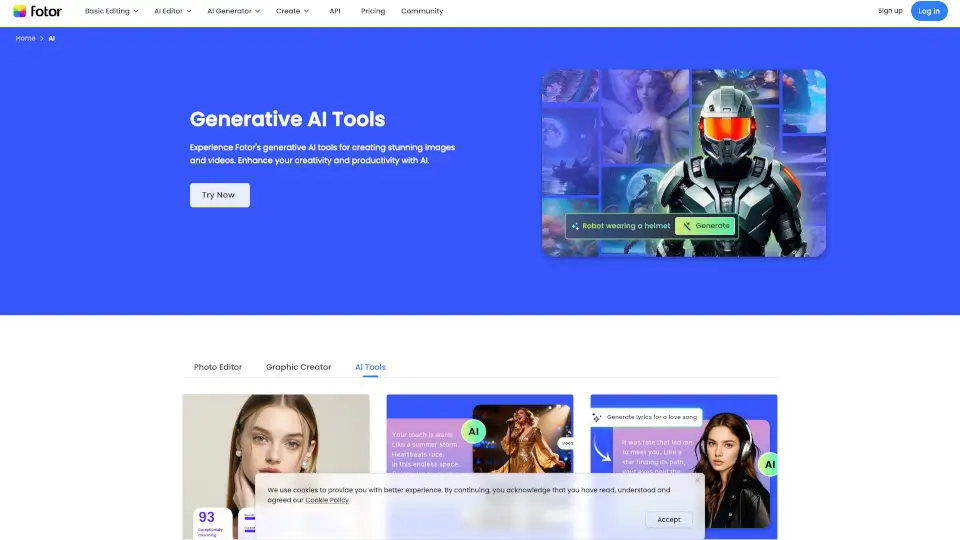
- AI Image Generator: Create realistic and creative images from text descriptions or existing images.
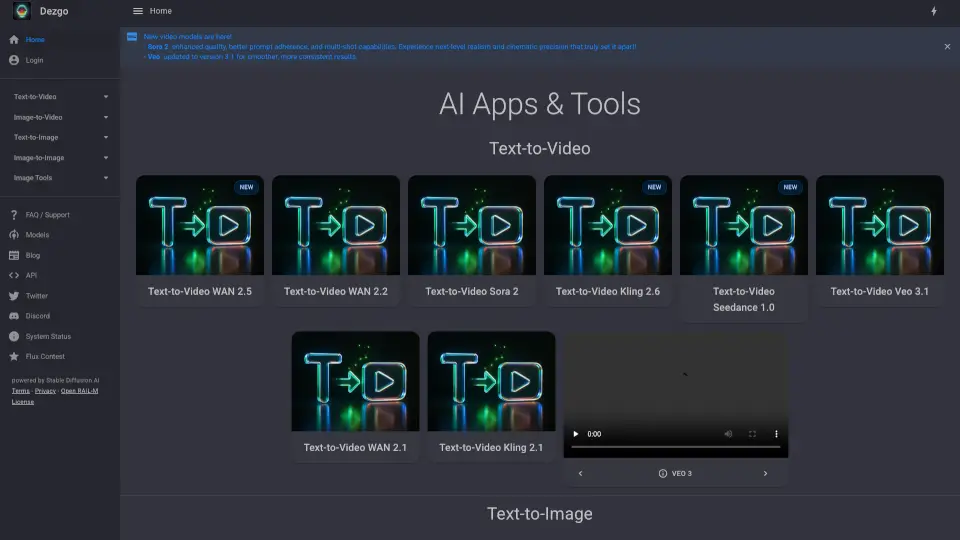
- AI Video Generator: Turn text into high-quality videos or transform images into engaging video content.
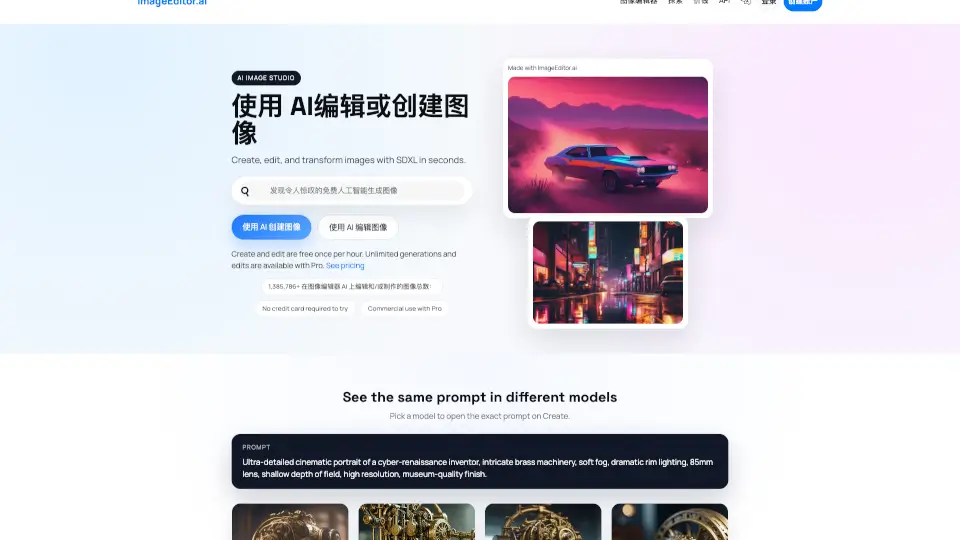
- AI Image Editor: Edit your images with more control and precision using AI-powered tools.
- AI Avatar Generator: Generate personalized virtual avatars with just one click.
- Flux Image Generator: Use the next-generation Flux model to create highly detailed and realistic images.
- Background Remover: Quickly and completely remove image backgrounds with ultra-fast response speed.
- Image Enhancer: Upscale and enhance any image to ultra-high resolution.
- Outpainting: Expand your images beyond their original boundaries in any direction.
- Face Swap: Swap faces in images with unparalleled quality and realism.
What are the use cases of Aitubo AI?
- Game Asset Creation: Generate characters, environments, and objects for your game projects.
- Anime and Art Design: Create unique and detailed anime characters and art styles.
- Product Prototypes: Visualize and design product prototypes before production.
- Photography Enhancement: Enhance and edit your photos to professional standards.
- Video Content Creation: Produce engaging videos for social media, marketing, or personal projects.
- Virtual Avatars: Create custom avatars for gaming, social media, or virtual meetings.
- Meme Generation: Generate funny and creative memes with AI assistance.
- Music Videos: Combine AI-generated images and videos with music to create unique visual experiences.
How to use Aitubo AI?
- Generate an Image: Enter a text description or upload an existing image, then select the desired style and generate.
- Create a Video: Input your text or upload an image, choose the video style, and let the AI do the rest.
- Edit an Image: Upload your image, use the AI tools to make adjustments, and save your edited version.
- Remove Backgrounds: Upload your image, and the AI will automatically remove the background.
- Enhance Images: Upload your image, and the AI will upscale and enhance it to ultra-high resolution.
- Expand Images: Select the direction to expand, and the AI will generate expanded versions of your image.
- Swap Faces: Upload two images, and the AI will swap the faces seamlessly.