What is AirCube?
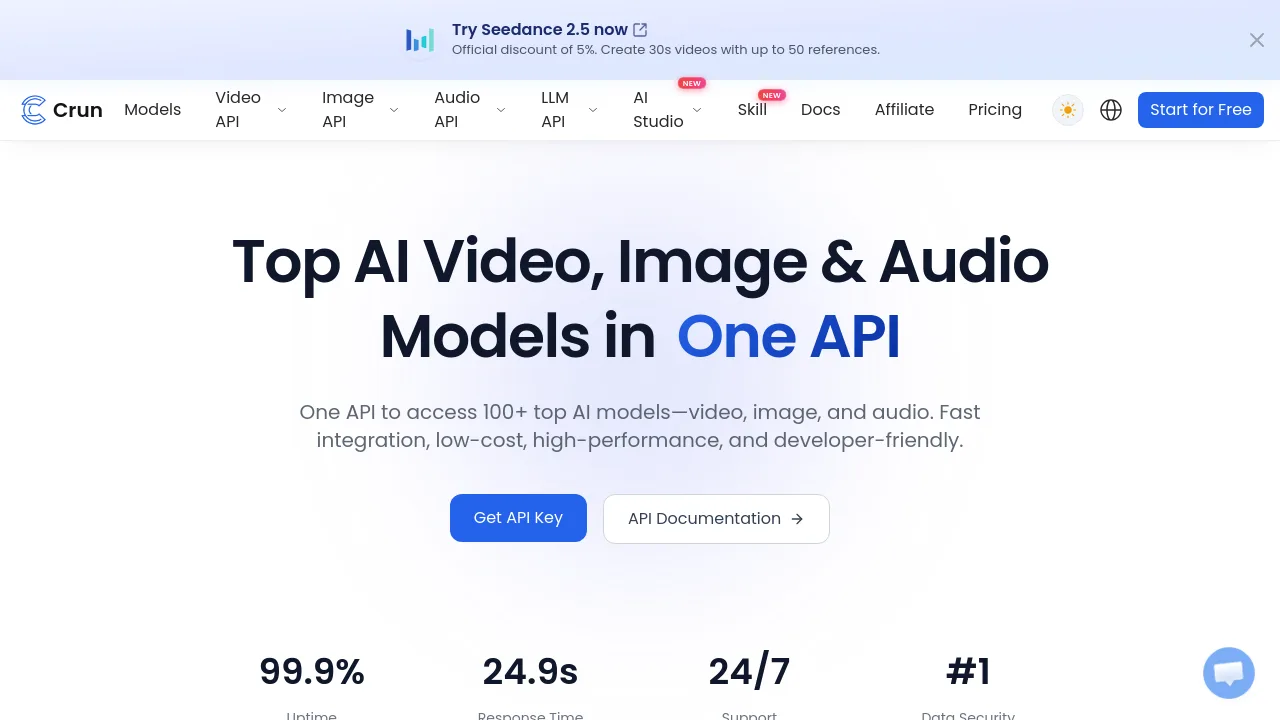
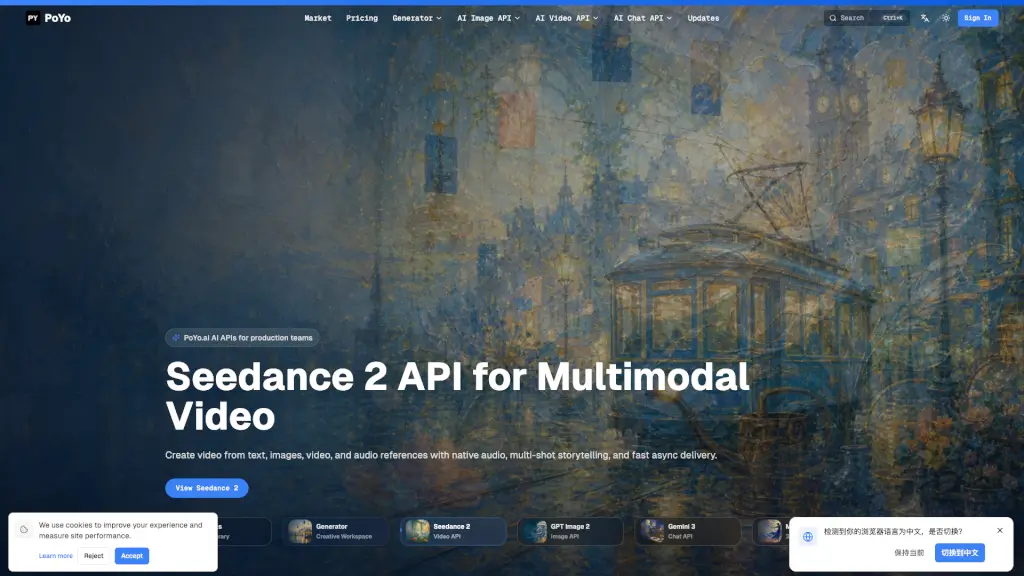
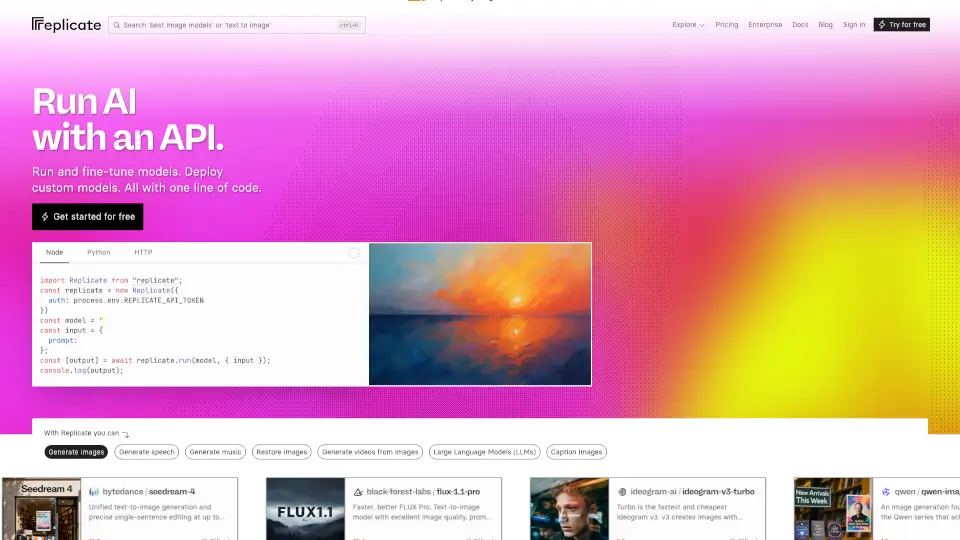
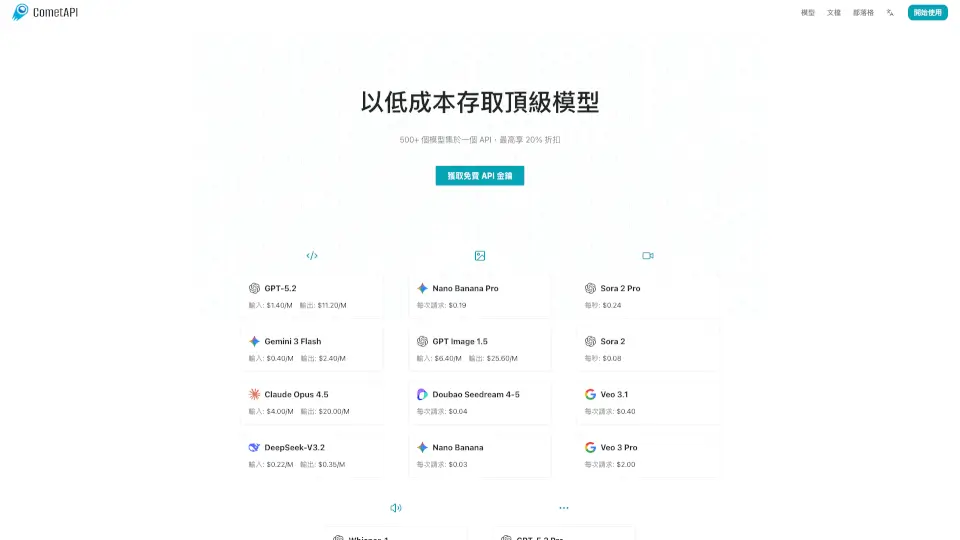
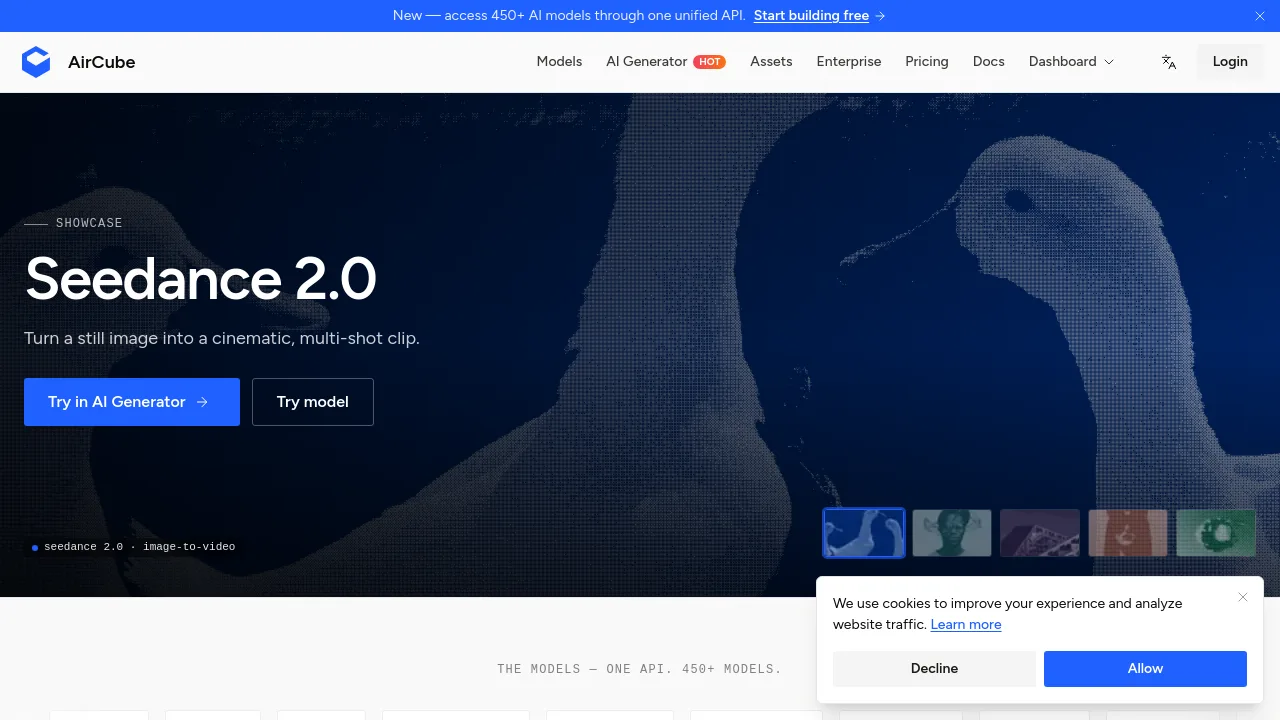
AirCube is a unified API platform that gives developers and creators access to 450+ AI models for image, video, and audio generation through a single endpoint and one API key. It eliminates the need to manage multiple vendor SDKs or separate billing. Developers can integrate via Node, Python, or cURL, while non-coders can generate content directly in the browser using the AI Generator tool. AirCube is designed for teams that want to experiment with many models without vendor lock-in.
What are the features of AirCube?
- Unified API for 450+ Models: Access models like Sora 2, Veo 3, Kling, Flux, Seedance, and dozens more through one consistent interface. No separate keys or integrations needed.
- No-Code AI Generator: Create images, video, and audio right in the browser by picking a model and typing a prompt – no coding or GPU setup required.
- Blazing-Fast Inference: Low-latency routing and optimized infrastructure keep generations quick and consistent across all providers.
- One Bill, No Lock-In: Transparent usage-based pricing for all models. You can switch models anytime without changing your code or dealing with new contracts.
- Built for Scale: Reliable enterprise-ready infrastructure that handles everything from prototype to production, with high availability.
- Developer-Friendly SDKs: Integrate any model with a single API call using Node, Python, or cURL – ship in minutes, not days.
What are the use cases of AirCube?
- Developers building AI apps: Replace multiple vendor SDKs with one AirCube API key to integrate text-to-image, video, or audio models into your product.
- Creators generating marketing content: Use the no-code browser tool to produce cinematic video clips from still images or generate custom images for social media.
- Teams A/B testing new models: Quickly swap between models like Flux and Kling without rewriting code, then compare results on one unified bill.
- Indie developers prototyping ideas: Start with the free tier, test hundreds of models, and scale to production when ready – all with a single endpoint.
How to use AirCube?
- Sign up at AirCube.ai (no credit card required) to get your API key.
- For developers: make a single API call using the provided cURL, Python, or Node example – replace the prompt and model endpoint as needed.
- For creators: go to the AI Generator in your browser, select a model (e.g., Seedance 2.0 for image-to-video), type a prompt, and export your result.
- Review the documentation for model-specific parameters and rate limits before deploying to production.