
Was ist Crun AI?
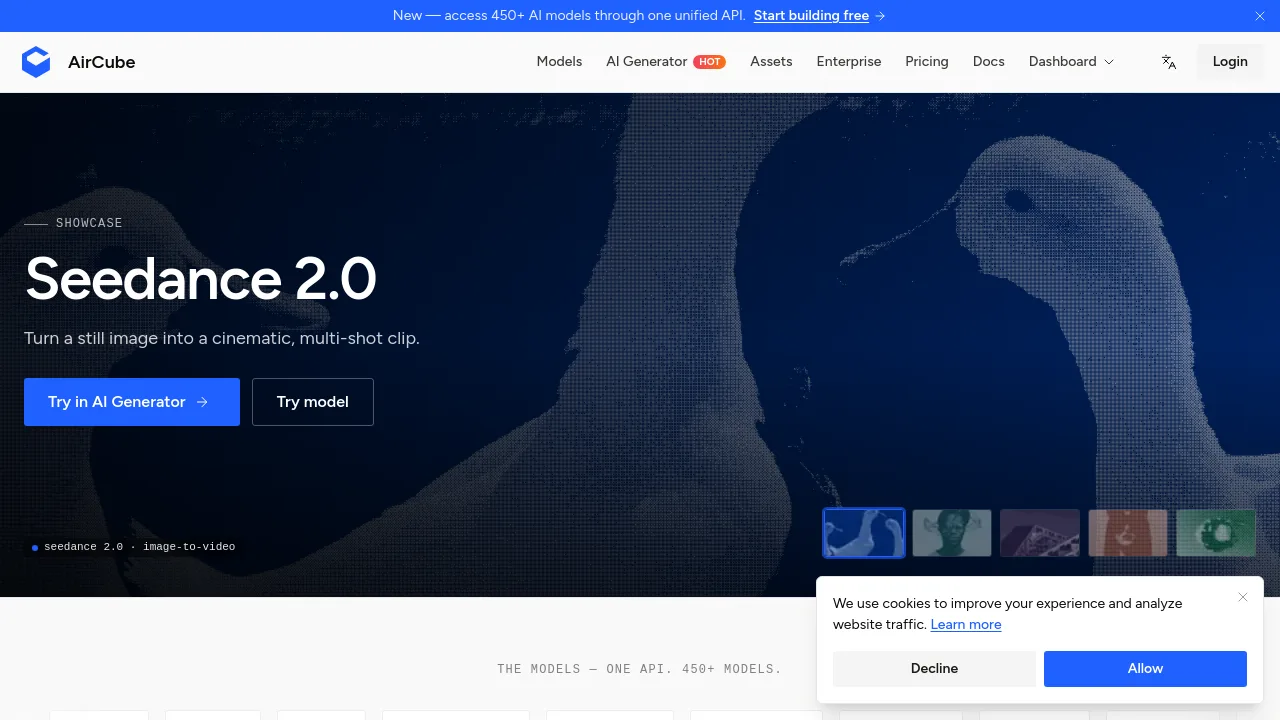
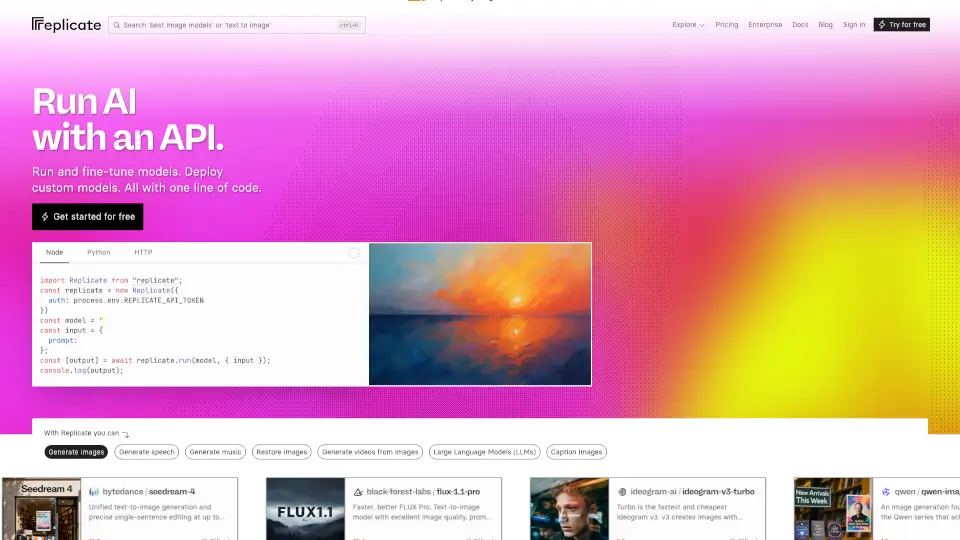
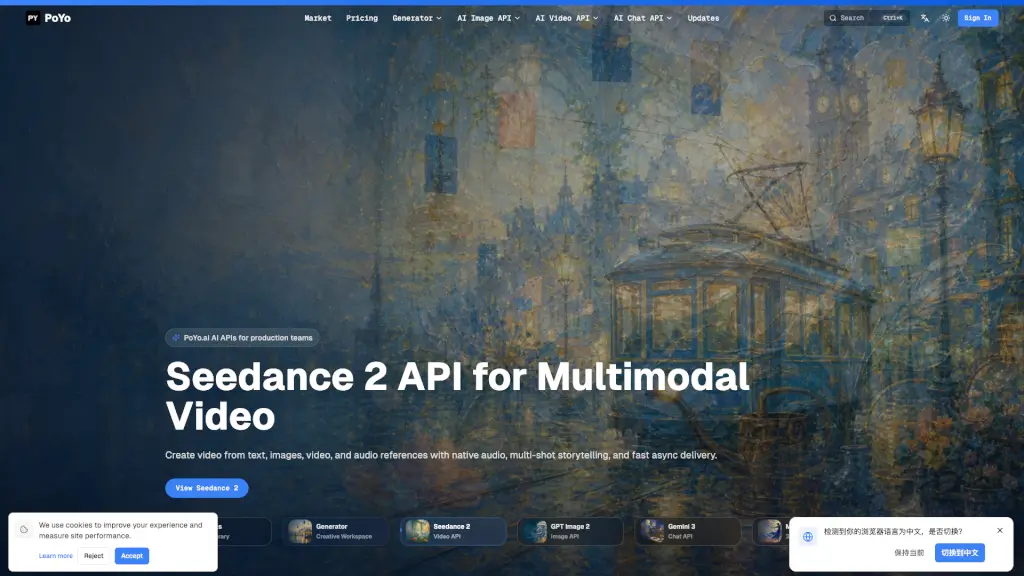
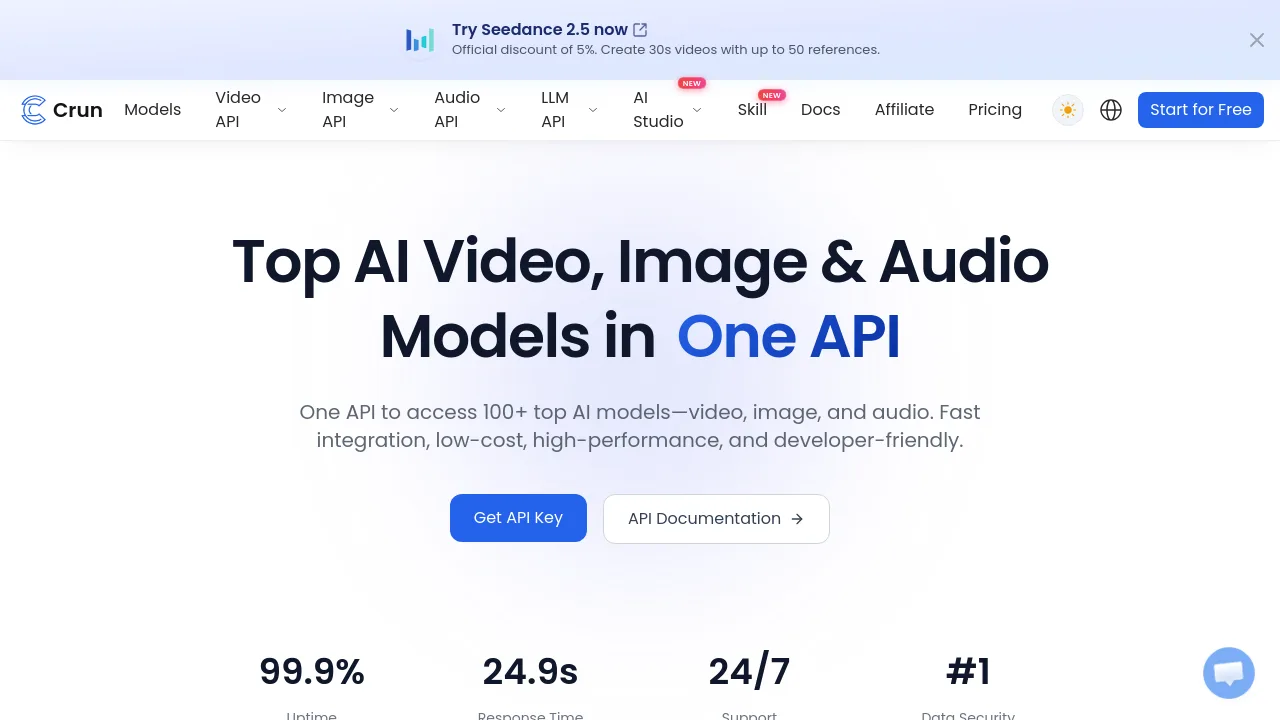
Crun ist eine API-Plattform, die Entwicklern und Unternehmen den Zugriff auf über 100 KI-Modelle für Video, Bild, Audio und Sprache über eine einzige Schnittstelle bietet. Mit OpenAI-kompatiblen Endpunkten, Pay-as-you-go-Preisen und einer Verfügbarkeit von 99,9 % vereinfacht Crun die Integration modernster KI in bestehende Workflows – ohne mehrere Anbieter verwalten zu müssen.
Was sind die Merkmale von Crun AI?
- One API für 100+ Modelle: Greife auf Modelle wie Seedance 2.5, Veo 3.1, GPT 5.6, Claude Fable 5 und viele mehr über eine einzige Schnittstelle zu.
- OpenAI-kompatible Endpunkte: Wechsle mit einer Zeile Code von OpenAI zu Crun – kein Umbau der bestehenden Anwendung nötig.
- Pay-as-you-go-Preise: Zahle nur pro Anfrage, ohne monatliche Abos. Dank Volumenrabatten lassen sich Kosten im Vergleich zu Mitbewerbern um bis zu 70 % senken.
- Hohe Zuverlässigkeit und Performance: 99,9 % Uptime und globales Smart-Routing sorgen für schnelle Antwortzeiten und stabile Ausgaben.
- Entwicklerfreundliche Dokumentation: Interaktive Playgrounds, Python/JS/cURL-Beispiele und einheitliche Logs helfen, in unter fünf Minuten zu starten.
- Flexibles Punktesystem: Das transparente Preismodell eignet sich besonders für Startups und skalierende Projekte.
Was sind die Anwendungsfälle von Crun AI?
- Entwickler bauen eine Video-Generierungs-App und integrieren Seedance 2.5 oder Veo 3.1 ohne separate API-Schlüssel.
- Marketing-Teams erstellen Produktbilder mit Seedream 5.0 Pro oder Flux 2 für konsistente visuelle Styles.
- Audio-Inhaltsproduzenten nutzen Suno API oder Qwen3 TTS für Sprachsynthese und Musikgenerierung in mehreren Sprachen.
- Chatbot-Entwickler wechseln von GPT-4 zu Claude Fable 5 oder Gemini 3.1 Pro, um bessere Reasoning-Ergebnisse zu erzielen.
Wie benutzt man Crun AI?
- Registriere dich bei Crun und generiere deinen persönlichen API-Key im Dashboard.
- Wähle ein Modell aus der Liste (z. B. Seedance 2.5 für Video) und sende eine POST-Anfrage an den einheitlichen Endpunkt.
- Übergib modellspezifische Felder im JSON-Payload – die Dokumentation zeigt dir die genauen Parameter.
- Rufe die Ergebnisse asynchron ab und integriere sie in deine Anwendung – inklusive Echtzeit-Logging.
- Überwache Nutzung und Kosten im Dashboard, um dein Budget im Griff zu behalten.