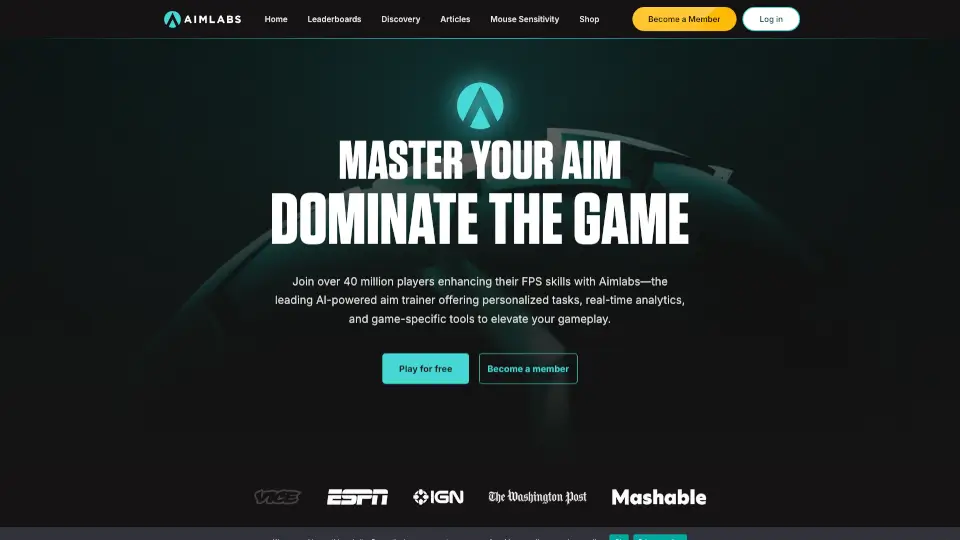
What is Aimlabs?
Aimlabs is the top-rated, AI-powered aim trainer used by over 40 million players to sharpen their FPS skills. Whether you play Valorant, Rainbow Six Siege, or any competitive shooter, it provides personalized training tasks, real-time feedback, and game-specific tools to help you aim better and climb the ranks. It’s built by a team of neuroscientists and game designers, so every routine is backed by real science.
What are the features of Aimlabs?
- AI-Powered Coach: An intelligent system that analyzes your gameplay and gives you tailored tips to fix your weaknesses.
- 50K+ Tasks & Playlists: A massive library of drills and preset playlists so you never run out of ways to practice.
- Official Partner Integrations: Directly supported by Valorant and Rainbow Six Siege for game-specific training with official maps and mechanics.
- Sensitivity Finder 2.0: The most advanced tool to find your perfect mouse sensitivity, helping members improve 49% faster.
- Adaptive Tasks: The difficulty adjusts automatically as you get better, so you’re always challenged at just the right level.
- Real-Time Analytics: Instant feedback on your accuracy, reaction time, and tracking so you can see exactly where to improve.
- Aimlabs Academy & Courses: Video lessons from pro players and expert coaches that make learning feel like playing a game.
What are the use cases of Aimlabs?
- Warming Up Before Competitive Matches: Run a 10-minute playlist to get your reflexes and muscle memory ready before hopping into ranked play.
- Fixing a Specific Weakness: Use the AI coach to identify if you’re weak at tracking, flicking, or speed, then practice targeted drills.
- Learning a New Game: Switch your profile to a new FPS title and use game-specific maps and scenarios to adapt your aim to different mechanics.
- Building Consistent Practice Habits: Follow a guided training program with daily missions that match your current skill level.
- Comparing Your Progress: Check the leaderboards and see how your scores stack up against the community to keep you motivated.
How to use Aimlabs?
- Download Aimlabs: Get it for free on Steam, Xbox, PlayStation, or Epic Games Store.
- Run the Sensitivity Finder: Start with the Sensitivity Finder 2.0 tool to set up your mouse to feel perfect for your hand and playstyle.
- Take an Initial Assessment: Let the AI run a quick test to figure out your current skill level and pinpoint your weak areas.
- Follow a Training Plan: Pick a daily mission or a playlist recommended by the AI coach based on your assessment results.
- Review Your Analytics: After each session, check the real-time stats to see your improvement and adjust your focus for the next day.