
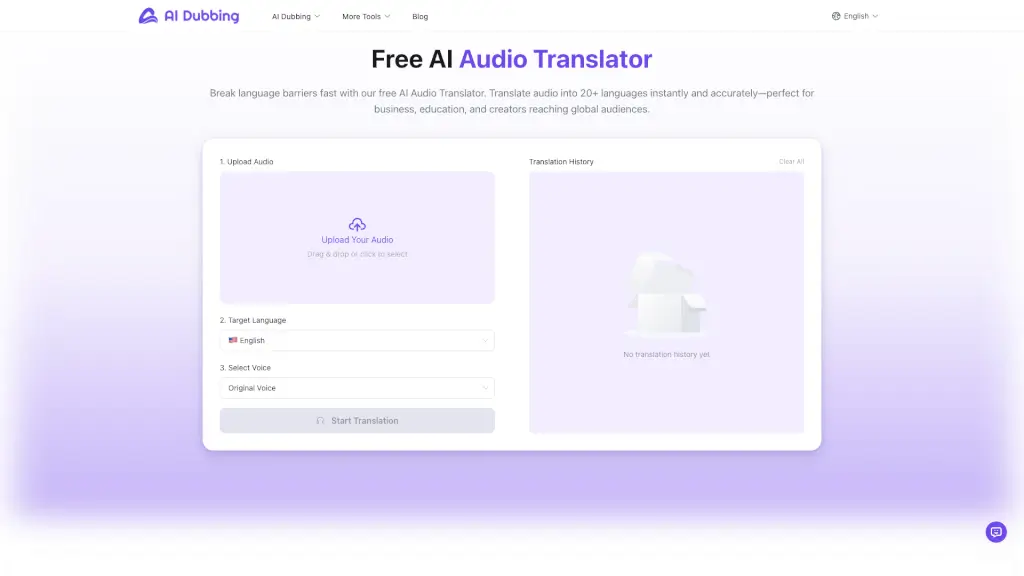
What is AI Audio Translator?
Imagine being able to translate your audio files into 20+ languages instantly and for free. That's exactly what the AI Audio Translator does! Whether you're a content creator, educator, or business professional, this tool makes it easy to break down language barriers and reach a global audience. With over 100 lifelike AI voices to choose from, you can ensure that your message sounds natural and engaging in any language. Plus, the entire process is fast, accurate, and completely free, making it a must-have for anyone looking to expand their reach internationally.
What are the features of AI Audio Translator?
- Multi-Language Coverage: Translate audio into 20+ global languages and dialects with high accuracy.
- Lifelike AI Voices: Choose from over 100 natural, expressive voices to fit your audience and content.
- Free and Fast Workflow: No subscription, no credit card, and no hidden limits. Everything runs directly in your browser.
- Voice Preservation: Preserve the tone and character of the original speaker for a more authentic output.
- Instant Translation: Upload, convert, and download your translated audio within minutes.
- Wide Format Support: Supports MP3 uploads, with each file up to 300 seconds and 30MB in size.
What are the use cases of AI Audio Translator?
- Content Creators & Influencers: Translate podcasts, voiceovers, and narrations into multiple languages to expand your reach on platforms like YouTube and TikTok.
- Education & Training: Convert lessons, classroom recordings, and training materials into other languages to support multilingual learners.
- Business & Marketing: Localize product videos, ads, and internal communication materials to enhance global campaign performance and improve cross-region engagement.
- Podcast Hosts: Quickly translate interviews and episodes to reach a broader, international audience.
- Language Teachers: Provide clear and accurate translations of lessons and educational content in multiple languages.
- Freelance Translators: Speed up your workflow by translating voice content quickly and accurately for various multimedia projects.
How to use AI Audio Translator?
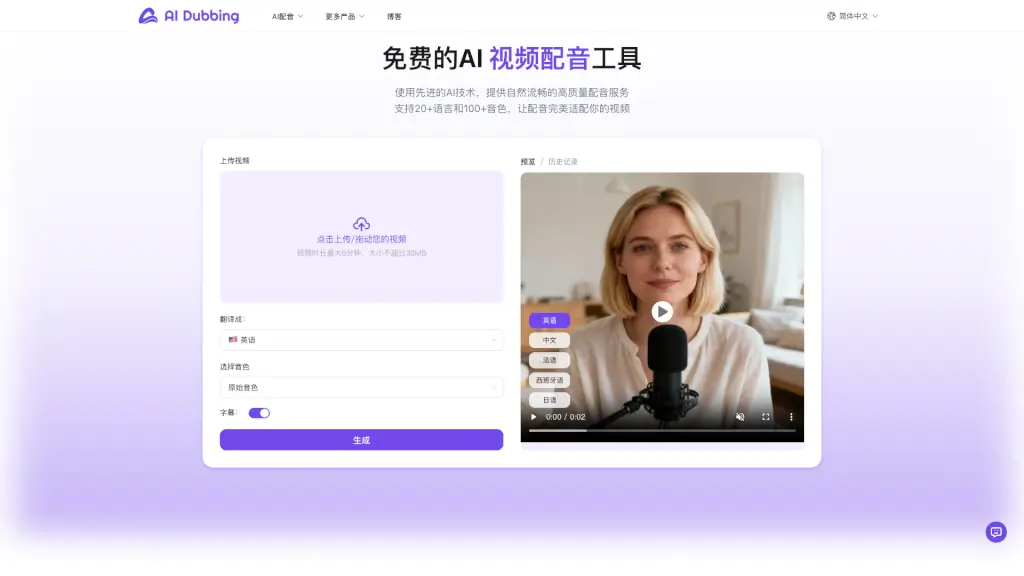
- Upload Your Audio: Drag and drop or click to select the audio file you want to translate.
- Choose Target Language: Select the language you want to translate your audio into from the list of 20+ options.
- Select Voice: Choose a voice from the AI voice library or keep the original sound.
- Start Translation: Click “Start Translation” and wait for the system to process your audio.
- Preview and Download: Preview the translated audio and, if everything sounds correct, download the final result.