What is AI Comic Generator?
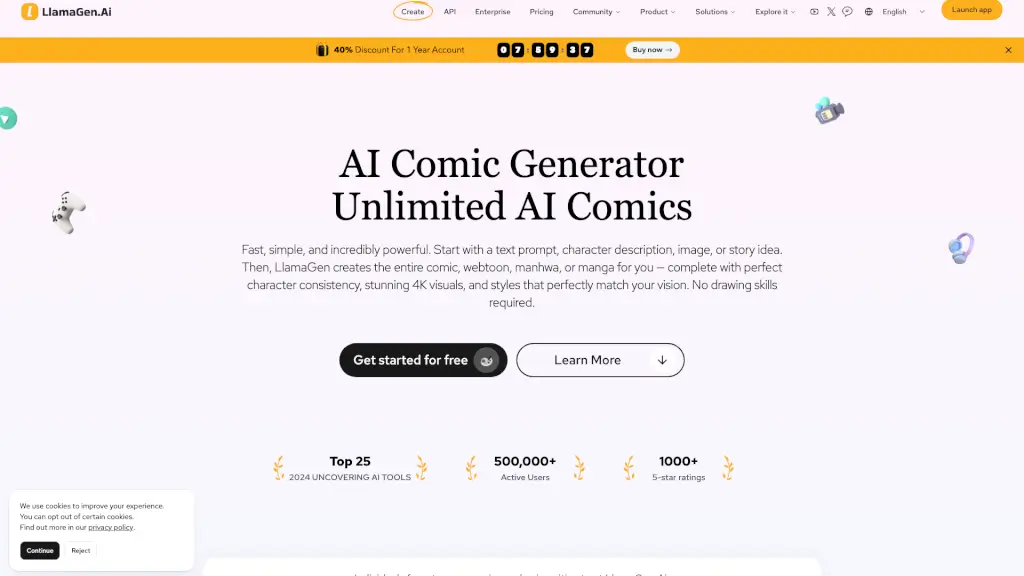
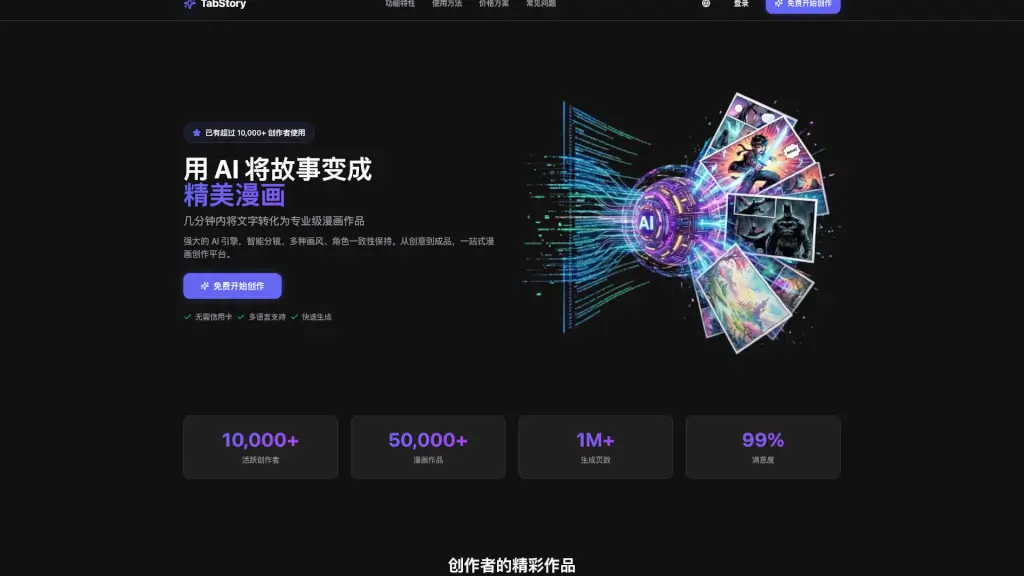
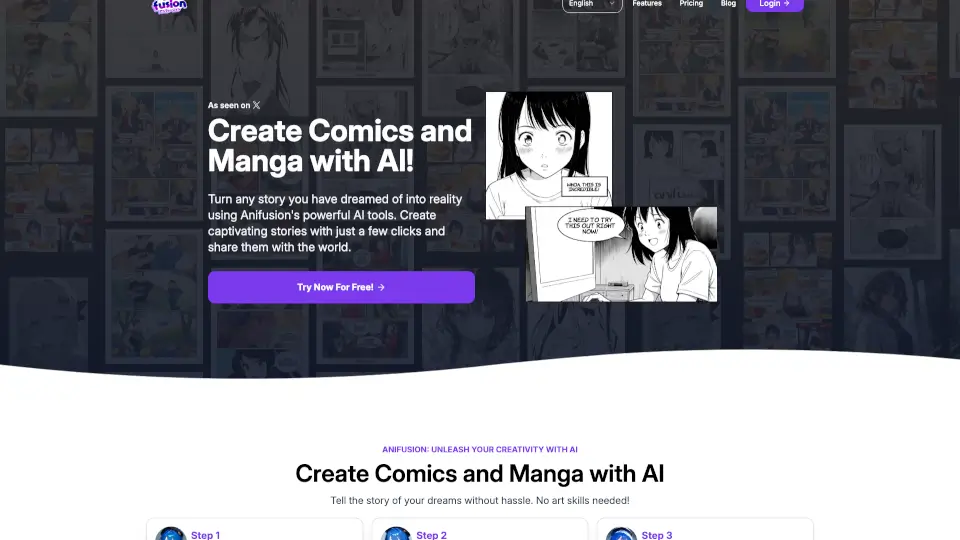
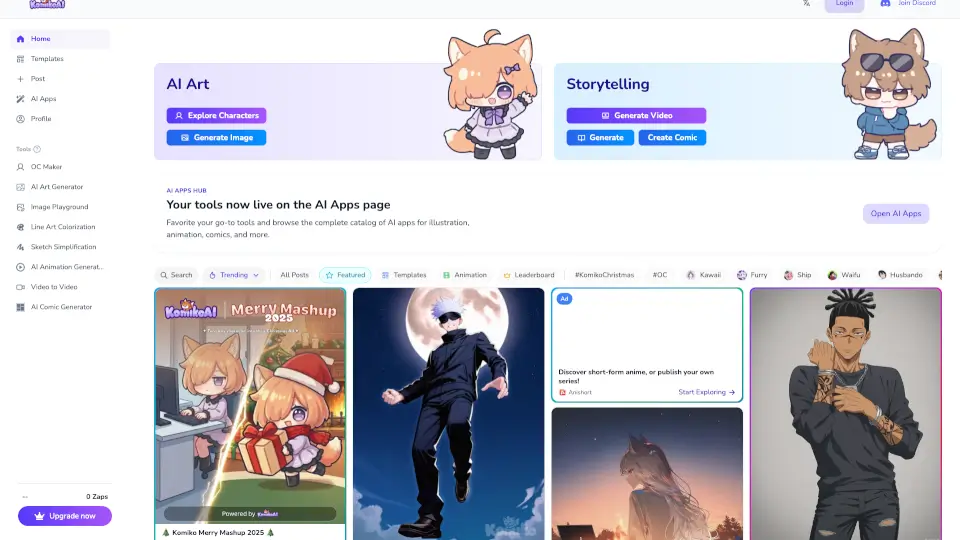
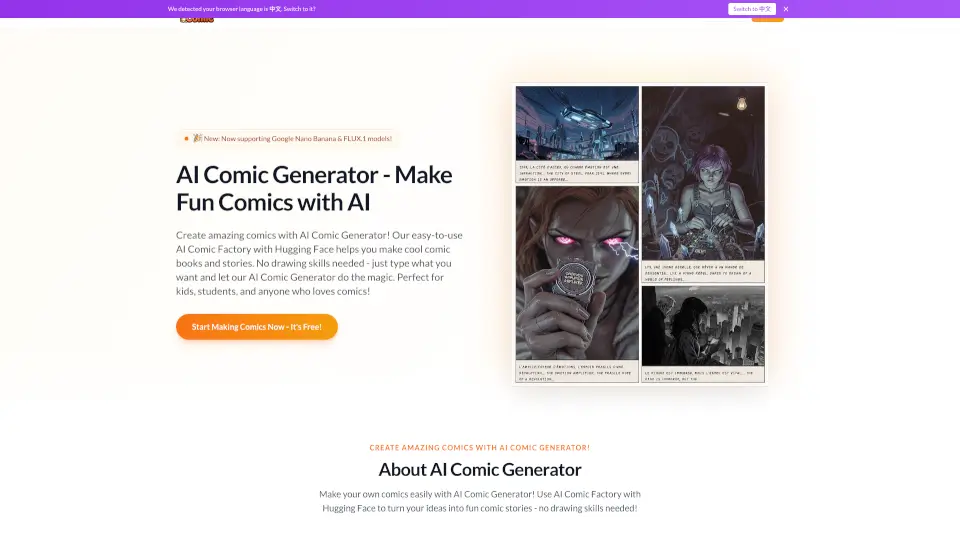
The AI Comic Generator is your all-in-one comic strip maker that turns text into professional-looking comics, manga, and storyboards in minutes. No drawing skills needed — just describe your scene, pick a style, and let the AI bring your story to life. Whether you’re a writer, teacher, or hobbyist, this tool helps you create consistent characters, dynamic layouts, and engaging narratives fast. It’s like having a personal AI Comic Factory right in your browser, powered by Hugging Face technology.
What are the features of AI Comic Generator?
- Instant Panel Generation: Describe any scene and get high-quality comic panels generated on the spot.
- Multi‑Style Art Library: Choose from superhero, manga, watercolor, cartoon, and more — each with consistent character designs.
- Flexible Layouts: Use preset grids or custom page designs to arrange your story exactly how you envision.
- Speech Bubbles & Captions: Add dialogue and narration directly to your panels with zero editing hassle.
- Photo‑to‑Comic Conversion: Upload a reference photo or sketch and turn it into a stylized comic panel.
- Iterate & Refine: Regenerate any panel until it matches your vision — no redrawing needed.
- Single‑Page & Multi‑Page Support: Create quick one‑panel jokes or full multi‑page comic stories.
What are the use cases of AI Comic Generator?
- Storyboarding: Quickly prototype visual narratives for films, animations, or game concepts.
- Educational Comics: Teachers create engaging, easy‑to‑understand lesson materials for students.
- Personal Manga: Turn your own characters and plots into complete manga chapters without art skills.
- Social Media Content: Generate shareable single‑page comics for Instagram, Twitter, or Facebook.
- Hobbyist Fun: Kids and adults can spend hours crafting fun stories, superhero adventures, or sci‑fi tales.
- Professional Samples: Writers and artists produce sample pages for portfolios or pitch decks.
How to use AI Comic Generator?
- Step 1: Enter a story description — specify the scene, characters, and desired art style.
- Step 2: Click “Generate” and watch the AI produce your panels instantly.
- Step 3: Review the layout, edit text bubbles, or regenerate specific frames to perfect your storyboard.
- Step 4: Download final work as a high‑quality PDF or image for sharing or printing.