
AfterShoot logo

AfterShoot

8
5.0
(0 Reviews)
United States30.88%

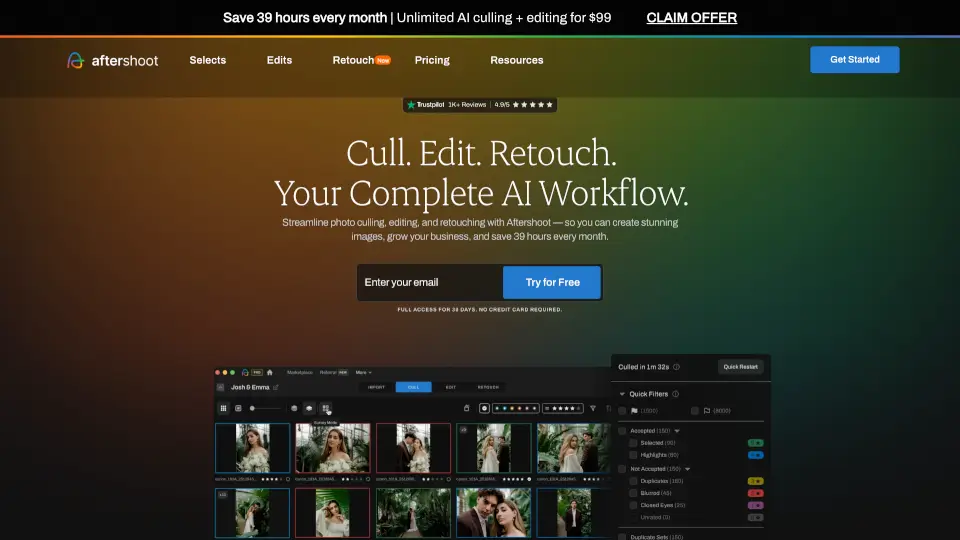
Aftershoot is the best AI culling, editing, and retouching software for photographers who want to deliver stunning galleries faster while preserving their unique style—all with offline privacy and unlimited usage.

Added on: 2025.03.12 · Updated on: 2026.06.04
Social Media:
AfterShoot

AfterShoot Product Information

What is AfterShoot?

Tired of spending hours sorting through thousands of photos after every shoot? Aftershoot is an AI-powered all-in-one platform built specifically for professional photographers who want to cull, edit, retouch, and deliver galleries faster—without losing their unique style. Instead of getting bogged down in repetitive post-processing tasks, you can let Aftershoot handle the heavy lifting while you focus on creativity and client relationships.

What sets Aftershoot apart is how it learns your preferences over time—whether you're culling wedding shots or editing newborn sessions—and applies your signature look consistently across every image. Plus, it works entirely offline, so your files never leave your computer, giving you peace of mind and full control over your data.

What are the features of AfterShoot?

  • AI Culling: Go from thousands of raw images to a tight, curated selection in minutes using smart grouping and duplicate detection that respects creative intent.
  • Style-Based AI Editing: Train the AI on your own edited photos or Lightroom presets so every album matches your signature aesthetic—automatically.
  • One-Click Retouching: Fix skin, stray hairs, glare, and backgrounds across entire galleries with natural-looking results that adapt to each photo’s lighting and exposure.
  • Built-In Client Galleries: Deliver beautiful, branded proofing galleries with Face Detection, keyword search, favorites, and print sales—all without switching apps.
  • Offline & Private Workflow: Process RAW, JPEG, or TIFF files directly on your machine—no internet needed and no cloud uploads required.
  • Flat-Rate Unlimited Pricing: Pay one predictable monthly fee with no per-image charges, even for massive shoots.

What are the use cases of AfterShoot?

  • Wedding photographers culling 3,000+ images from a single day and delivering polished galleries within 48 hours.
  • Portrait studios applying consistent skin retouching and background cleanup across hundreds of senior or family session photos.
  • Event photographers quickly editing diverse lighting conditions (indoor/outdoor) using a trained AI profile that mimics their preset style.
  • Boudoir or newborn photographers protecting client privacy by working entirely offline while still automating tedious edits.
  • Busy solopreneurs reclaiming 39+ hours per month to take real days off or book more clients—without burning out.
  • Photographers with NDAs handling sensitive shoots securely, knowing their files never touch external servers.

How to use AfterShoot?

  • Download and install Aftershoot on your Windows or Mac computer—no internet needed after setup.
  • Import your RAW, JPEG, or TIFF files directly into the app to begin culling or editing.
  • Choose between AI Automated Culling (hands-off first pass) or AI Assisted Culling (you stay in control with smart suggestions).
  • Train your AI editing style by importing a few of your previously edited photos—or start with a pro-built preset.
  • Apply batch retouching with one click, then fine-tune individual images using the built-in RAW editor if needed.
  • Create and share client galleries instantly from Aftershoot, complete with proofing, downloads, and print store options.
Do you like this tool?

Upvote to help others discover it!

AfterShoot Alternatives

FilterPixel

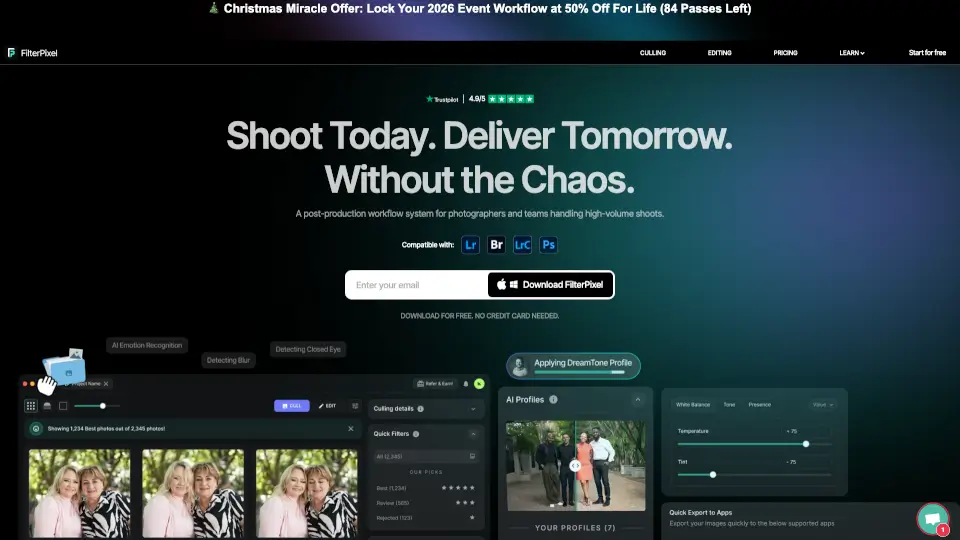
FilterPixel automates photo culling and editing, saving you time and enhancing your creative workflow.

US
35.19%
|
27.9K
|
4.0
Imagen AI

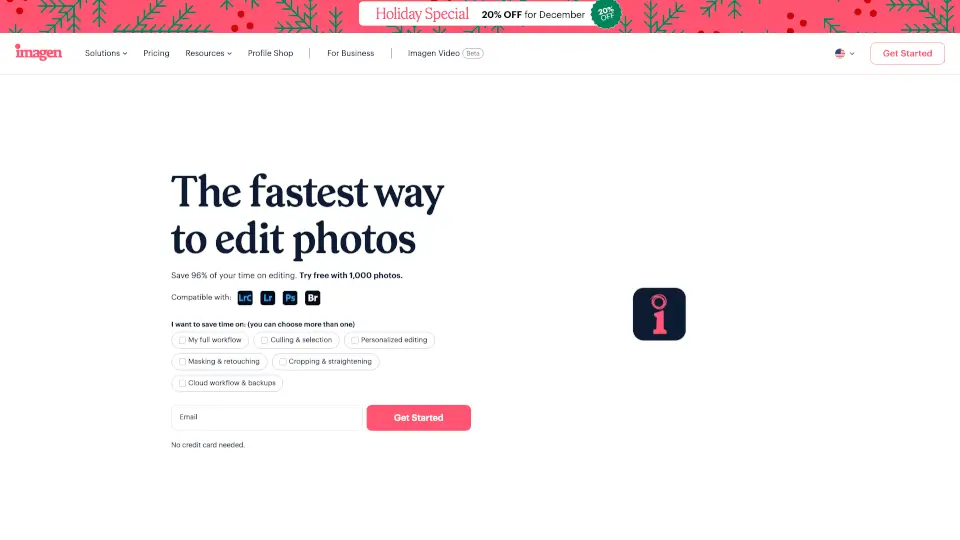
Imagen is a game-changing AI photo editing tool that saves photographers hours of manual work. It’s perfect for weddings, portraits, real estate, and more, offering consistent, personalized edits in seconds.

US
34.91%
|
526.3K
|
5.0
Phot.ai

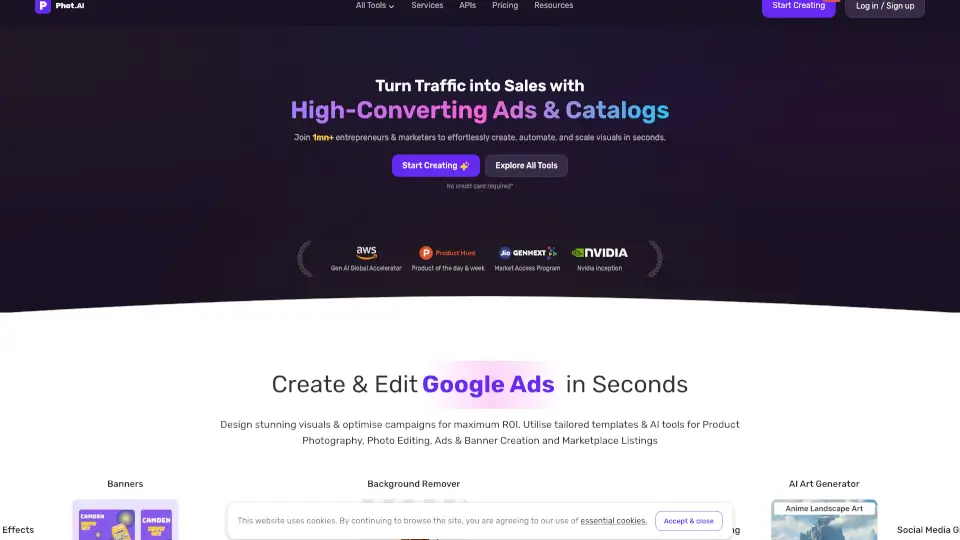
Phot.AI is a powerful, user-friendly AI photo editing platform with 30+ tools to enhance, transform, and create stunning visuals. Perfect for photographers, designers, and e-commerce businesses.

IN
33.67%
|
317.1K
|
5.0
ON1 Photo RAW

ON1 Photo RAW 2025 is the ultimate photo editing software for photographers, offering AI-powered tools, non-destructive editing, and seamless organization—all without a subscription.

US
31.81%
|
494.0K
|
5.0
Fotographer.ai

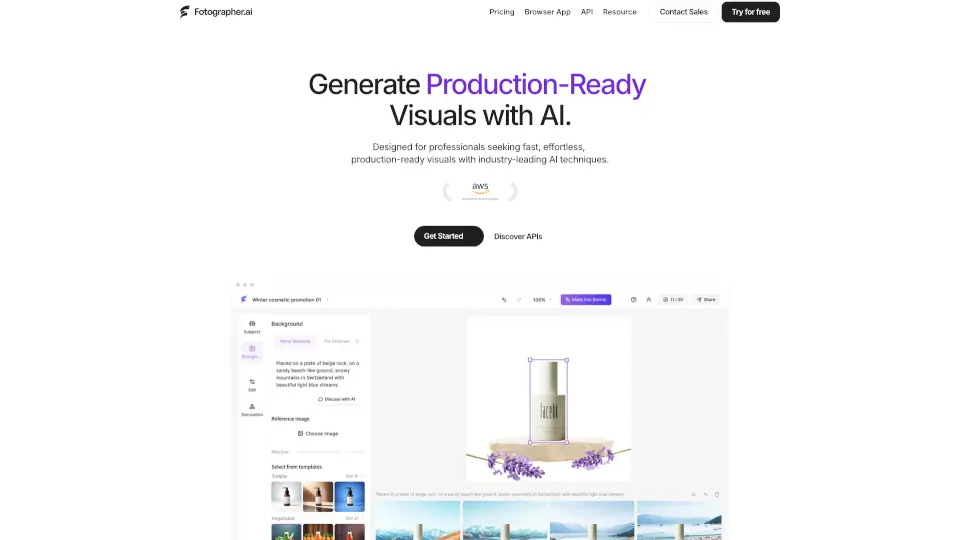
Create stunning product images effortlessly with Fotographer.ai.

US
20.86%
|
11.7K
|
4.0
Topaz Photo AI

Topaz Photo uses cutting-edge AI to sharpen, denoise, unblur, and upscale images—turning good photos into stunning, professional-quality results.

US
24.04%
|
2.8M
|
5.0
Evoto AI

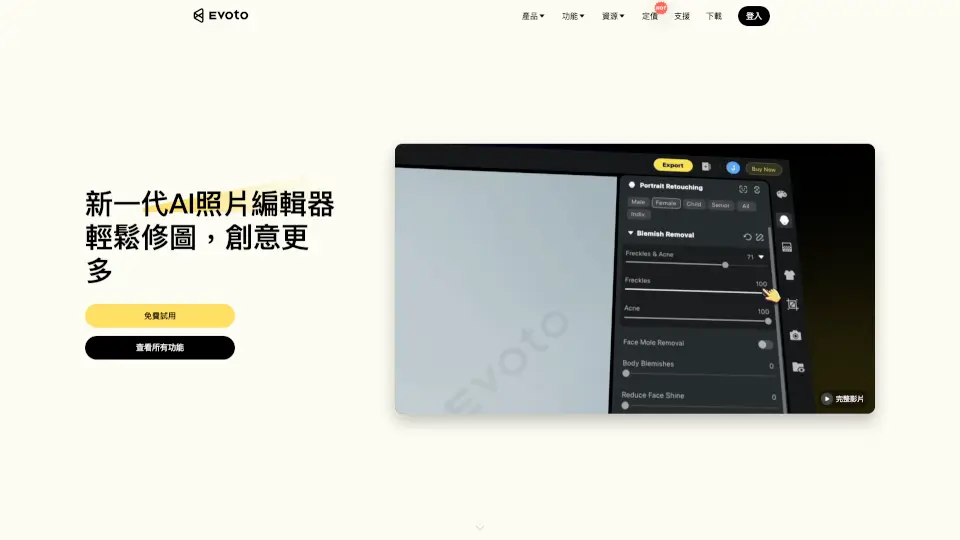
Evoto AI is a powerful, AI-driven photo editor that simplifies retouching, background replacement, and batch editing, making it a must-have tool for photographers and enthusiasts.

US
17.64%
|
1.3M
|
5.0
Imagewith.AI

Imagewith.AI simplifies photo editing with powerful AI tools—upscale, remove objects, enhance portraits, and more. Free, fast, and user-friendly.

ES
20.89%
|
59.2K
|
5.0
AfterShoot Related Other Categories

AfterShoot Traffic Analysis

💡 Insights

Medium Scale
100K-1M monthly visits. Growing tool with active development.
⚠️
Slight Decline
Traffic has slightly decreased recently.
👍
Good Experience
Bounce rate of 46%. Users are willing to explore features.
  • Monthly Visits

    346.44K

  • Bounce Rate

    45.98%

  • Pages Per Visit

    2.29

  • Visit Duration

    00:01:10

  • Global Rank

    140434

  • Country Rank

    95246

Visits Over Time

Traffic Sources

Search39.74%
Direct24.33%
Social20.49%
Paid7.22%
Mail3.72%
Referrals3.56%

Top Keywords

1
aftershoot
CPC$2.99
33.40KTraffic
2
heic to png
CPC$0.27
3.09KTraffic
3
png to jpeg
CPC$0.26
2.12KTraffic
4
after shoot
CPC$5.08
1.73KTraffic
5
photo mechanic
CPC$1.98
1.25KTraffic

Top Regions

RegionPercentage
United States
United States
30.88%
Brazil
Brazil
9.12%
United Kingdom
United Kingdom
8.89%
Canada
Canada
3.03%
Australia
Australia
2.58%
Low
High

AfterShoot FAQ

What is Aftershoot?

Why should I use Aftershoot?

How do I get started with Aftershoot?

How much does Aftershoot cost?

Is there a free trial? Do I need a credit card?

What image formats does Aftershoot support?

Does Aftershoot replace my editing style or learn it?

Does Aftershoot work offline? Is my data safe?

AfterShoot Reviews

0

0

0 Reviews
Sign Into leave a review

Recent Reviews

No reviews yet

AfterShoot Embed

Use website badges to drive community support for SeekTool.ai. They are easy to embed in your homepage or footer.

Light
Dark
AfterShoot - Featured on SeekTool.aiAfterShoot - Featured on SeekTool.ai
How to install?

Looking for AfterShoot Alternatives?

Compare top AI tools similar to AfterShoot. Find the best option for your needs.

View Alternatives

Reviews

0.0

Share your experience with this tool...

Trending

Featured

Subscribe to our AI Newsletter

Get the top AI stories delivered to your inbox weekly.