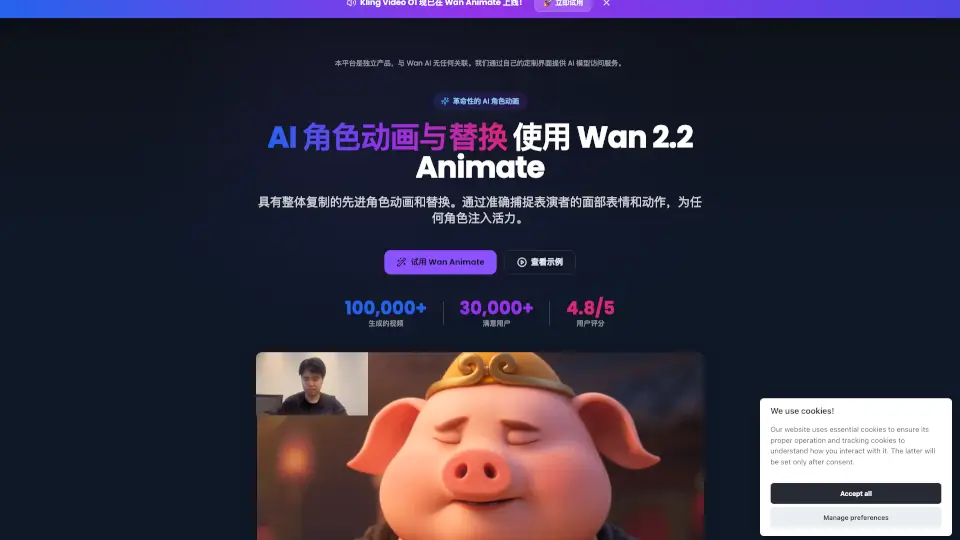
What is Wan Animate?
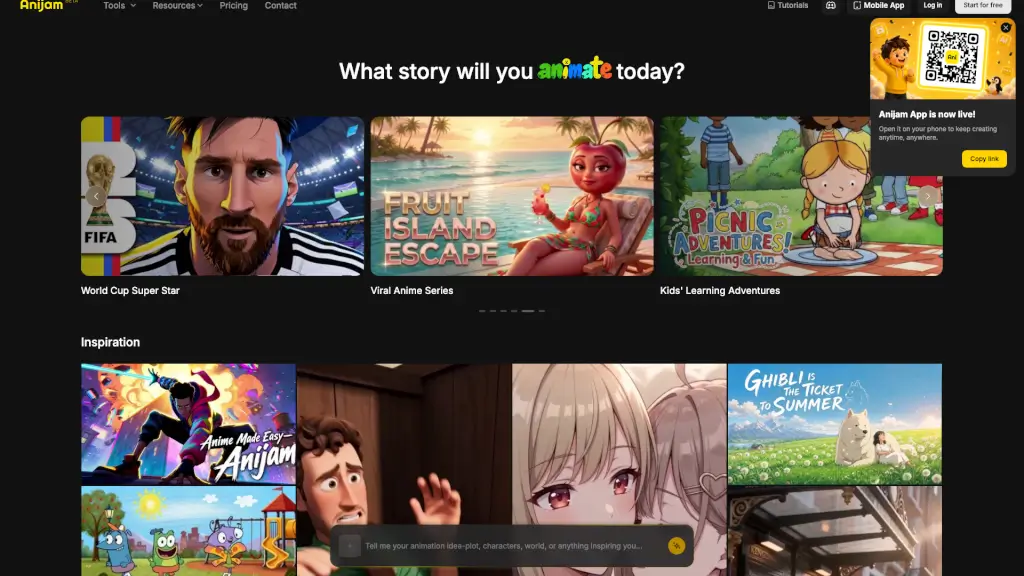
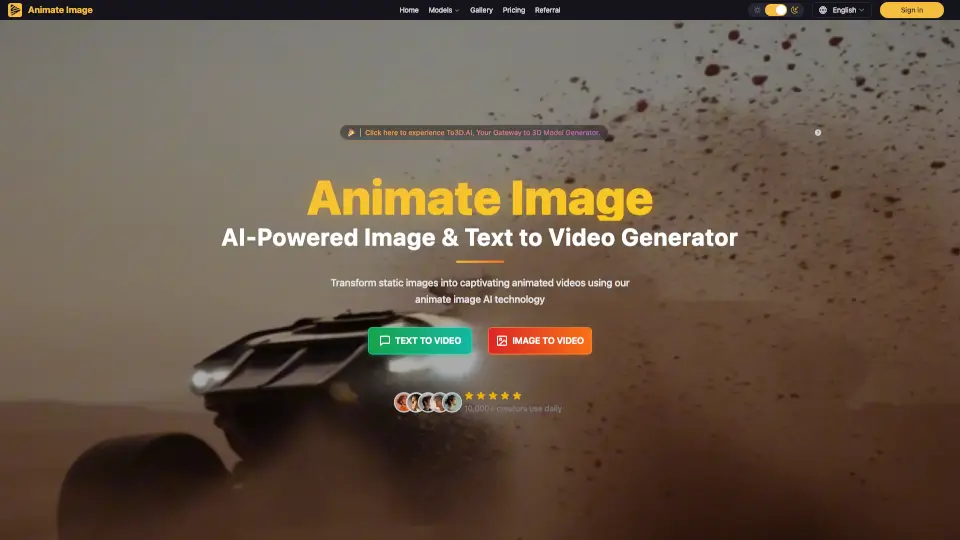
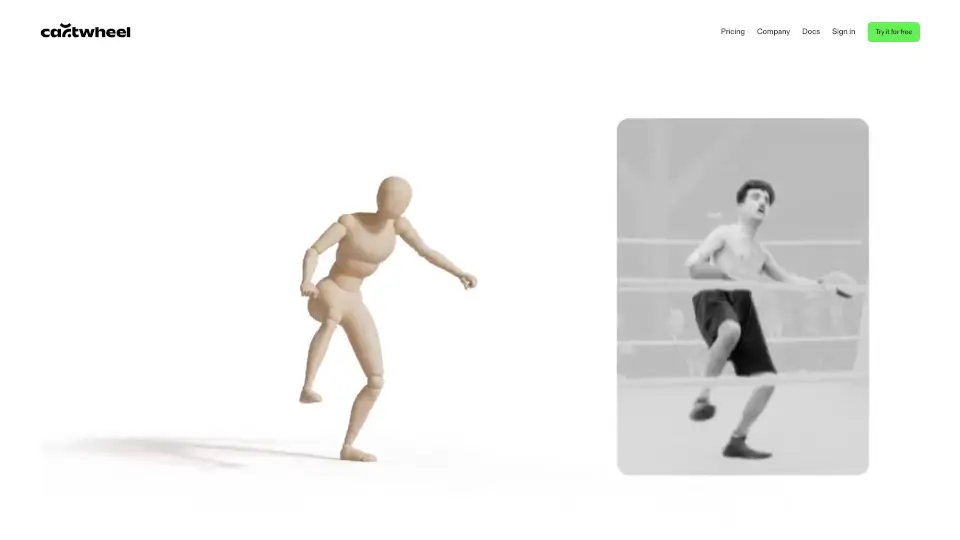
Wan Animate is a cutting-edge platform for creating lifelike character animations and swapping video characters with ease. Powered by advanced AI, Wan Animate lets you bring any character to life by copying real facial expressions and movements from a performer’s video. Whether you want to animate a photo or swap a character in a video, Wan Animate makes the process simple, fast, and accessible to everyone.
What are the features of Wan Animate?
- Realistic Character Animation: Animate any character using a performer’s video, capturing facial expressions and body movements with high accuracy.
- Video Character Swap: Seamlessly replace characters in videos while keeping original expressions, lighting, and tone.
- Unified Animation Framework: One system handles both animation and replacement tasks for maximum flexibility.
- Advanced Motion Control: Fine-tune body actions and facial expressions for more control over your animations.
- Environment Integration: Relighting technology ensures your animated characters fit perfectly into any scene.
- High-Performance AI Engine: Built on the latest Wan 2.2 technology for fast, high-quality video generation.
What are the use cases of Wan Animate?
- Content Creators & YouTubers: Make engaging animated videos, tutorials, and stories with expressive characters.
- Film & Animation Studios: Speed up production with easy character replacement and animation for pre-visualization or final scenes.
- Game Developers & VR/AR Studios: Generate dynamic character animations for games and immersive experiences.
- Marketing & Advertising: Create eye-catching campaigns by animating mascots or swapping spokespeople in videos.
- Educators & Trainers: Develop interactive learning materials and training videos with animated historical figures or concepts.
- Social Media Influencers: Stand out with unique character-driven content for TikTok, Instagram, and YouTube.
How to use Wan Animate?
- Step 1: Upload a character image and a performer’s video (up to 30 seconds).
- Step 2: Choose your mode—animate a photo or swap a character in a video.
- Step 3: Select your desired resolution (480p or 720p) and click “Generate.”
- Step 4: Download your high-fidelity animated video and use it in your projects.