
O que é VisualGPT?
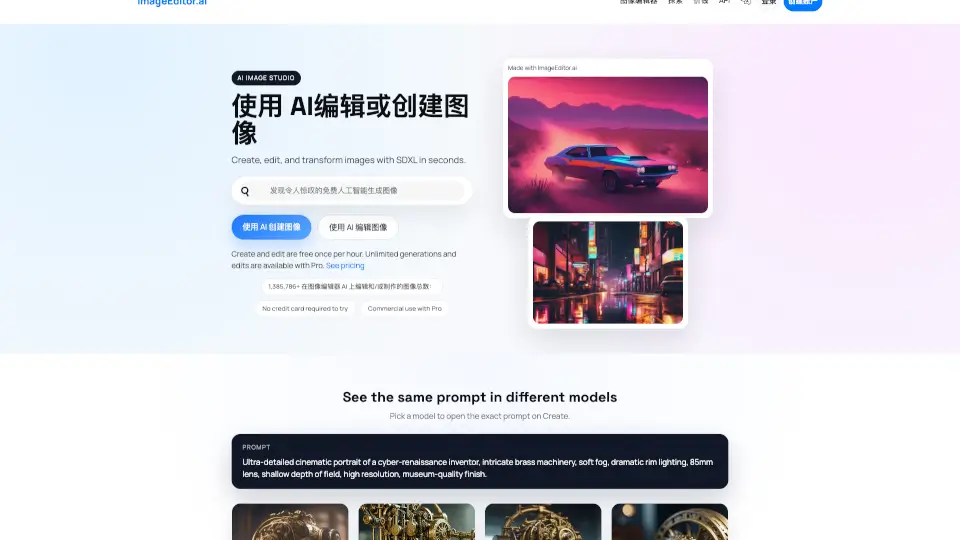
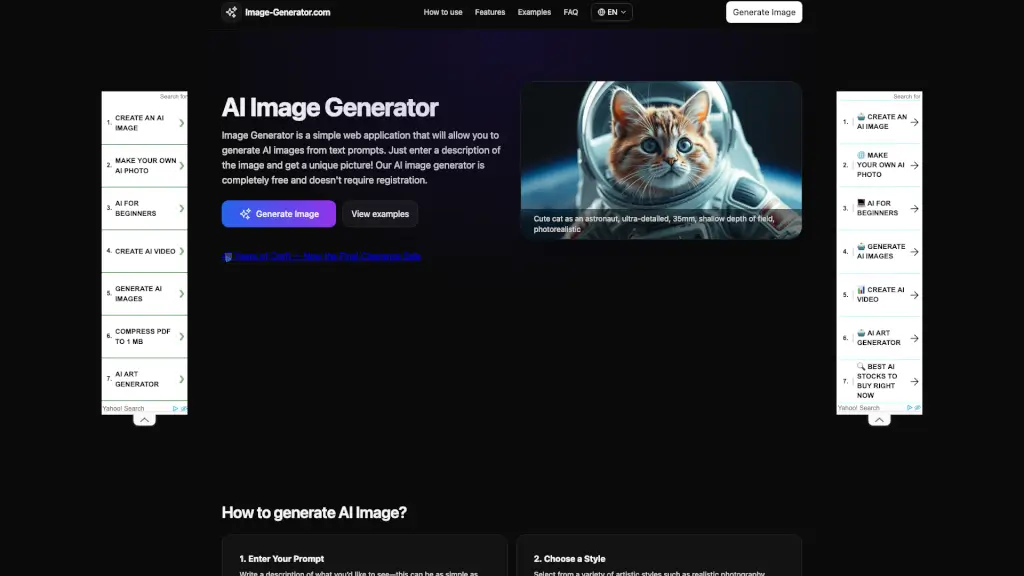
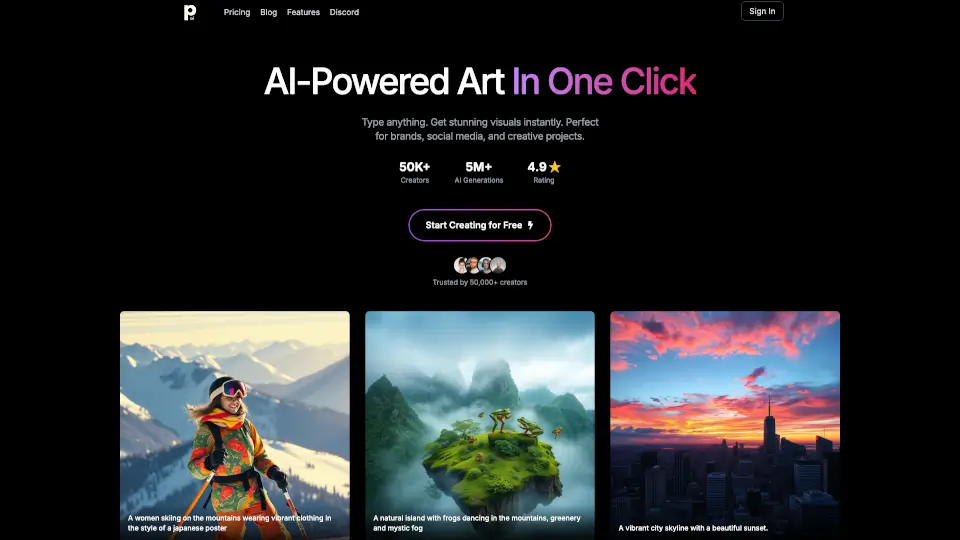
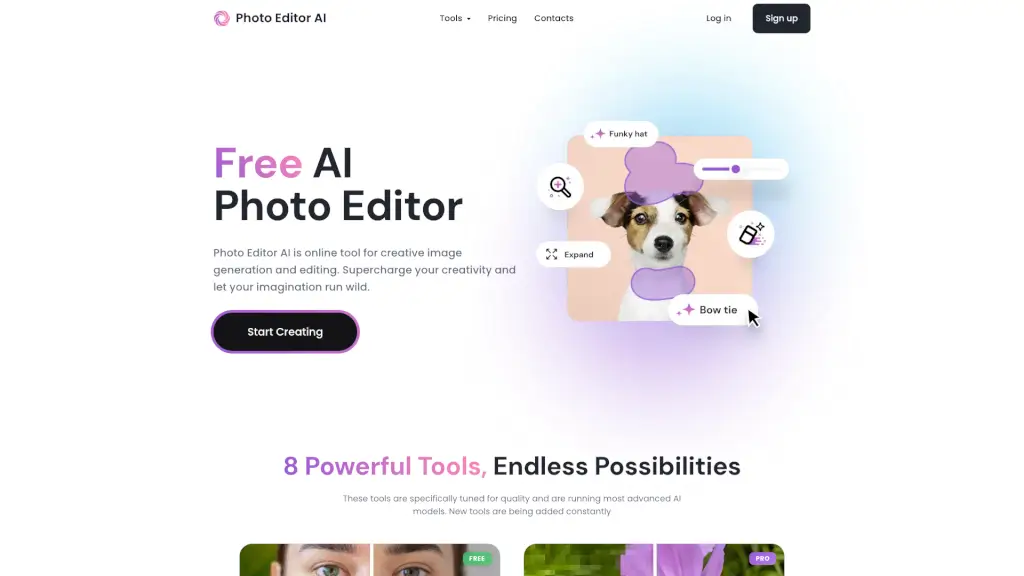
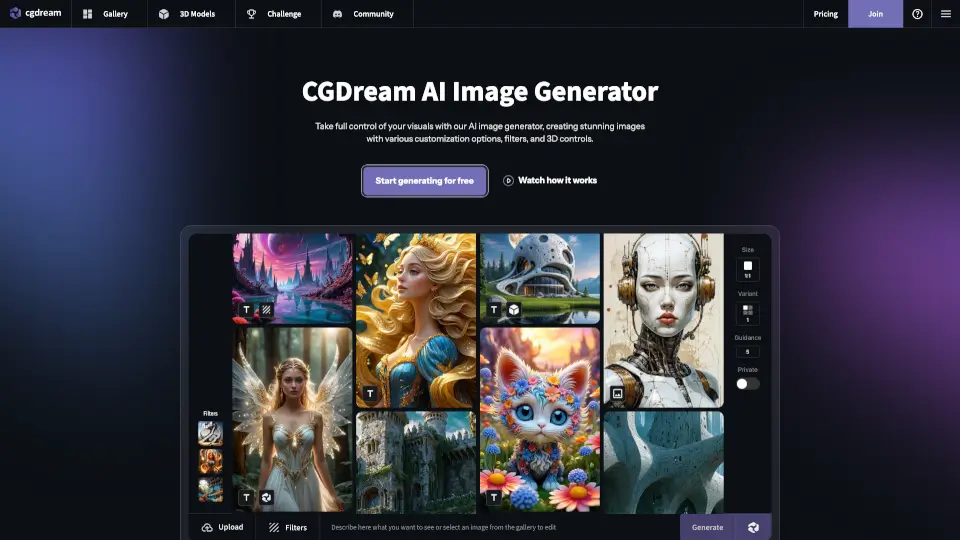
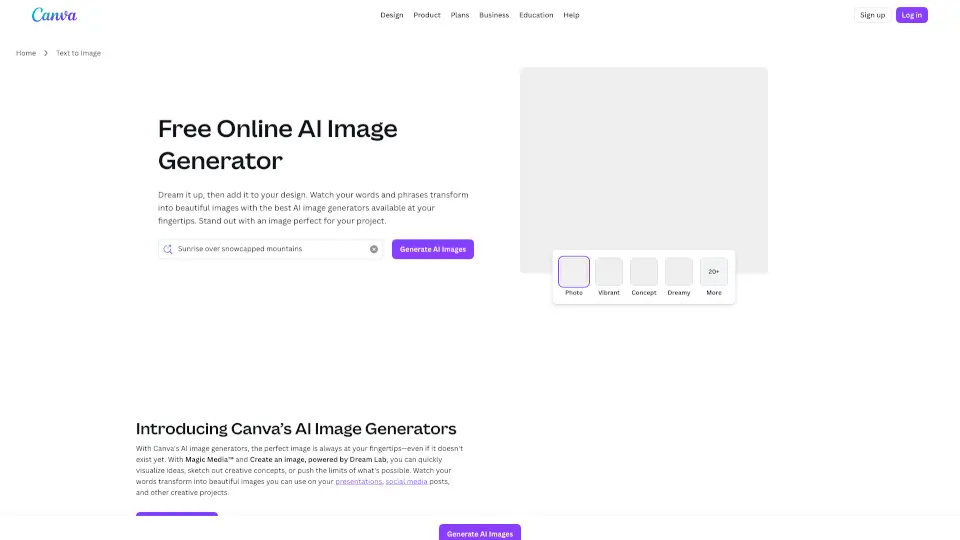
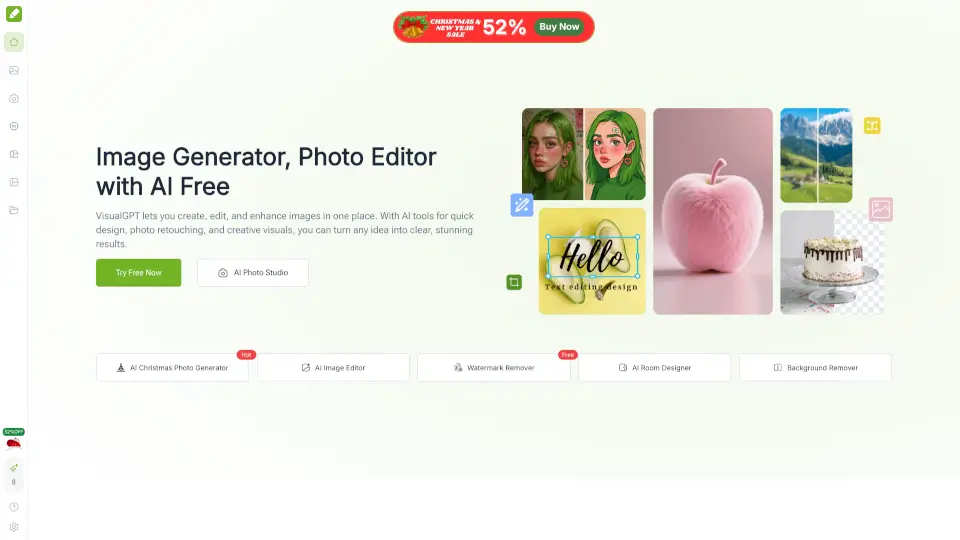
VisualGPT é uma plataforma online gratuita e completa para criar, editar e transformar imagens com inteligência artificial. Com ferramentas fáceis de usar, você pode gerar fotos, ilustrações e designs incríveis em segundos, direto do navegador, sem precisar instalar nada.
Quais são as características de VisualGPT?
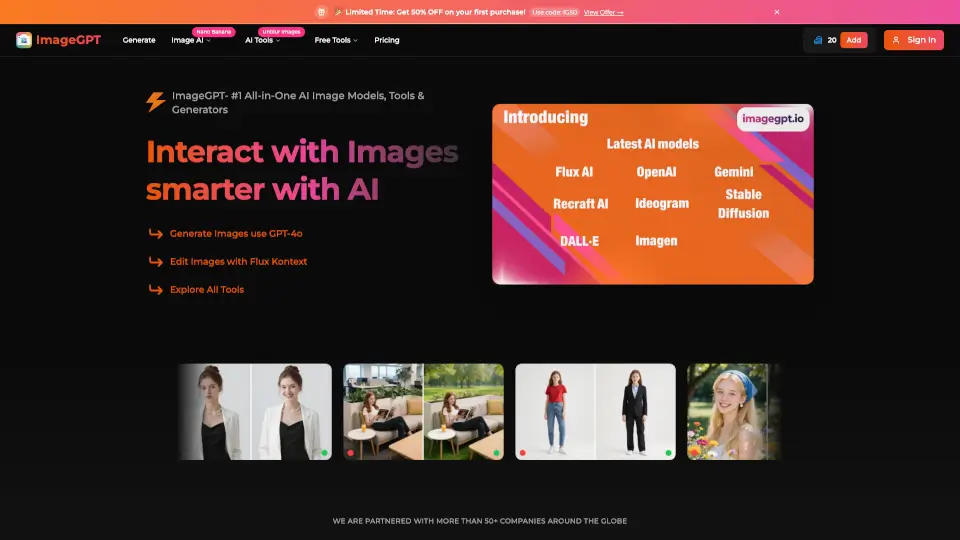
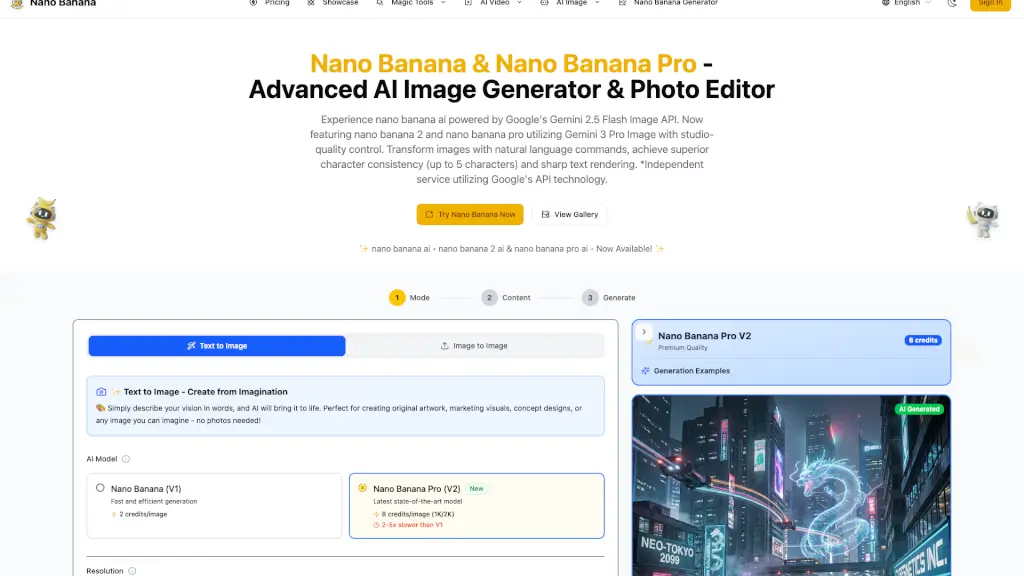
- Editor de Imagens com IA: Melhore fotos, aplique efeitos e ajuste detalhes com modelos avançados como Nano Banana e Flux Kontext Pro.
- Removedor de Fundo: Remova fundos de várias imagens de uma vez, mantendo até os detalhes mais finos, como cabelos.
- Design de Interiores com IA: Transforme ambientes vazios ou bagunçados em espaços decorados e estilosos em segundos.
- Visualização Criativa: Crie infográficos, cartões, diagramas e mapas mentais prontos para editar com um clique.
- Modelos de IA de Alta Qualidade: Use modelos como Nano Banana, Ideogram e Stable Diffusion para resultados nítidos e profissionais.
- Interface Simples: Basta enviar uma imagem ou descrever sua ideia em palavras simples, sem configurações complicadas.
Quais são os casos de uso de VisualGPT?
- Marketing e Redes Sociais: Crie posts, anúncios e materiais de marca rapidamente, mantendo a qualidade e consistência.
- Designers e Artistas: Teste estilos, refine imagens e produza arte única sem perder tempo com softwares complexos.
- E-commerce e Varejo: Gere imagens de produtos claras, remova fundos e crie banners promocionais que aumentam vendas.
- Consumidores e Hobbistas: Edite fotos, experimente estilos e crie projetos pessoais com facilidade.
- Educação e Pesquisa: Produza diagramas, infográficos e gráficos para apresentações e relatórios.
- Imobiliárias e Hotelaria: Melhore fotos de ambientes, teste estilos de decoração e crie materiais que atraem clientes.
Como usar VisualGPT?
- Acesse o site VisualGPT pelo navegador.
- Faça upload da sua imagem ou digite uma descrição do que deseja criar.
- Escolha a ferramenta desejada (editor, removedor de fundo, design de interiores, etc.).
- Aguarde alguns segundos para ver o resultado pronto para baixar ou compartilhar.
- Não é necessário cadastro para começar.