
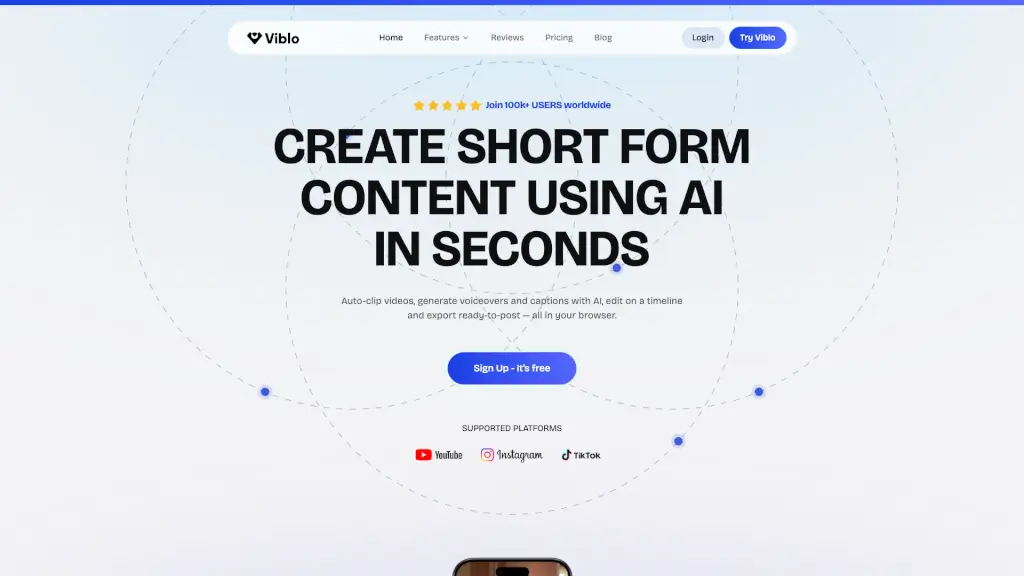
What is Viblo?
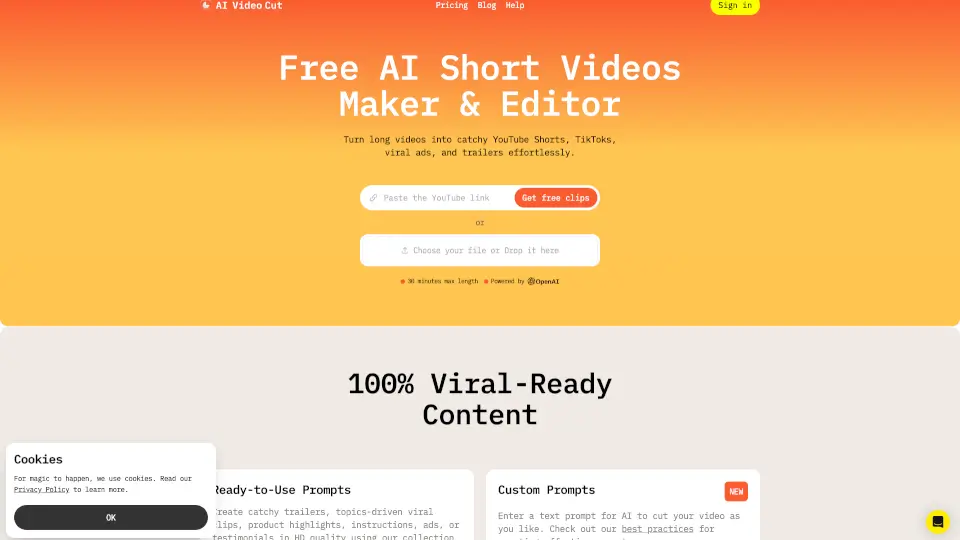
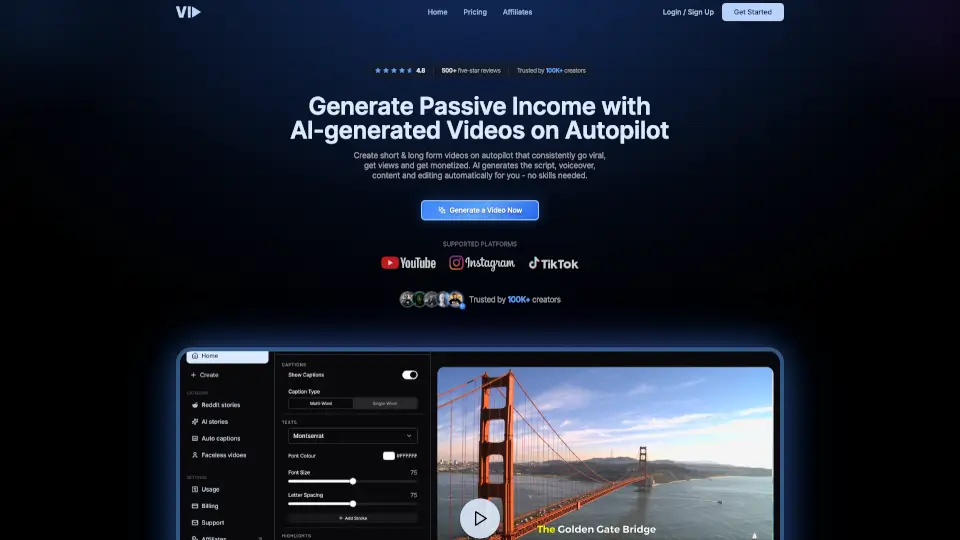
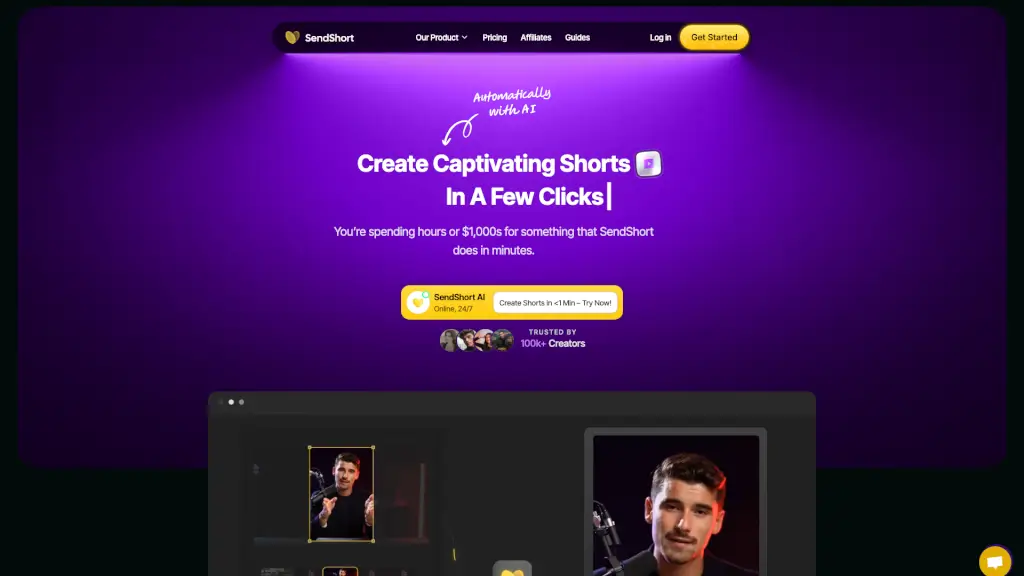
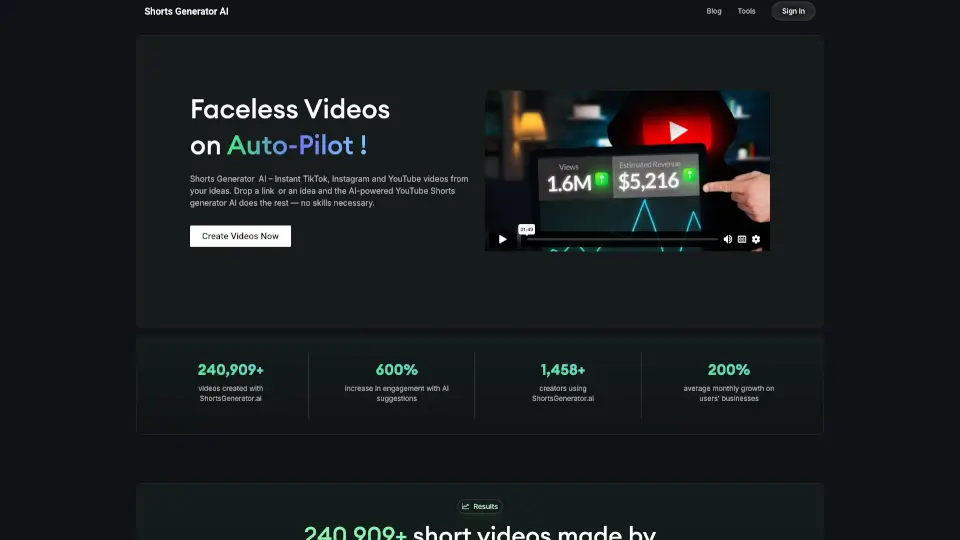
Viblo is an AI-powered video editor designed for creators, marketers, and teams who need to produce short-form content for platforms like YouTube Shorts, TikTok, and Instagram Reels. It automates key production steps: auto-clipping highlights, generating AI voiceovers and captions, and editing on a timeline — all in the browser. The tool helps users go from an idea or raw footage to a finished, export-ready video in minutes, without requiring prior video editing experience. It’s built for solo creators, small brands, and agency teams who want to publish more consistently without spending hours on manual editing.
What are the features of Viblo?
- Auto ClippingViblo scans uploaded footage and automatically detects the most engaging moments, surfacing clips that can be used as standalone short videos. This replaces manual scrubbing and trimming.
- AI Voiceover & NarrationGenerate natural-sounding voiceovers from text using a library of 35+ AI voices (powered by ElevenLabs). No microphone or recording equipment needed.
- Auto Captions & SubtitlesThe AI transcribes video audio and generates synchronized captions. This speeds up the subtitle workflow and improves accessibility and viewer retention.
- AI Shorts CreatorInput a script or idea, and Viblo assembles a complete short-form video with visuals, pacing, and voiceover automatically. Supports story-based, commentary, and gameplay formats.
- Split Screen LayoutsCombine multiple video clips into a single frame (e.g., a face cam plus screen recording) to boost retention. Useful for reaction videos, tutorials, and comparison content.
- Project Editor with TimelineAfter AI generation, users can trim, reorder, and refine clips with timeline-level precision. This gives manual control for final polish.
- AI Image GeneratorCreate thumbnails, cover images, or assets directly within the editor using text prompts, without needing external design tools.
- Multi-Platform ExportExports are optimized for YouTube Shorts, TikTok, Instagram Reels, and Facebook. Users can publish directly without re-formatting.
What are the use cases of Viblo?
- Solo content creatorwho wants to turn a 10-minute podcast into 4 short clips with auto-highlights, captions, and voiceover — all in under 90 minutes.
- Small business ownerwith no on-camera experience: uses Viblo to generate script-based explainer videos or product reviews using AI voiceover and stock-style visuals, without recording themselves.
- Social media managermanaging multiple brand accounts: uses the bulk video creation feature and brand kits to maintain consistent style across channels, producing 20+ shorts per week.
- YouTube Shorts creatorfocusing on story formats: uses Viblo’s story-based templates to quickly turn a written script into a narrated video with auto-captions and pacing.
- Agency teamproducing content for clients: uses the Business plan’s team access, commercial usage rights, and priority rendering to deliver short-form videos faster and scale production.
- Marketer or growth hackertesting video ideas: uses the AI script generator and video ranking feature to create and compare different narrative angles, then publish the best perform.
How to use Viblo?
- Start by signing up for a free account (no credit card required) on the Viblo website. The free tier allows you to test the core workflow.
- Upload your raw footage (or paste a script/idea) into the editor. Viblo supports direct upload from your computer.
- Select the AI features you want: auto-clipping, voiceover generation, or captioning. The AI will process the content and produce a first draft of the short video.
- Review the generated timeline. Use the project editor to trim clips, adjust timing, add split-screen layouts, or swap AI voices.
- Choose your target platform (YouTube Shorts, TikTok, Reels) and export the video. You can also download the file or publish directly.