
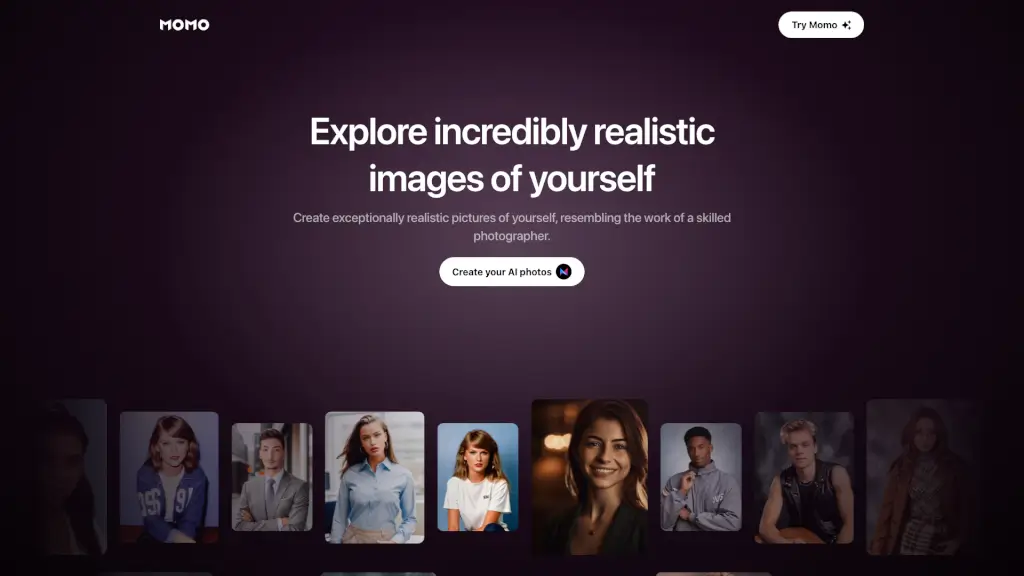
What is Momo AI?
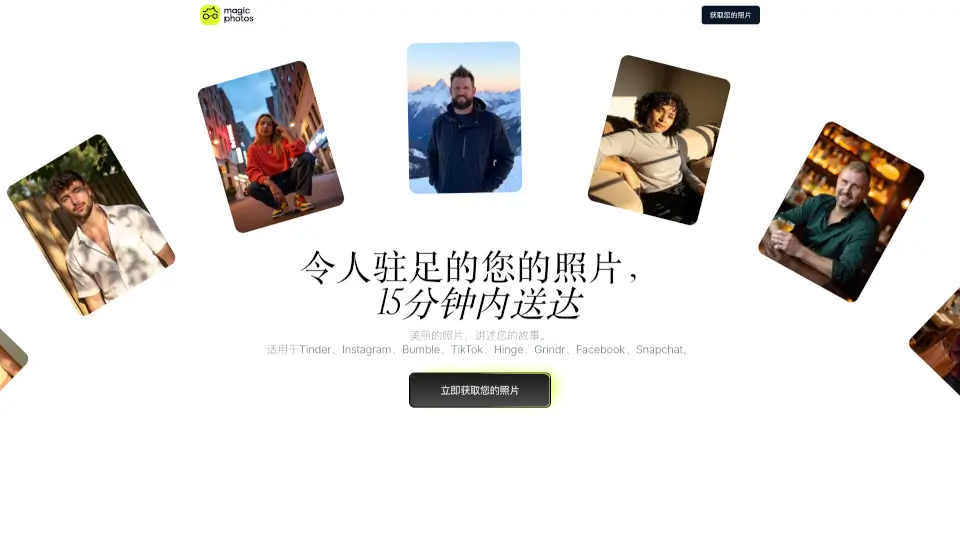
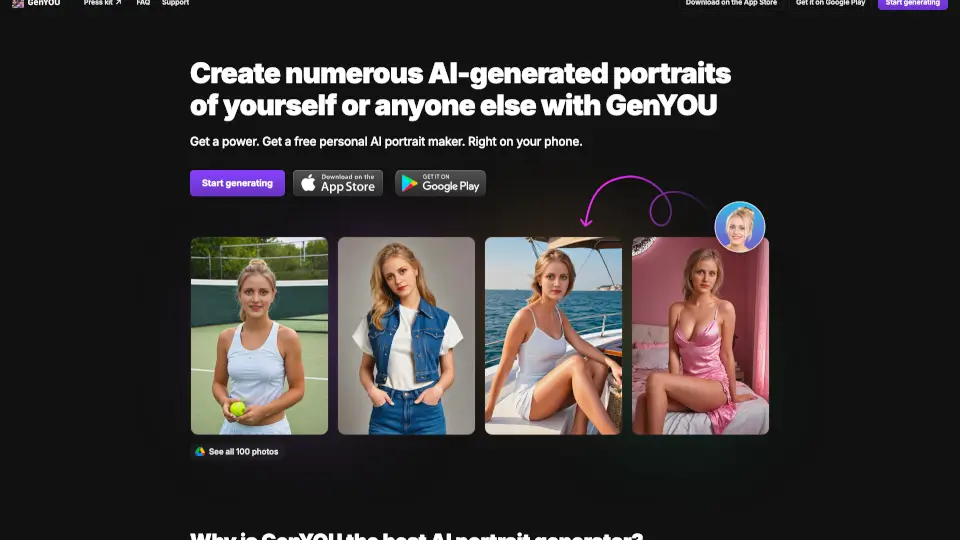
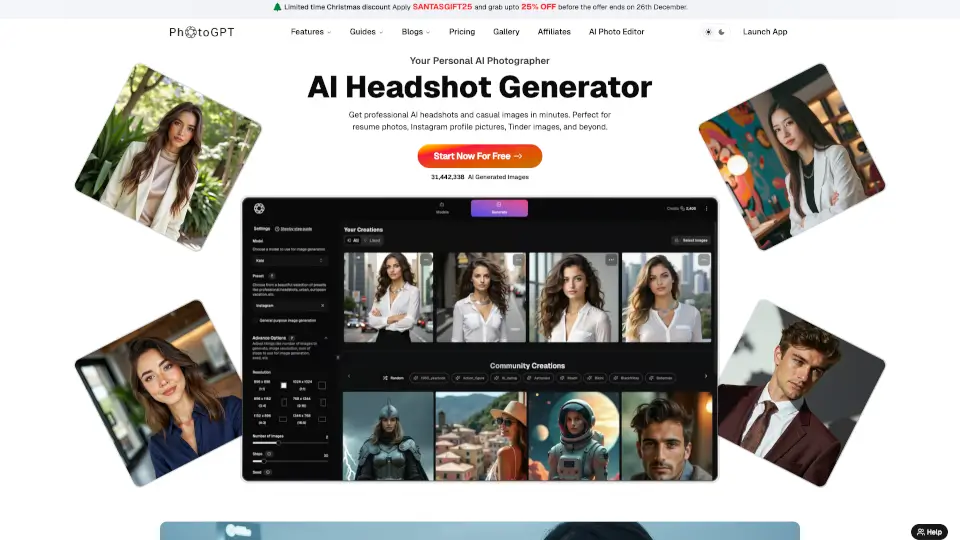
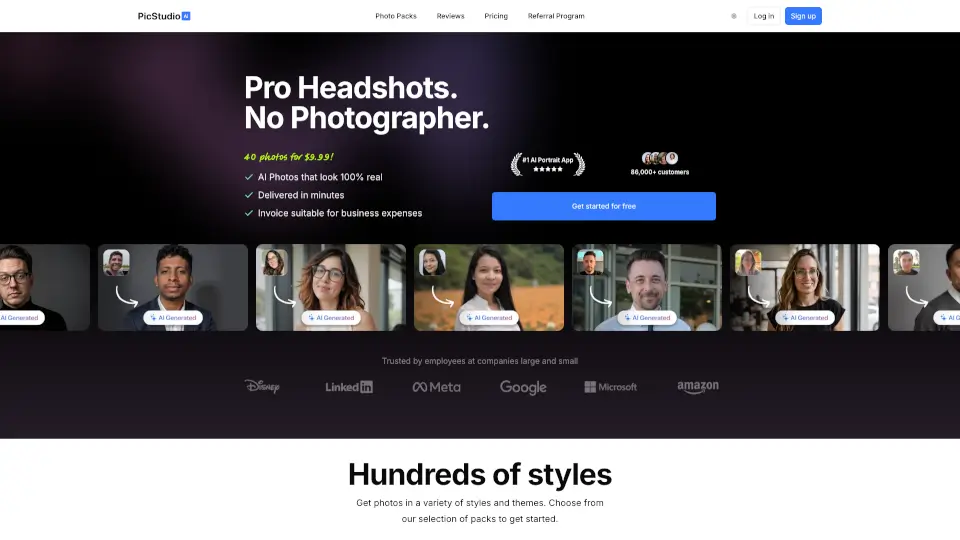
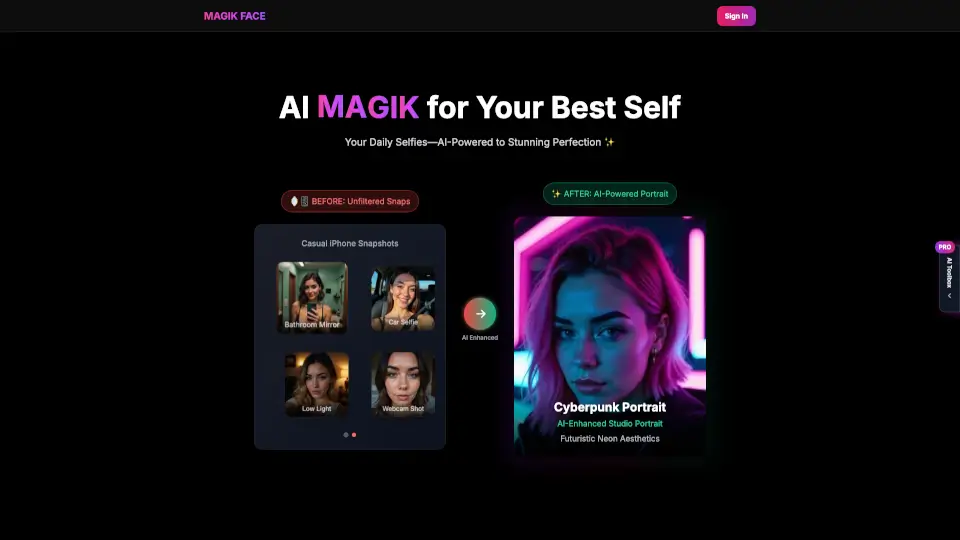
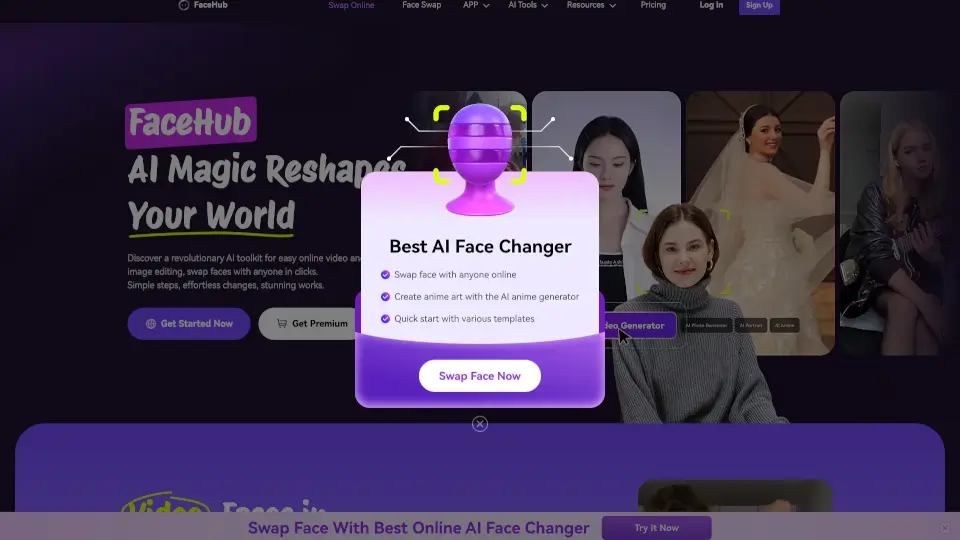
Momo - AI Photo Editor is a game-changing app that lets you create incredibly realistic and professional-looking photos of yourself in just minutes. Whether you need a new profile picture, a fresh CV photo, or even a fun mini-me version, Momo has got you covered. With its easy-to-use interface and advanced AI technology, you can generate countless stunning portraits that look like they were taken by a skilled photographer.
What are the features of Momo AI?
- AI-Generated Photos: Create exceptionally realistic pictures of yourself, resembling the work of a professional photographer.
- Quick Setup: Teach the AI using 8-12 of your actual photos, and start generating stunning portraits in minutes.
- Versatile Models: Choose from a wide range of model images to generate photos inspired by different styles and poses.
- Customization Options: Visualize your appearance with various hairstyles, makeup, and outfits without making real-life changes.
- Location Flexibility: Capture self-portraits in any location worldwide, from your favorite spots to dream destinations.
- Mobile App Accessibility: Available on both iOS and Android, allowing you to generate perfect AI photos anytime, anywhere.
What are the use cases of Momo AI?
- Professional Profile Pictures: Elevate your social media and professional profiles with flawlessly composed photos.
- CV and Resume Photos: Make a lasting impression on potential employers with a striking, professionally taken photo.
- Pregnancy Photos: Capture the glow of motherhood with heartfelt and beautiful pregnancy photos.
- Mini Me Photos: See a charming, baby version of yourself for a fun and nostalgic experience.
- Social Media Content: Boost your social media engagement with distinctive and captivating posts.
- Modeling Portfolio: Craft a diverse and refined modeling portfolio without the need for an expensive photoshoot.
How to use Momo AI?
- Select Your Photos: Choose 8-12 images to familiarize the AI with your appearance.
- Generate Your AI Image: Once the AI is trained, you can start creating an unlimited variety of photos.
- Choose a Model Image: Select a model image that matches the style and pose you want.
- Create Your Photos: Generate numerous captivating photos of yourself from various perspectives and positions.
- Download and Share: Download your favorite photos and share them on social media, your CV, or anywhere else.