
What is Microsoft Translator?
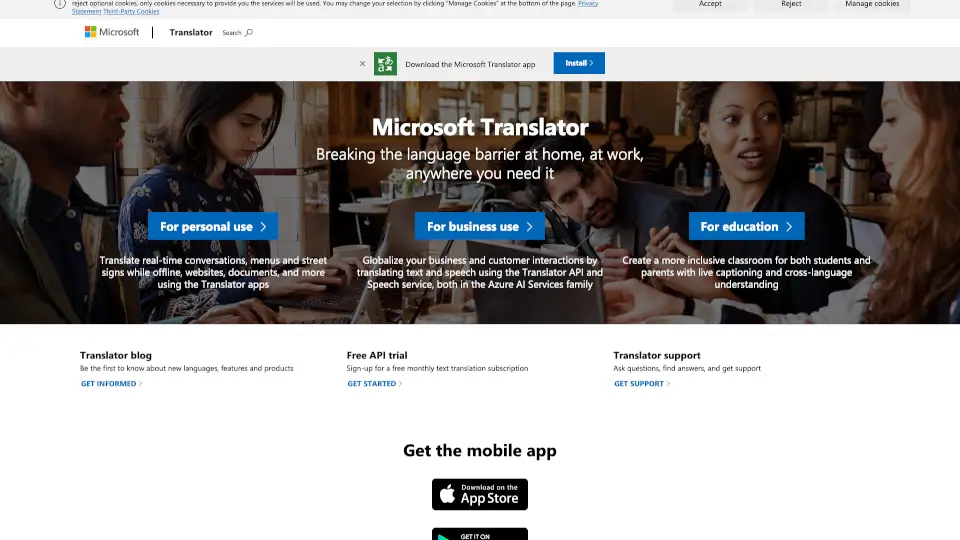
Microsoft Translator is your go-to tool for breaking language barriers, whether you're at home, at work, or anywhere else. It’s designed to make communication seamless across different languages, offering real-time translations for conversations, documents, and even street signs.
What are the features of Microsoft Translator?
- Real-time Translation: Instantly translate conversations, menus, and signs.
- Offline Mode: Use the app without an internet connection.
- Document Translation: Translate websites and documents with ease.
- Business Integration: Globalize your business with the Translator API and Speech service.
- Educational Tools: Create inclusive classrooms with live captioning and cross-language understanding.
What are the use cases of Microsoft Translator?
- Travel: Translate menus and street signs while exploring new places.
- Business: Communicate with international clients without language barriers.
- Education: Help students and parents understand each other better in multilingual classrooms.
How to use Microsoft Translator?
- Download the Microsoft Translator app from the Microsoft Store.
- Open the app and select the languages you want to translate between.
- Use the microphone for real-time conversation translation or upload documents for text translation.