What is Medal.tv?
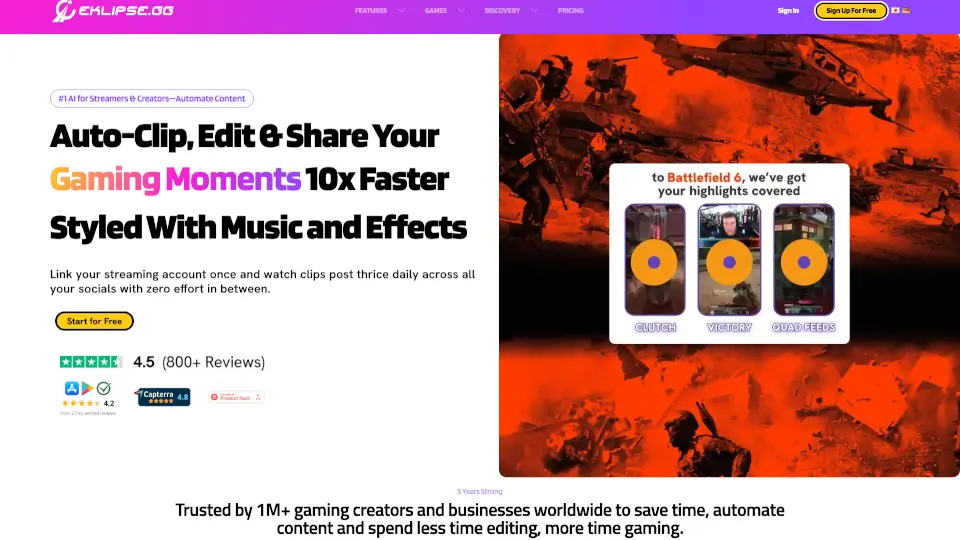
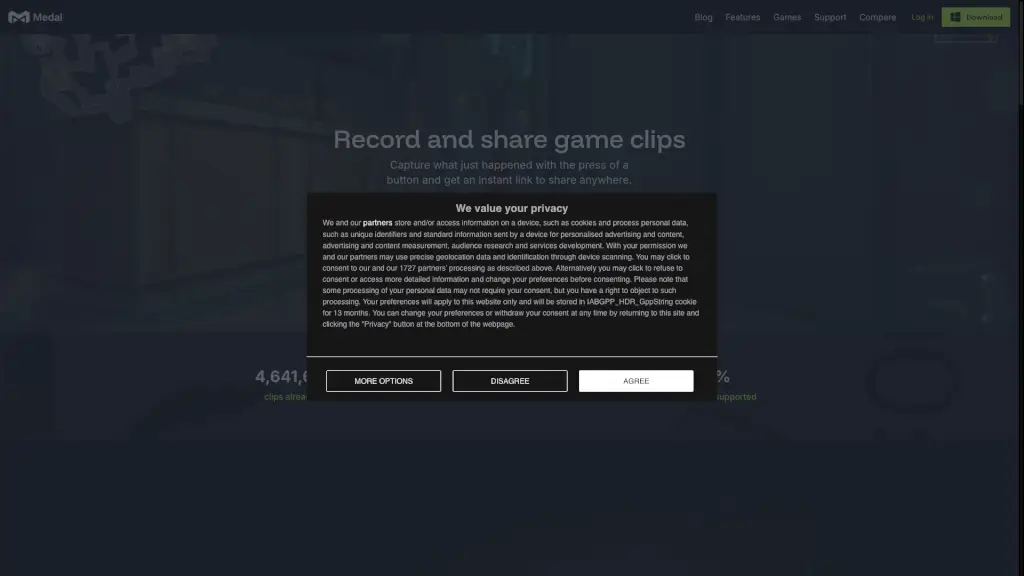
Tired of missing epic gaming moments? Medal is the free, easy-to-use app that lets you instantly record, edit, and share your best gameplay clips—no matter what PC game you're playing. With over 4.6 billion clips uploaded and 12 million+ users, it’s built for gamers who want to capture wins, fails, or just funny in-game sneezes without slowing down their system.
Medal runs quietly in the background, so you can focus on playing while it’s always ready to save your last 15 seconds—or your entire session—with a single hotkey press. Whether you’re grinding ranked matches or messing around with friends, Medal gives you an instant shareable link to post anywhere, from Discord to TikTok.
What are the features of Medal.tv?
- Instant Clip Capture: Press a button to save what just happened—no setup needed.
- Zero-Lag Performance: Uses only 100–400MB RAM and won’t drag down your FPS.
- Multi-Track Audio Control: Adjust or mute game audio, mic, and Discord separately.
- Custom Clip Lengths: Choose from 15 seconds, 60 seconds, 10 minutes, or full sessions.
- Auto Clipping for Top Games: Automatically detects highlights in Fortnite, Valorant, League of Legends, Apex Legends, and Counter-Strike.
- Mobile App Support: Watch, edit, and share clips on iOS or Android—even when you’re away from your PC.
- Cloud Storage & Instant Links: Every clip gets a shareable URL right after recording.
What are the use cases of Medal.tv?
- Capturing a clutch ace in Valorant and sharing it in your Discord server within seconds.
- Recording hilarious team voice chat moments during a late-night Apex Legends match.
- Building a montage of every time your friend rage-quits (with their permission, of course!).
- Saving tutorial clips for your YouTube channel directly from gameplay.
- Quickly clipping a rare in-game bug to report to developers or show off online.
- Creating highlight reels for esports tryouts or content creation portfolios.
How to use Medal.tv?
- Download and install Medal for Windows (or grab the iOS/Android app for mobile).
- Launch Medal before starting your game—it runs silently in the background.
- Press your custom hotkey (default: Alt + Z) to save the last few seconds of gameplay.
- Open the Medal desktop app or mobile app to trim, add tags, or adjust audio tracks.
- Click “Share” to get an instant link you can paste anywhere—Discord, Twitter, Reddit, etc.
- Enable Auto Clipping for supported games to automatically save kills, wins, and other key events.