
What is MasterGo?
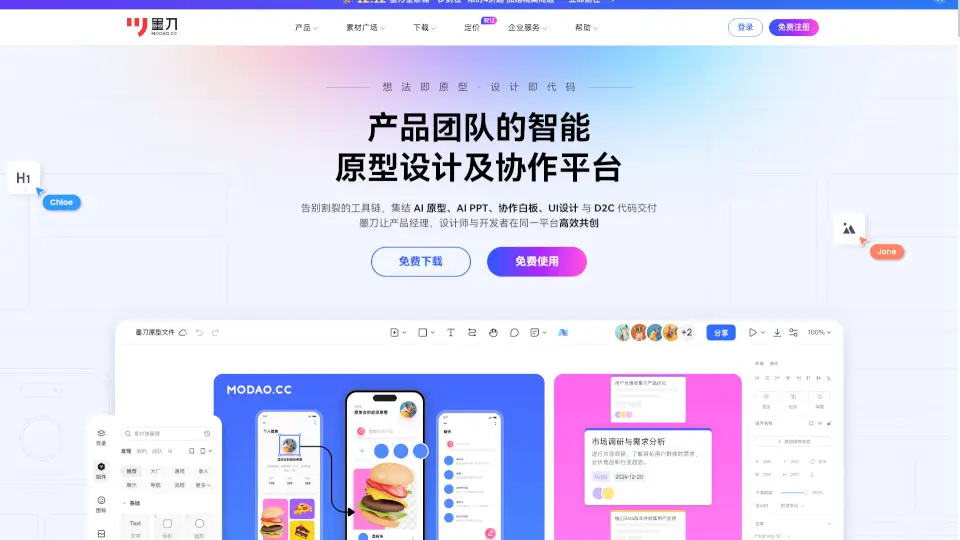
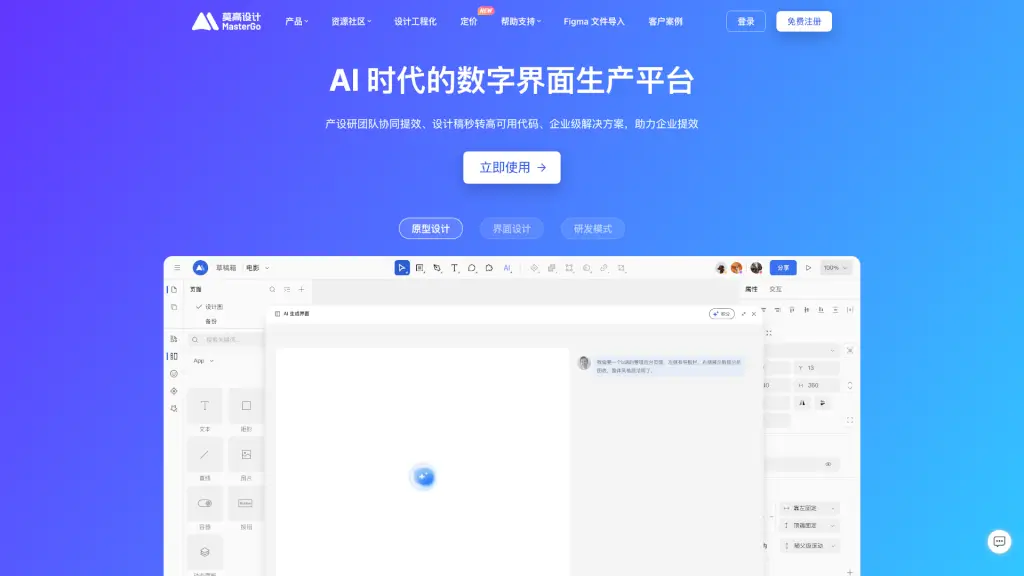
MasterGo, also known as MoGao Design, is a powerful online design platform that's perfect for the AI era. It's designed to help product designers, interaction designers, engineers, and product managers work together more efficiently. With MasterGo, you can create, collaborate, and deliver designs all in one place. Whether you're working on a new app, a website, or any other digital project, MasterGo offers a seamless and intuitive experience, making it a go-to tool for teams of all sizes.
What are the features of MasterGo?
- Real-Time Collaboration: Work together with your team in real-time, no matter where you are.
- Design System: Easily build and manage a consistent design system with reusable components and styles.
- Prototype Creation: Create interactive prototypes that can be shared and tested, from low-fidelity to high-fidelity.
- Automatic Layouts: Automatically adjust elements based on content, saving you time and effort.
- Figma File Import: Seamlessly import Figma files into MasterGo, ensuring a smooth transition.
- Resource Community: Access a vast library of templates, plugins, and resources to speed up your design process.
What are the use cases of MasterGo?
- Product Design Teams: Collaborate on design projects, from initial sketches to final prototypes.
- UI/UX Designers: Create and test user interfaces and experiences with ease.
- Engineering Teams: Integrate design and development workflows, ensuring consistency and reducing errors.
- Project Managers: Track progress, provide feedback, and manage design assets in one place.
- Remote Teams: Stay connected and productive, even when working from different locations.
How to use MasterGo?
- Start a New Project: Click on "New Project" and choose a template or start from scratch.
- Invite Team Members: Share the project link with your team to collaborate in real-time.
- Create and Edit Designs: Use the intuitive tools to draw, layout, and style your designs.
- Build Prototypes: Add interactions and animations to create interactive prototypes.
- Review and Comment: Leave comments and feedback directly on the design for quick iterations.
- Export and Share: Export your designs in various formats and share them with stakeholders.