What is 墨刀AI?
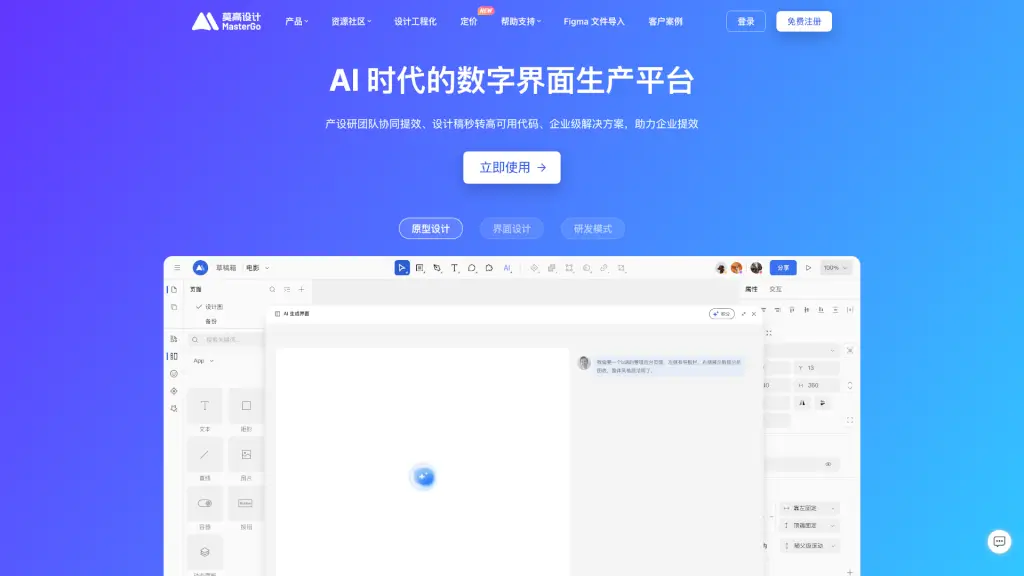
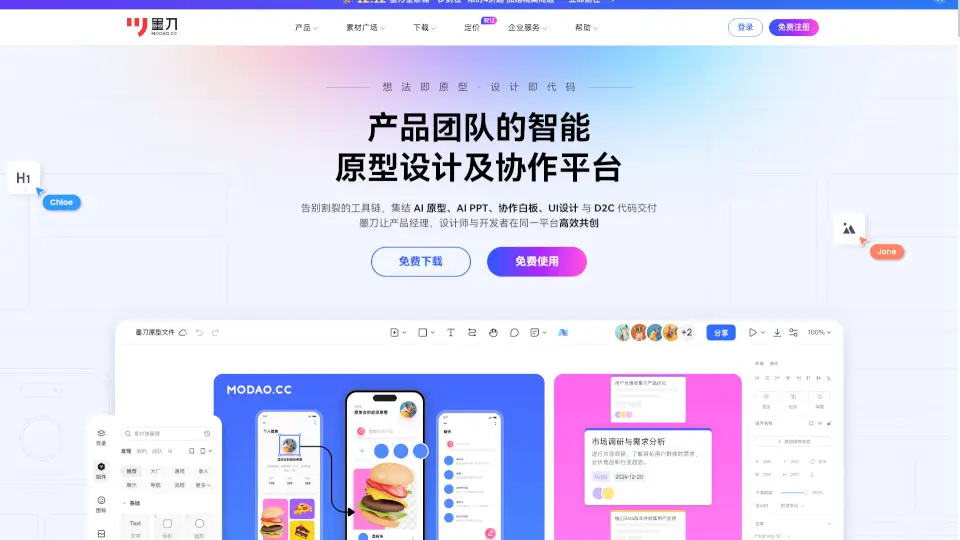
Meet MoDao, your all-in-one platform for product teams to design, collaborate, and bring ideas to life. Whether you're a product manager, designer, or developer, MoDao streamlines your workflow with features like AI-powered prototyping, collaborative whiteboards, and seamless UI/UX design. Say goodbye to juggling multiple tools and hello to a more efficient, integrated way of working.
What are the features of 墨刀AI?
- AI Prototyping: Quickly generate high-fidelity prototypes with just a few words, making it easy to visualize and test your ideas.
- Collaborative Whiteboard: An infinite canvas where you can brainstorm, sketch, and map out your project's journey, all in real-time with your team.
- UI/UX Design: Create professional designs with powerful tools like auto-layout and vector grids, and even convert them directly into code.
- AI-Powered PPTs: Generate polished presentations with AI, perfect for product pitches, business plans, and more.
- D2C Code Delivery: Directly export your designs into code, reducing the time between design and development.
- Multi-Platform Support: Design for apps, websites, management dashboards, and more, all within one platform.
What are the use cases of 墨刀AI?
- Product Planning and Design: From initial concept to final design, MoDao helps you plan, prototype, and refine your product.
- Team Collaboration: Work together on projects, share feedback, and iterate quickly with real-time collaboration features.
- Client Presentations: Create and present high-quality prototypes and presentations to stakeholders and clients.
- Design Handoff: Easily hand off designs to developers with auto-generated code and detailed specifications.
- Educational Projects: Ideal for students and educators to create interactive prototypes and visual aids for learning.
How to use 墨刀AI?
- Start with a Whiteboard: Begin by mapping out your ideas and user journeys on the collaborative whiteboard.
- Create Your Prototype: Use the drag-and-drop interface to build your prototype, leveraging pre-built components and templates.
- Add Interactivity: Make your prototype more realistic by adding interactions and animations.
- Test and Iterate: Share your prototype with team members and stakeholders for feedback, and make changes as needed.
- Export and Deliver: Once finalized, export your design as code or a presentation, ready for development or client review.