Qu'est-ce que Penpot ?
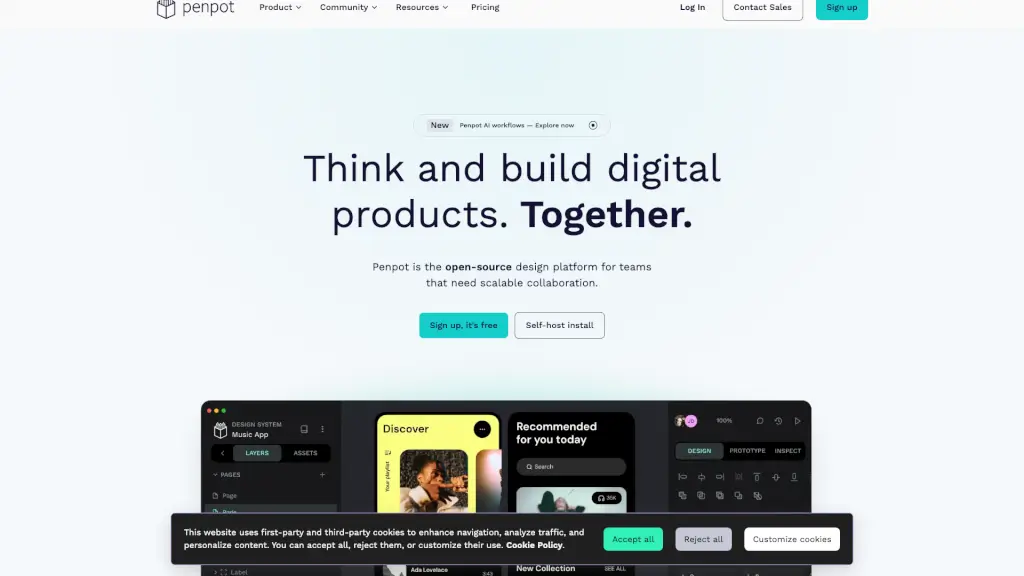
Penpot est une plateforme de design open-source conçue pour les équipes qui créent des produits numériques à grande échelle. Son objectif principal est de permettre une collaboration fluide entre designers, développeurs et même agents IA, le tout dans un environnement gratuit et respectueux des standards du web. Que vous travailliez sur des interfaces utilisateur, des systèmes de design ou des flux intégrant l'intelligence artificielle, Penpot offre une solution complète sans frais de licence.
Quelles sont les caractéristiques de Penpot ?
- UI Design : Créez des interfaces réactives avec wireframes, prototypes interactifs et la prise en charge native de CSS Grid et Flexbox.
- Design Systems : Gérez des composants réutilisables, des design tokens et des bibliothèques partagées pour une cohérence visuelle à grande échelle.
- AI Workflows : Intégrez n'importe quel agent, LLM ou outil IA directement dans Penpot pour automatiser les transitions code-vers-design, design-vers-code et design-vers-design.
- Code : Inspectez et exportez du code (CSS, HTML, SVG, JSON) qui correspond exactement à votre maquette, avec un format de fichier ouvert.
- Serveur MCP : Utilisez le protocole Model Context Protocol pour connecter vos applications et assistants IA à Penpot.
- Collaboration en temps réel : Travaillez simultanément avec votre équipe sur le même fichier, avec commentaires et historique des versions.
Quels sont les cas d'utilisation de Penpot ?
- Wireframing : Esquissez rapidement les grandes lignes d'une application ou d'un site web avant de passer au design détaillé.
- Prototypage interactif : Testez les parcours utilisateurs avec des transitions et des animations sans écrire une ligne de code.
- UX design : Concevez des expériences centrées sur l'utilisateur en utilisant les grilles CSS et les composants responsifs.
- Collaboration UI : Réunissez designers et développeurs autour d'un même fichier open-source pour réduire les allers-retours.
- Intégration IA : Automatisez la génération de composants ou la traduction de designs en code à l'aide de vos agents IA préférés.
- Mise en place d'un Design System : Créez une bibliothèque de composants et de tokens que toute l'équipe peut utiliser et mettre à jour.
Comment utiliser Penpot ?
- Inscrivez-vous gratuitement : Rendez-vous sur le site Penpot et créez un compte pour commencer à utiliser la version cloud.
- Auto-hébergement : Pour un contrôle total, installez Penpot sur vos propres serveurs via l'option Self-Host install.
- Explorez les workflows IA : Dans l'éditeur, activez les intégrations IA et connectez votre LLM ou outil préféré via le serveur MCP.
- Utilisez les systèmes de design : Importez des bibliothèques existantes ou créez vos propres composants et tokens pour standardiser votre production.
- Collaborez en équipe : Invitez vos collègues, partagez des fichiers et commentez en temps réel directement depuis l'interface.