
What is Malloy?
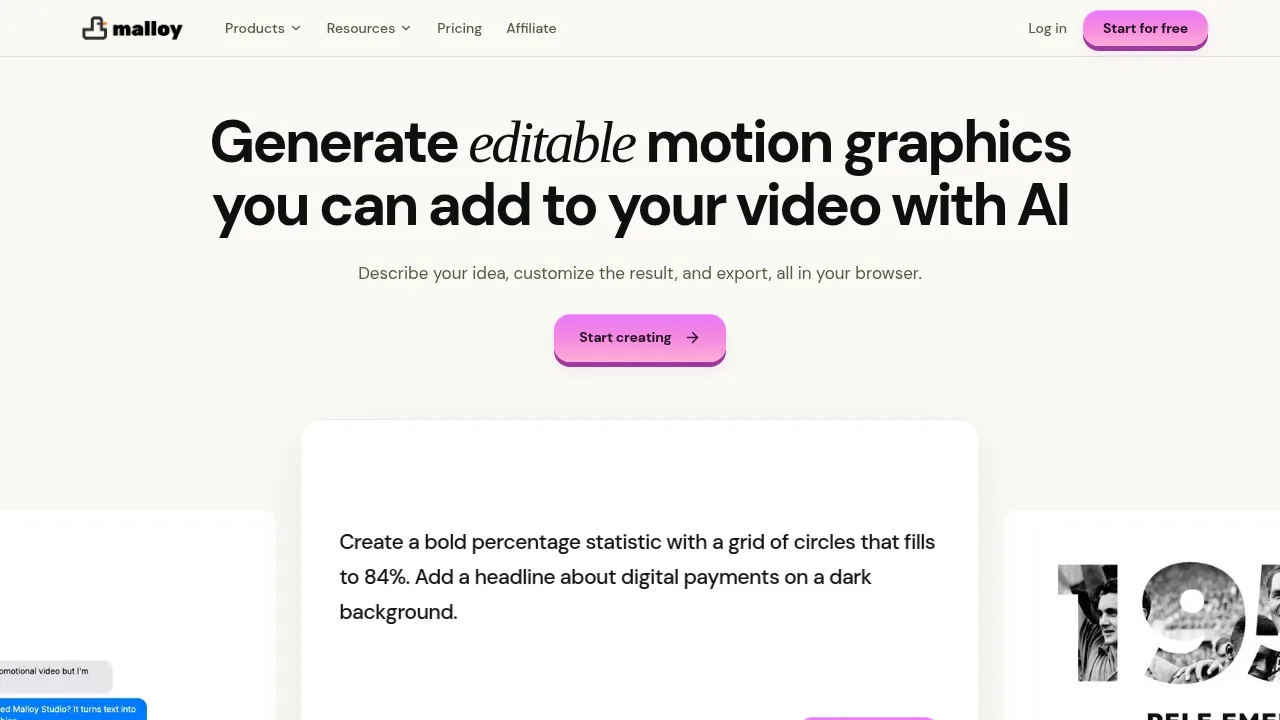
Malloy is a browser-based AI motion graphics generator that creates editable overlays for video projects. Users describe an idea or select from over 2,000 templates to produce titles, statistics, and callouts. The platform supports direct generation within Claude or ChatGPT via MCP access on paid plans, while new users can start with five free template exports without a credit card.
What are the features of Malloy?
- Text-to-motion generationDescribe a graphic in natural language to generate motion overlays such as animated graphs, lower thirds, progress bars, and decision matrices.
- Built-in control panelsAdjust text, values, colors, layout, and timing after generation without rebuilding the animation from scratch.
- Transparent video exportDownload results as WebM or MOV files with alpha channels for layering over footage in external video editors.
- Template libraryStart from over 2,000 templates and remix them to create custom motion graphics.
- Chat-based generation (Malloy MCP)Create and edit motion graphics directly within conversations in Claude or ChatGPT on supported plans.
- Multi-format outputGenerate graphics for 16:9 or 9:16 aspect ratios with exports up to 4K resolution.
What are the use cases of Malloy?
- Video overlay productionExport transparent motion graphics to layer above footage in Premiere Pro, DaVinci Resolve, Final Cut Pro, or CapCut without installing plugins.
- Short-form content creationGenerate 9:16 graphics designed to fit vertical frames and respect safe zones for platforms like TikTok and Reels.
- Branded asset consistencyApply saved brand guidelines, custom fonts, and icon libraries to generated graphics on the Malloy Advanced and Malloy Production plans.
How to use Malloy?
- Describe or selectEnter a text prompt describing the desired motion graphic or pick a template from the library in the web interface.
- GenerateSubmit the prompt to produce the initial motion graphic.
- CustomizeUse the built-in control panels to adjust text, colors, data values, layout, or timing.
- ExportDownload the finalized graphic as a WebM or MOV file with a transparent background.
- Layer in editorImport the exported file into a video editor and place it on a track above existing footage.
Malloy Pricing Information:
- Free guest access5 free template exports; no credit card required.
- Malloy Studio$29 per month, or $19 per month billed annually ($228 total); includes a 3-month free trial. Limits: 100 AI motion credits per month, 100 video exports per month, 1,000-character input prompt limit, 1 concurrent generation, 100 MB asset library storage, and 7 days session history.
- Malloy Advanced$49 per month, or $36 per month billed annually ($432 total); includes a 3-month free trial. Limits: Malloy MCP access, 300 AI motion credits per month, 300 video exports per month, 5,000-character input prompt limit, 3 concurrent generations, 1 GB asset library storage, 30 days session history, 2 brand guidelines, custom fonts, brand icon library, priority support, priority render queue, and exports up to 4K.
- Malloy Production$149 per month, or $111 per month billed annually ($1,332 total); includes a 3-month free trial. Limits: Malloy MCP access, priority access to AI agent betas, 1,000 AI motion credits per month, 1,000 video exports per month, 10,000-character input prompt limit, 8 concurrent generations, 10 GB asset library storage, unlimited session history, 5 brand guidelines, custom fonts, brand icon library, priority support, priority render queue, exports up to 4K, and stealth mode generation.