
What is FrameNet?
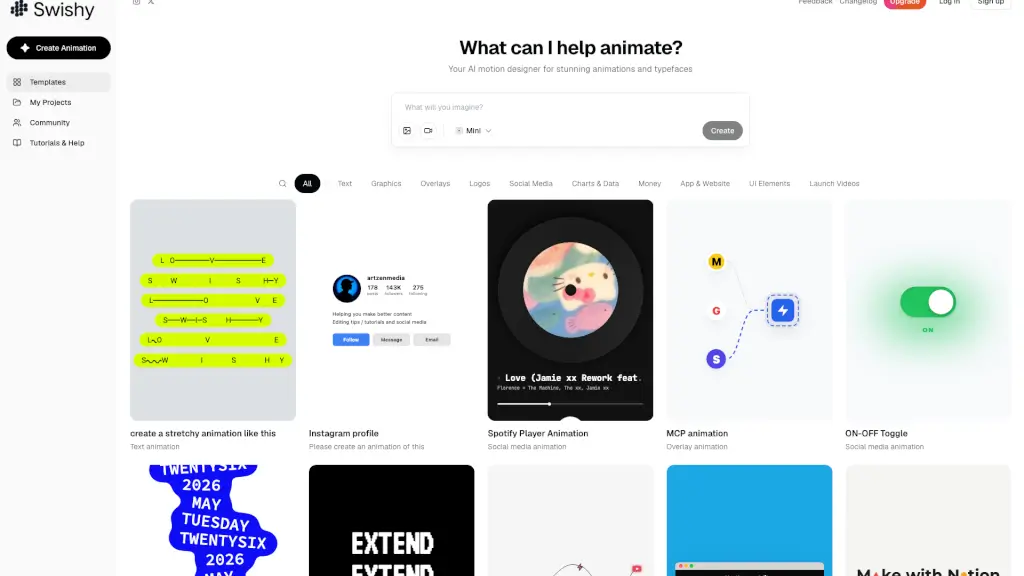
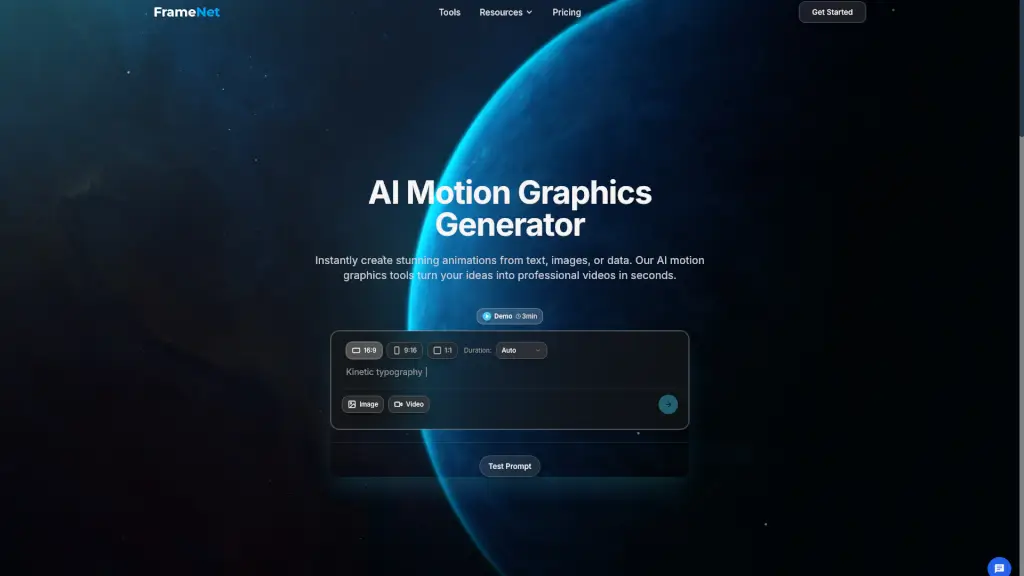
Meet FrameNet, your go-to AI Motion Graphics Designer and Generator. Whether you're a designer, marketer, or content creator, FrameNet makes it incredibly easy to create stunning animated motion graphics instantly. With just a few clicks, you can transform your ideas into professional-quality videos that are perfect for social media, presentations, or any other platform. Say goodbye to hours of manual work and hello to the future of motion design.
What are the features of FrameNet?
- AI-Powered Animation: Instantly create animations from text, images, or data.
- Customization Options: Choose from various animation styles, apply your brand colors, and select from a library of templates.
- High-Definition Export: Generate and export your final animation in high definition as an MP4 file.
- User-Friendly Interface: An intuitive process that turns your ideas into production-quality animations effortlessly.
- Versatile Formats: Create videos in different aspect ratios like 16:9, 9:16, and 1:1 to fit any platform.
- Data Visualization: Turn complex data into engaging animated charts and visualizations.
What are the use cases of FrameNet?
- Business Presentations: Create dynamic and engaging presentations with animated charts and data visualizations.
- Social Media Content: Produce eye-catching kinetic typography and animated posts for platforms like Instagram and TikTok.
- Marketing Campaigns: Develop visually appealing promotional videos to boost your marketing efforts.
- Educational Materials: Make learning more engaging with animated infographics and educational videos.
- Product Demos: Showcase your products with high-quality, professional-looking animations.
- Event Promotions: Generate exciting event promotions with animated countdowns and teaser videos.
How to use FrameNet?
- Describe Your Vision: Start with a simple text prompt describing the animation you want, such as "An animated bar chart showing revenue growth."
- Upload Images or Videos: Optionally, upload an image or video to get started.
- Customize Your Design: Refine the initial design by choosing different animation styles, applying your brand colors, and selecting from a variety of templates.
- Preview and Adjust: Preview your animation and make any necessary adjustments until you're satisfied.
- Generate and Export: Once you're happy with the preview, generate your video in high definition and export it as an MP4 file.