
What is Lumenor AI?
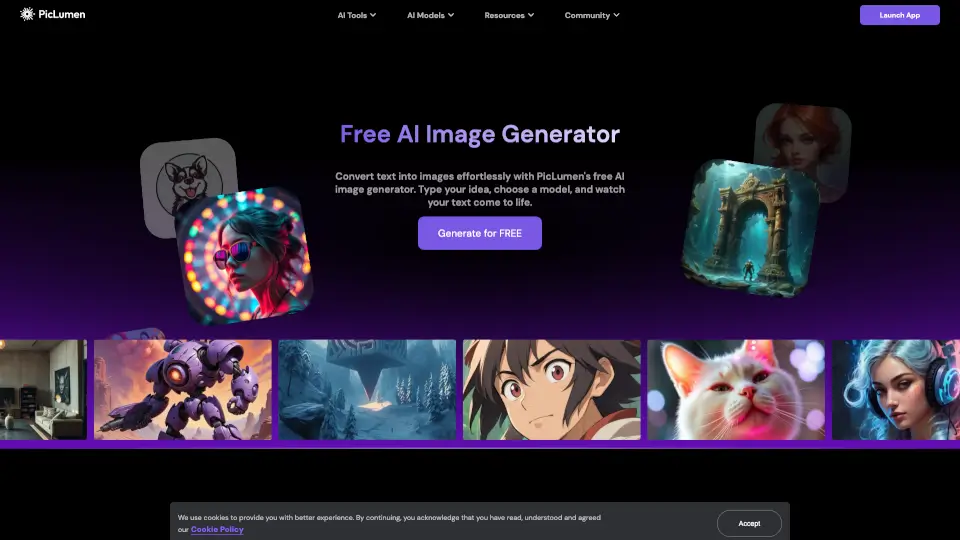
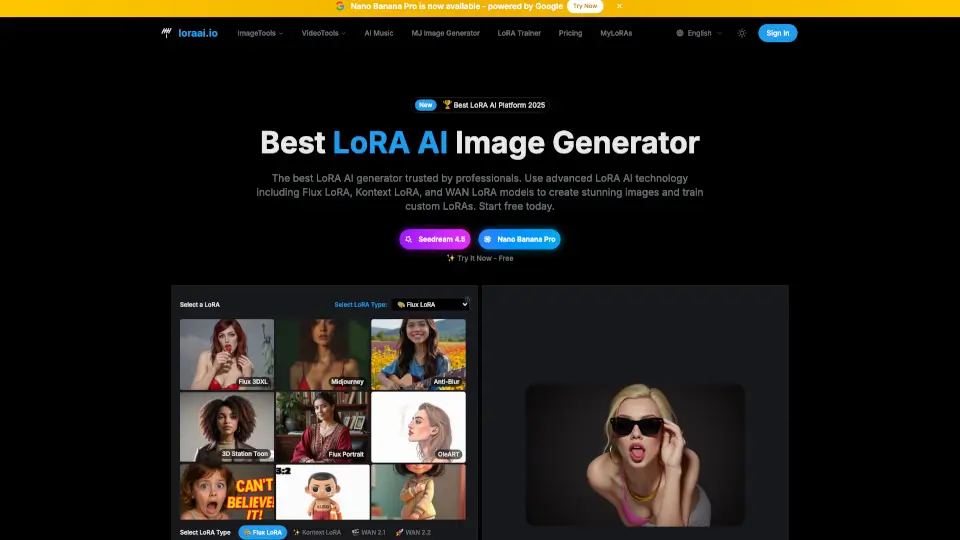
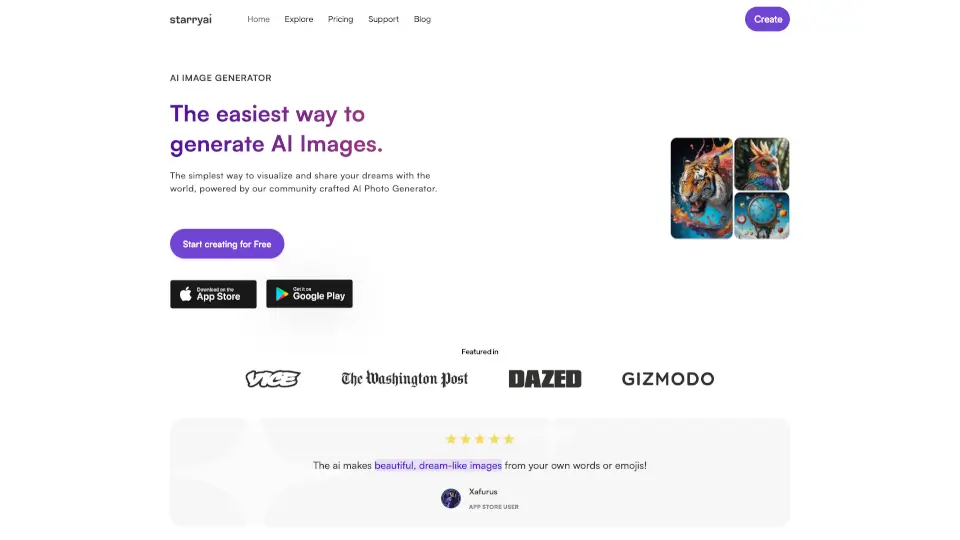
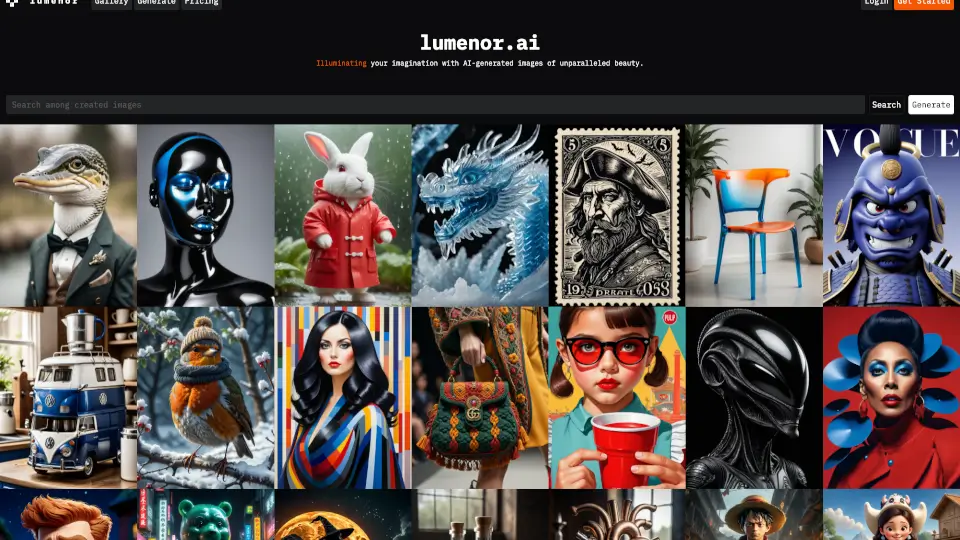
Lumenor AI is a cutting-edge tool that brings your creative visions to life with the power of artificial intelligence. Whether you're an artist, designer, or just someone with a spark of imagination, Lumenor AI can help you transform your ideas into stunning digital art. With its advanced algorithms and user-friendly interface, you can generate unique and visually striking images in no time. Say goodbye to creative blocks and hello to endless possibilities!
What are the features of Lumenor AI?
- AI-Powered Image Generation: Create beautiful and unique images with the help of advanced machine learning and deep learning.
- Unlimited Parallel Generation: Generate multiple images simultaneously without any limits, saving you time and effort.
- Upscaling: Enhance the resolution and quality of your images, making them perfect for high-resolution displays.
- Customizable Styles: Choose from a variety of artistic styles and adjust parameters to get the exact look you want.
- Commercial Use: Use the generated images for personal, commercial, or professional projects, ensuring your work stands out.
- User-Friendly Interface: Easily navigate and use the platform, even if you have no prior experience with AI tools.
What are the use cases of Lumenor AI?
- Digital Art Creation: Artists can use Lumenor AI to create unique and eye-catching pieces for their portfolios.
- Graphic Design: Designers can generate custom images for websites, social media, and marketing materials.
- Game Development: Game developers can create concept art, backgrounds, and character designs quickly and efficiently.
- Social Media Content: Generate engaging and visually appealing content for your social media platforms.
- Personal Projects: Use Lumenor AI for personal projects, such as creating custom wallpapers or designing gifts.
- Educational Materials: Teachers and students can create educational visuals to enhance learning experiences.
How to use Lumenor AI?
- Sign up for a free account on the Lumenor AI website.
- Choose the type of image you want to generate (e.g., people, nature, urban, etc.).
- Enter a prompt or description of what you want the image to look like.
- Adjust the settings and parameters to fine-tune the output.
- Click "Generate" and watch as your idea comes to life.
- Download the image and use it as needed.