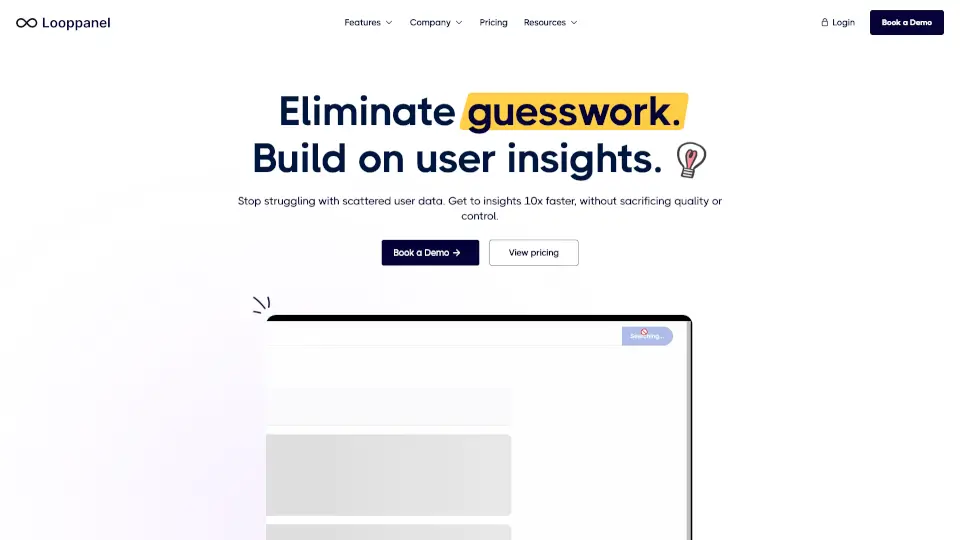
What is Looppanel?
Looppanel is an AI-powered UX research analysis and repository tool designed for UX researchers and product teams. It helps you turn scattered user feedback into actionable insights by automating transcription, note-taking, and qualitative data analysis. The tool includes a Google-like search across your research repository and lets you share video clips with your team. Its purpose-built AI handles the busywork of tagging and clustering, so you can focus on the human parts of research. Looppanel is trusted by enterprises like Pandadoc, Miro, and Revery Labs.
What are the features of Looppanel?
- AI Research Assistant: Automatically extracts insights from interviews and performs clustering, reducing manual tagging to minutes. Ideal for researchers who need to surface patterns fast.
- High-Quality Transcription: Converts audio/video to text with accuracy that users report as better than other tools. Supports live note-taking during sessions.
- Analysis Board: A dedicated workspace for reviewing and tagging transcripts. Users say it helps them trust nothing is missed during analysis.
- Repository & Search: Provides a central, searchable repository of all research data. Use natural language queries to find past insights across projects.
- Shareable Video Clips: Lets you create and distribute short video snippets with context. Helps align cross-functional teams by sharing real user moments.
What are the use cases of Looppanel?
- UX researchers analyzing interview transcripts: Upload recordings, let AI generate notes and cluster themes, then quickly find patterns.
- Product managers making evidence-based decisions: Search across the entire research repository to answer specific questions about user behavior.
- Design teams aligning on user needs: Share video clips of key moments with stakeholders to make customer truth heard.
- Research operations centralizing scattered feedback: Combine data from multiple sources into one unified, searchable repository.
How to use Looppanel?
- Upload your interview recordings or audio files to the platform. The AI will automatically transcribe them.
- Review the auto-generated notes and use the Analysis Board to tag, cluster, and highlight important segments.
- Use the search bar to query across all past projects, like a Google search for your user research.
- Create video clips of key moments and share them with your team via a link.