What is Face Swap Live AI?
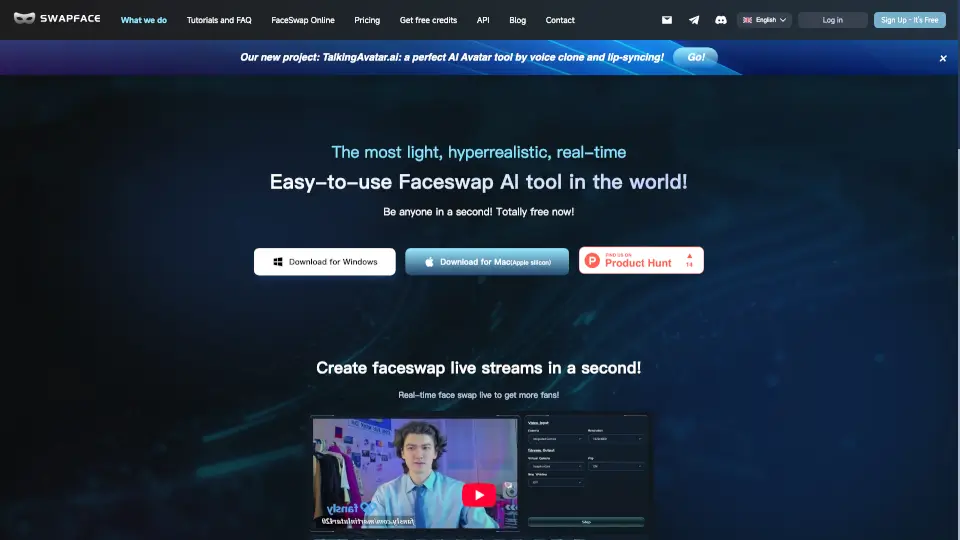
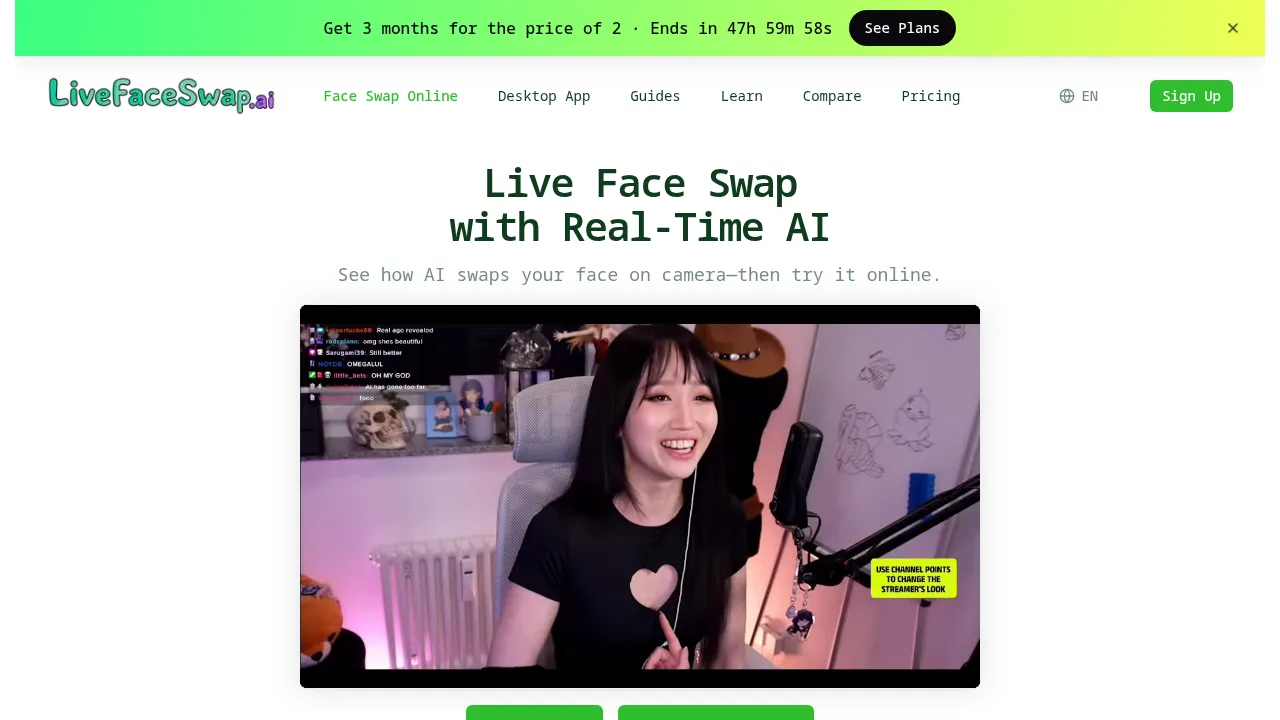
LiveFaceSwap is an AI-powered real-time face swap tool for creators, streamers, and anyone interested in live video transformation. It uses cloud-based AI to swap faces on camera during livestreams, video calls, and browser previews. Users can test effects online or connect the desktop app to OBS and meeting platforms, making it easy to experiment with characters, looks, and visual styles. No local GPU or model downloads are required.
What are the features of Face Swap Live AI?
- Cloud-Based Live Face Swap: Handles all AI processing in the cloud, allowing real-time facial transformations without GPU or model installations.
- Browser Preview and Desktop App: Lets users test swaps online or use a virtual camera for streaming, OBS, and digital meetings.
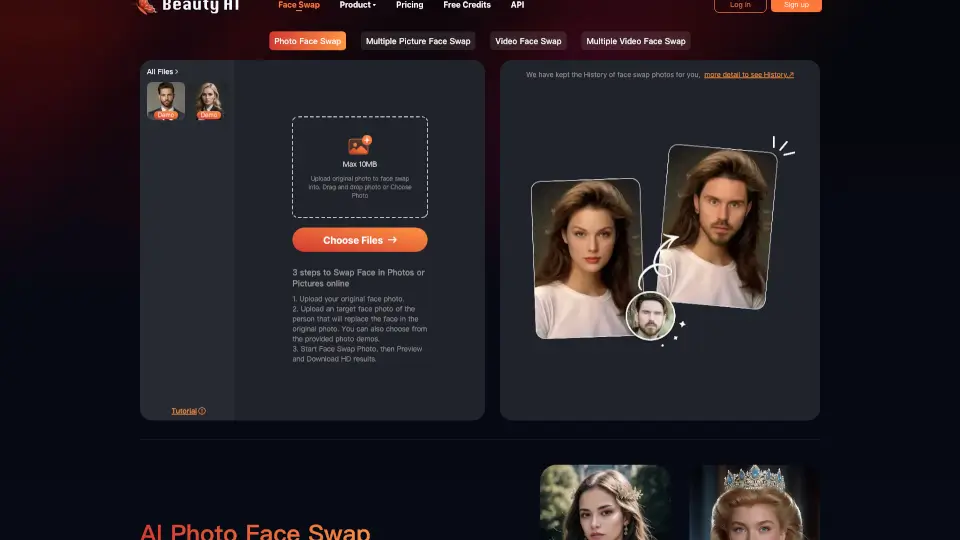
- Reference Image Selection: Users can upload front-facing portraits or select presets to define the target swapped face.
- Multiple AI Models: Supports different AI models for various swap styles, including character and visual effects.
- Live Output with Minimal Latency: Delivers immediate AI swapping feedback, with latency under 500 ms for responsive live use.
What are the use cases of Face Swap Live AI?
- Streamers swapping faces in real time during livestreams for entertainment or themed events.
- Video call participants using live AI-transformed feeds for meetings, classes, or virtual hangouts.
- Creators experimenting with character transformations and visual styles for AI exploration and content creation.
- Teams previewing effects in the browser before deploying them in professional streaming setups.
- Individuals testing or customizing AI face swaps for Halloween, cosplay, and seasonal events.
How to use Face Swap Live AI?
- Choose or upload a clear, front-facing portrait to use as your reference face.
- Turn on your camera and allow browser or desktop app access.
- Select an AI model and start the live face swap preview.
- Compare the swapped result with your original camera feed and adjust reference, lighting, or model as needed.
- Use the desktop app for virtual camera integration with streaming or meeting software.