Linked Helper logo

Linked Helper

5.0
(0 Reviews)
United States16.42%

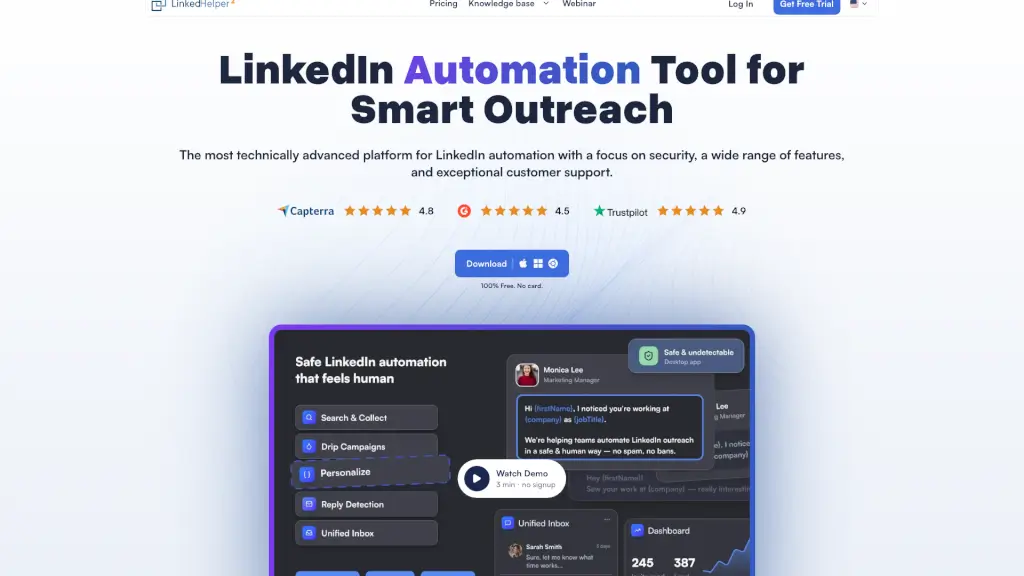
Linked Helper is a secure, feature-rich LinkedIn automation tool that streamlines lead generation, engagement, and CRM sync while protecting your account from restrictions.

Verified by SeekTool
Social Media:

Linked Helper Product Information

What is Linked Helper?

Linked Helper is a powerful LinkedIn automation tool designed to help sales teams, recruiters, and marketers generate high-quality leads without manual grunt work. Instead of spending hours sending connection requests or follow-up messages, you can automate your entire LinkedIn outreach—from warming up prospects to closing conversations—while staying safely under LinkedIn’s radar.

Unlike browser extensions that inject code into LinkedIn (which can trigger bans), Linked Helper runs as a standalone desktop app with built-in safety features like randomized delays, smart daily limits, and dedicated proxies. Trusted by over 300,000 users across 180 countries, it’s built for long-term, sustainable growth—not quick hacks that risk your account.

What are the features of Linked Helper?

  • Safe Automation Architecture: Desktop app (not a Chrome extension) with no code injected into LinkedIn, unique browser fingerprints, and one proxy per account to mimic real human behavior.
  • Smart Outreach Sequences: Build multi-step message chains with reply detection—campaigns automatically pause when someone responds, so you never send robotic follow-ups.
  • Built-in CRM & Data Enrichment: Tag leads, track interactions, and enrich profiles with verified emails and phone numbers using the included Email Finder (up to 95% accuracy).
  • Multi-Platform Compatibility: Works seamlessly with LinkedIn Basic, Premium, Sales Navigator, and Recruiter accounts—even share lead lists from one paid Navigator seat across free accounts.
  • Advanced Engagement Tools: Auto-like posts, comment, endorse skills, invite to groups/events, and “boost” posts by tagging prospects to warm them up before messaging.
  • CRM Integrations: Direct sync with HubSpot, Salesforce, Pipedrive, Zoho, Close, and more—or connect to 5,000+ apps via Zapier, Make, or webhooks.

What are the use cases of Linked Helper?

  • A B2B SaaS company automates personalized connection requests to IT decision-makers, follows up with tailored case studies, and sends replies directly to their sales team in HubSpot.
  • A recruiter uses Sales Navigator to find passive candidates, warms them up by liking and endorsing their profiles, then invites them to a job-related LinkedIn group before sending a message.
  • An agency managing multiple client LinkedIn accounts uses Linked Helper’s workspace to assign roles, share templates, and track campaign performance—all from one dashboard.
  • A solopreneur builds brand awareness by auto-inviting 1st-degree connections to follow their Company Page and join niche industry groups.
  • A webinar host invites all relevant 1st-degree connections to an upcoming event, then follows up with attendees who engaged but didn’t sign up.

How to use Linked Helper?

  • Start with the 14-day free trial—no credit card needed—to test all Standard and Pro features.
  • Set smart daily limits and working hours to match natural user behavior and avoid triggering LinkedIn’s anti-bot systems.
  • Always enable reply detection in message sequences so real conversations aren’t interrupted by automated follow-ups.
  • Use Spintax and variables (like {first_name}, {company}) to ensure every message feels personal and unique.
  • Pair profile visits with endorsements or likes to warm up cold leads before sending connection requests—this can boost acceptance rates by 15–25%.
  • Export enriched lead data to your CRM or Google Sheets using native integrations or webhooks for seamless pipeline management.
Linked Helper Contact Email:

info@linkedhelper.com

Do you like this tool?

Upvote to help others discover it!

Linked Helper Alternatives

Engage AI

Engage AI

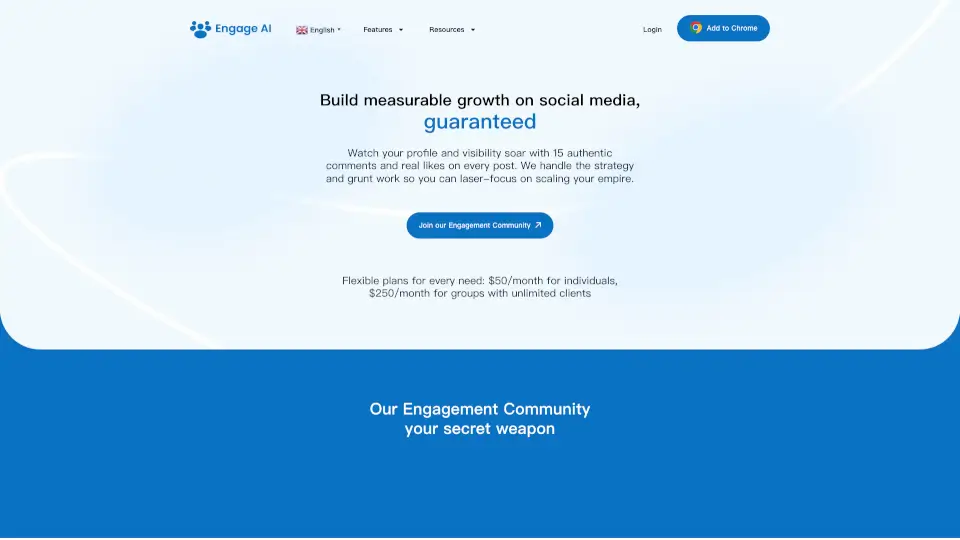
Engage AI is a powerful tool for LinkedIn users, offering AI-driven content creation, lead automation, and profile optimization to help you stand out and build meaningful connections.

US
12.54%
43.8K
4.0
ReachifyMe

ReachifyMe

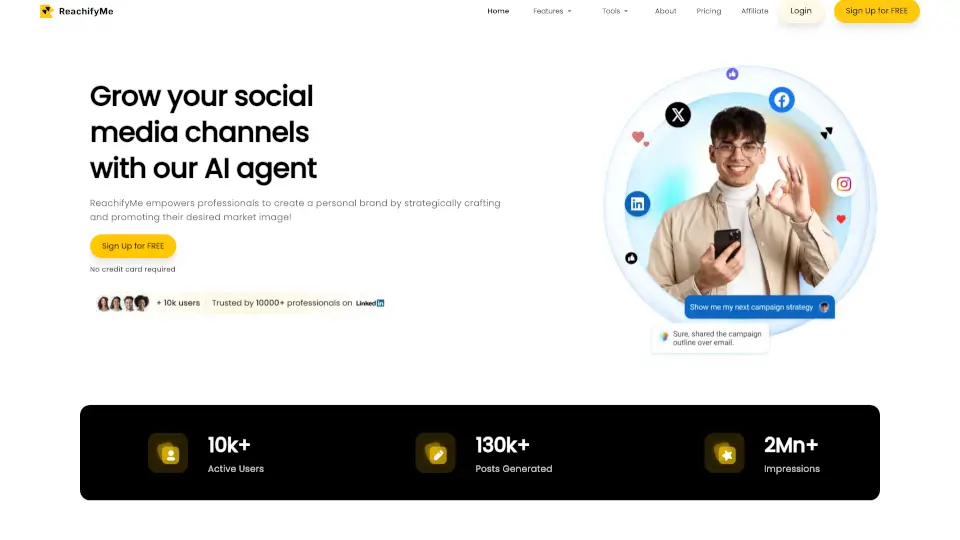
ReachifyMe turns LinkedIn growth into autopilot—AI writes, schedules, and optimizes your posts while you focus on your work.

IN
100.00%
1.2K
3.0
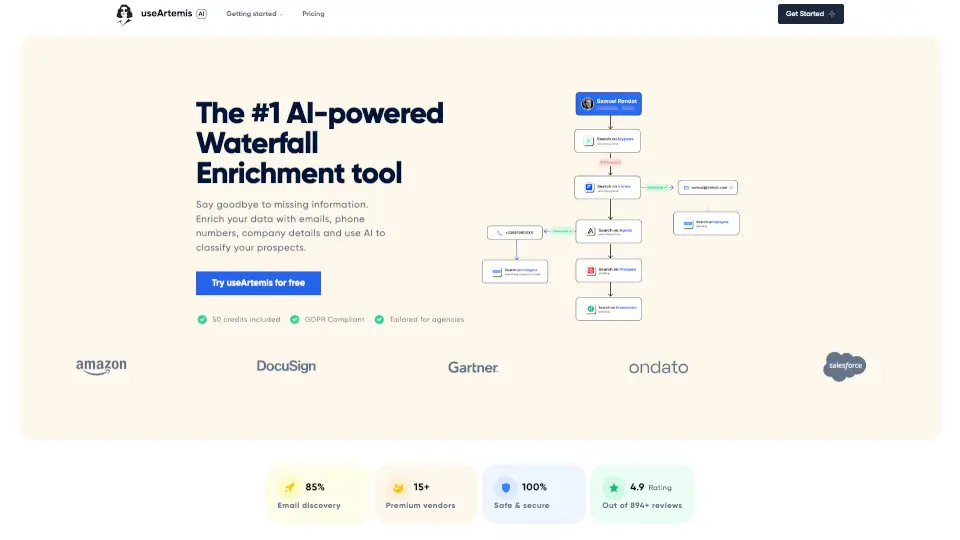
useArtemis

useArtemis

useArtemis is an AI-powered waterfall enrichment tool that finds verified emails, phone numbers, and company data for sales and marketing teams.

US
14.05%
33.6K
4.0
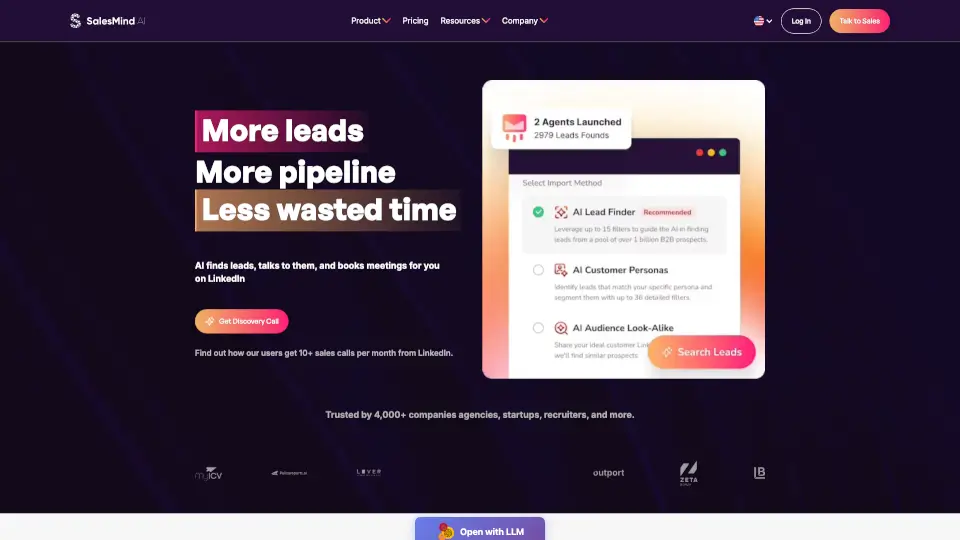
SalesMind Ai

SalesMind Ai

Automate your sales prospecting with SalesMind AI for better leads and more conversions.

US
18.33%
12.8K
4.0
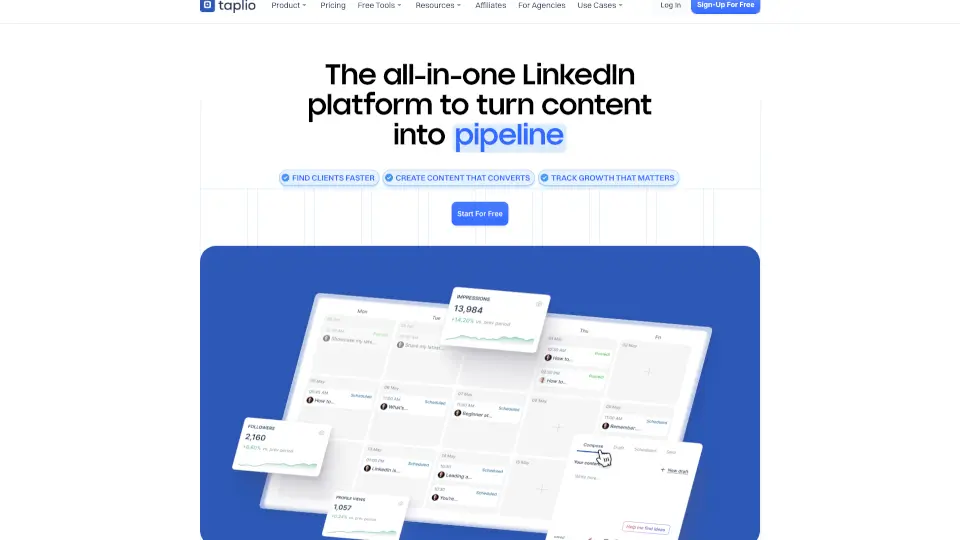
Taplio

Taplio

Taplio is the ultimate AI-powered LinkedIn tool for content creation, lead generation, and analytics. Grow your personal brand effortlessly.

IN
18.67%
459.0K
5.0
PhantomBuster

PhantomBuster

PhantomBuster is a powerful tool for lead generation and data enrichment, offering 24/7 automations and real-time data to help you connect with the right leads at the right time.

US
33.36%
448.2K
5.0
Humanlinker

Humanlinker

Humanlinker is the ultimate AI-driven platform for personalized B2B prospecting, helping businesses save time, boost engagement, and close more deals.

FR
64.82%
20.8K
4.0
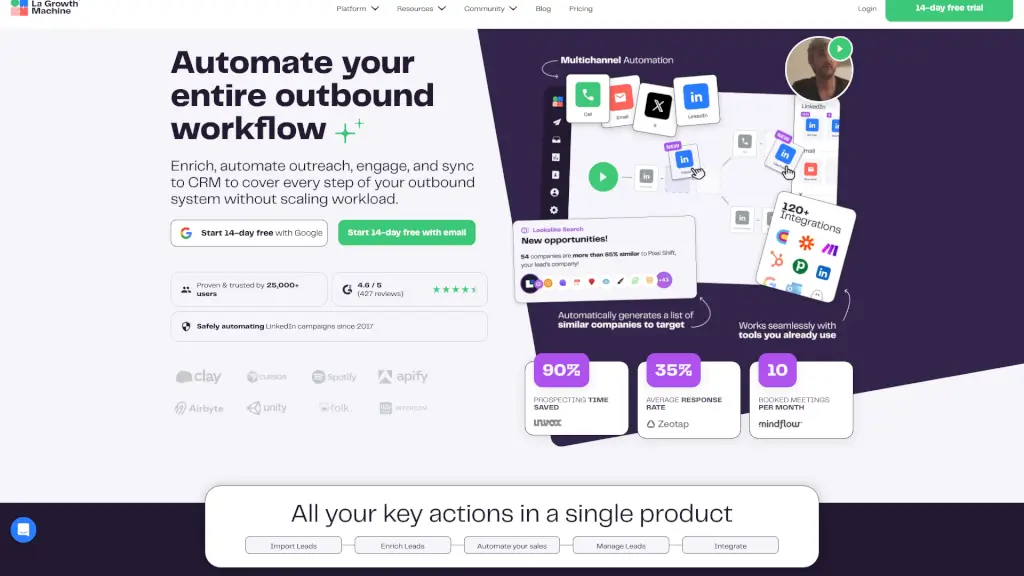
La Growth Machine

La Growth Machine

La Growth Machine automates your B2B sales outreach, enriches lead data, and manages campaigns across multiple channels, boosting your response rates and saving you time.

FR
28.40%
173.4K
5.0

Linked Helper Related Other Categories

Linked Helper Traffic Analysis

💡 Insights

Medium Scale
100K-1M monthly visits. Growing tool with active development.
📊
Steady Growth
Recent growth of 26%. Product is in a healthy upward trend.
👍
Good Experience
Bounce rate of 44%. Users are willing to explore features.
🌐
Global Reach
Balanced user distribution worldwide.
  • Monthly Visits

    273.73K

  • Bounce Rate

    44.22%

  • Pages Per Visit

    2.31

  • Visit Duration

    00:00:48

  • Global Rank

    174964

  • Country Rank

    221268

Visits Over Time

Traffic Sources

Search Organic45.28%
Direct31.66%
Search Paid7.81%
Social Organic6.75%
Referrals4.77%
Gen Ai2.17%
Display Ads0.68%
Mail0.65%
Social Paid0.22%
Affiliate0.00%

Top Keywords

1
linkedin
CPC$0.28
7.00KTraffic
2
linkedin helper
CPC$2.67
4.70KTraffic
3
linked helper
CPC$17.00
3.66KTraffic
4
linkedhelper
CPC$6.19
2.04KTraffic
5
<email> linkedin
1.98KTraffic

Top Regions

RegionPercentage
United States
United States
16.42%
India
India
7.75%
Brazil
Brazil
5.55%
United Kingdom
United Kingdom
5.28%
Germany
Germany
2.52%
Low
High

Powered by SimilarWeb

Linked Helper FAQ

Is Linked Helper safe to use on LinkedIn?

Yes—it’s designed with safety as a top priority. It runs as a desktop app (not a browser extension), uses randomized delays, smart daily limits, and isolated browser environments with dedicated proxies to mimic human behavior and avoid detection.

Can I use one license for multiple LinkedIn accounts?

You can’t run two accounts simultaneously with one license, but you can switch the license between different LinkedIn accounts at any time.

Does Linked Helper find email addresses from LinkedIn profiles?

Yes! The built-in Email Finder can uncover verified emails (even from 2nd/3rd-degree connections) with up to 95% accuracy. Standard plans include 620 credits/month; Pro includes 3,100.

Can I send InMails to 2nd and 3rd-degree connections?

Yes—Linked Helper lets you send InMails through LinkedIn Premium, Sales Navigator, or Recruiter. You can also send free InMails to “Open Profile” users without using credits.

Does it work with LinkedIn Sales Navigator?

Absolutely. Linked Helper fully supports Sales Navigator (and Recruiter, Premium, and Basic), and even lets you build lead lists in Navigator and process them on free Basic accounts to save costs.

How does reply detection work?

Linked Helper scrapes your LinkedIn messaging history in real time. If a prospect replies to any message in your sequence, the automation stops for that contact—so you never send an awkward follow-up after they’ve already responded.

Can I invite people to LinkedIn groups or events automatically?

Yes—you can auto-invite your 1st-degree connections to join LinkedIn groups (if you’re a member) or invite them to your LinkedIn events or webinars with just a few clicks.

What CRMs does Linked Helper integrate with?

It offers native integrations with HubSpot, Salesforce, Pipedrive, Zoho CRM & Recruit, Close, ActiveCampaign, Streak, Capsule, Instantly, and HighLevel—and connects to thousands more via Zapier, Make, or custom webhooks.

Linked Helper Reviews

0

0

0 Reviews
Sign Into leave a review

Recent Reviews

No reviews yet

Linked Helper Embed

Use website badges to drive community support for SeekTool.ai. They are easy to embed in your homepage or footer.

Light
Dark
Linked Helper - Featured on SeekTool.aiLinked Helper - Featured on SeekTool.ai
How to install?