
What is Hovercode?
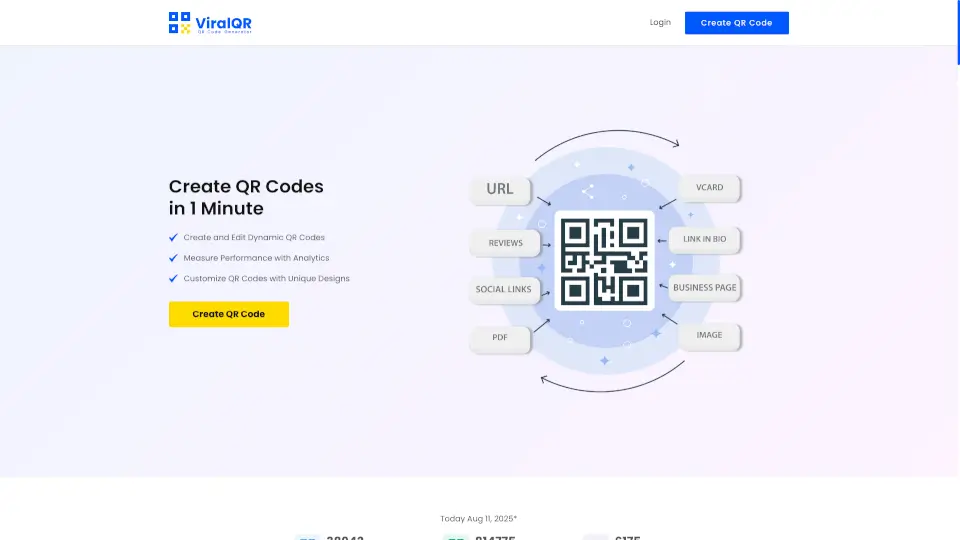
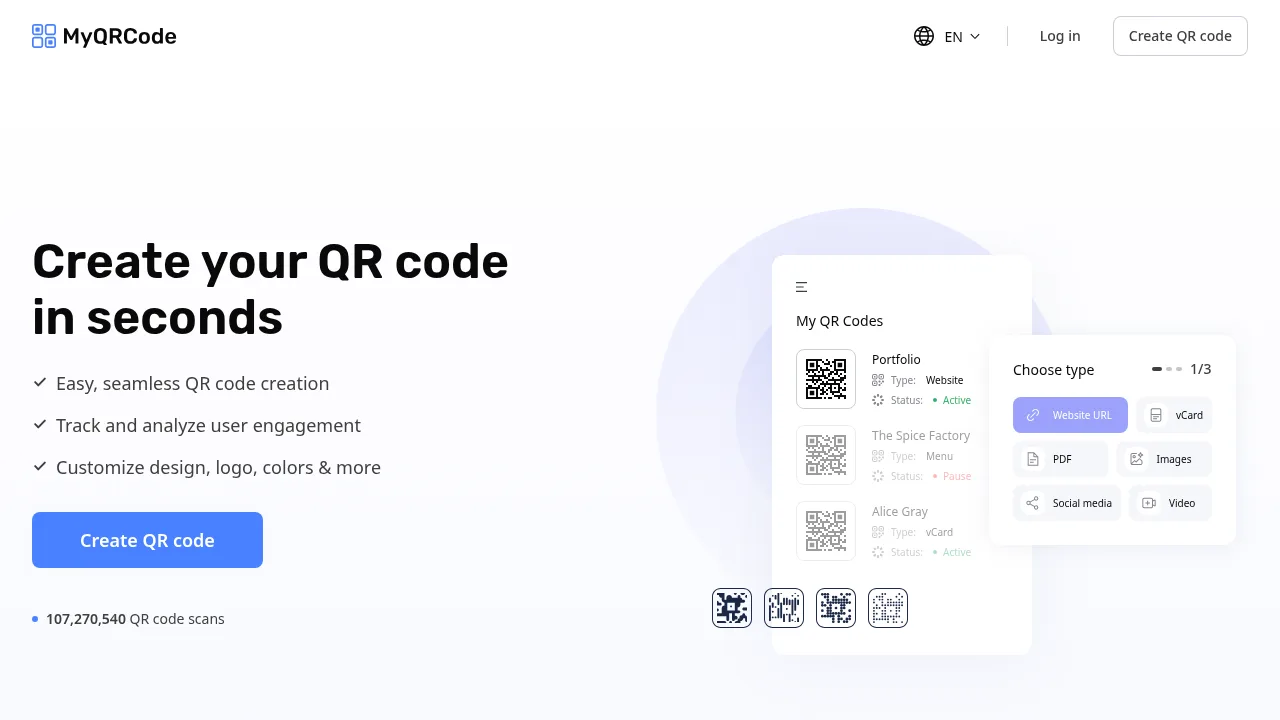
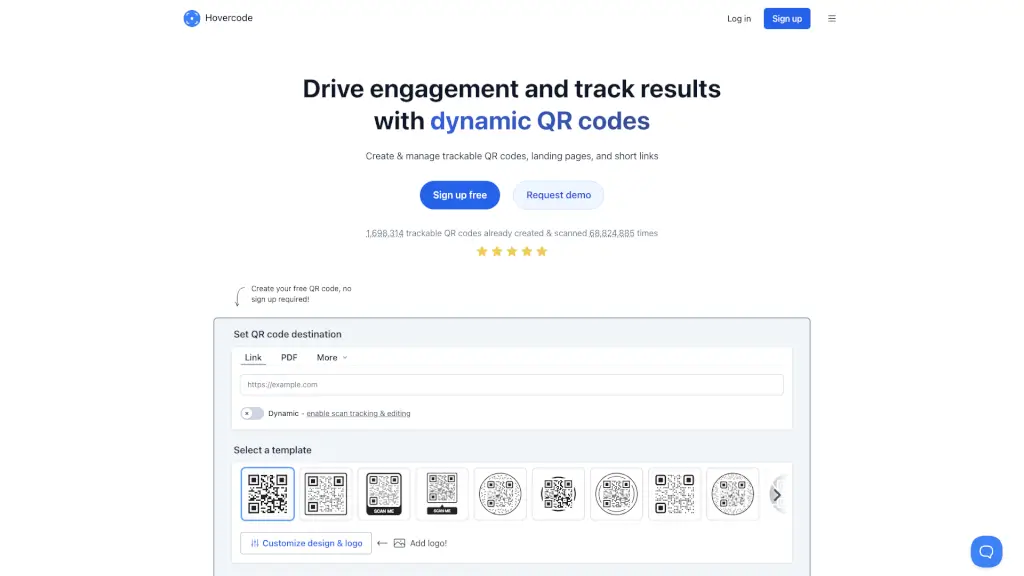
Looking for a way to drive engagement and track results with your marketing campaigns? Hovercode's QR Code Generator is here to help! With this tool, you can create dynamic QR codes that never expire, and they come with built-in tracking and editing features. Whether you're a small business owner, a marketer, or just someone who wants to share information in a cool, interactive way, Hovercode makes it easy. Plus, you can customize your QR codes with your logo and brand colors, making them look professional and on-brand.
What are the features of Hovercode?
- Dynamic QR CodesGenerate QR codes that don't expire and can be edited even after they've been printed.
- Tracking & AnalyticsMeasure the success of your campaigns by seeing where, when, and how often your QR codes are scanned.
- Customizable DesignAdd your logo, choose from various templates, and customize the colors to match your brand.
- Editable DestinationsChange the destination of your QR code at any time, even if it's already been printed.
- Landing PagesCreate micro landing pages to share multiple links and resources.
- Link ShortenerShorten your links and track their performance with your own custom domain.
What are the use cases of Hovercode?
- Marketing CampaignsTrack the performance of your flyers, posters, and other promotional materials.
- Event ManagementShare event details, registration forms, and more with scannable QR codes.
- Business CardsEmbed vCard information in QR codes for easy contact sharing.
- Product PackagingAdd QR codes to product packaging to provide additional information or direct customers to your website.
- Social MediaShare links to your social media profiles or specific posts with customizable QR codes.
- Customer FeedbackCollect feedback and reviews by directing customers to a survey or review page.
How to use Hovercode?
- Choose Your DestinationDecide what you want the QR code to link to, such as a website, PDF, or vCard.
- Select a TemplatePick a design template that fits your brand or customize your own.
- Add Your LogoUpload your logo to make the QR code more recognizable.
- Customize ColorsChoose colors that match your brand and ensure the QR code is high-contrast for better scanning.
- Generate and TestCreate your QR code and test it to make sure it works as expected.
- Share and TrackDistribute your QR code and use the analytics to see how it performs.