What is QRBTF?
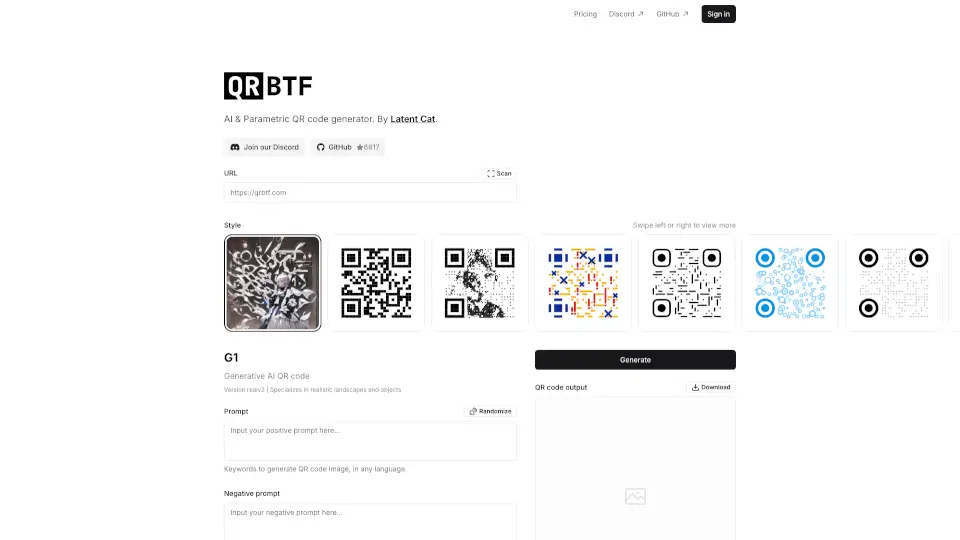
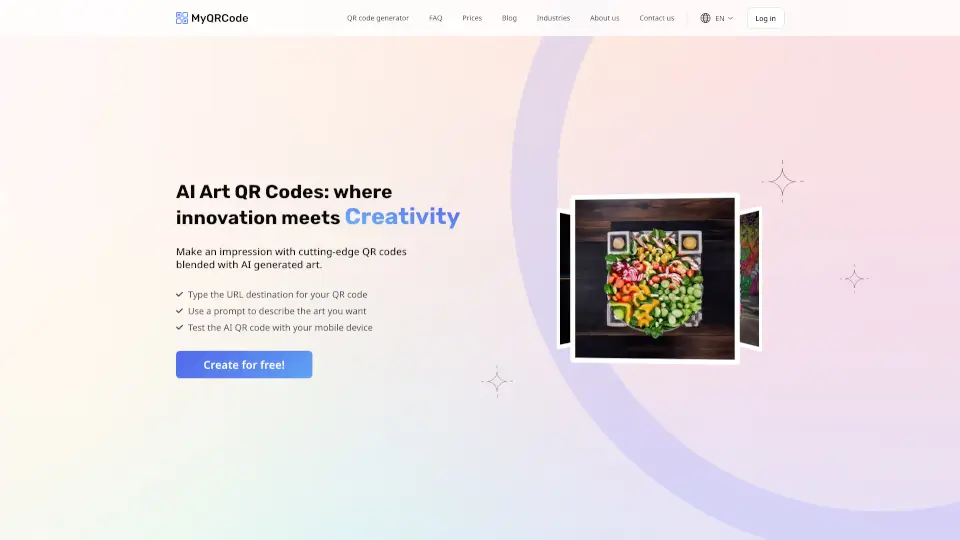
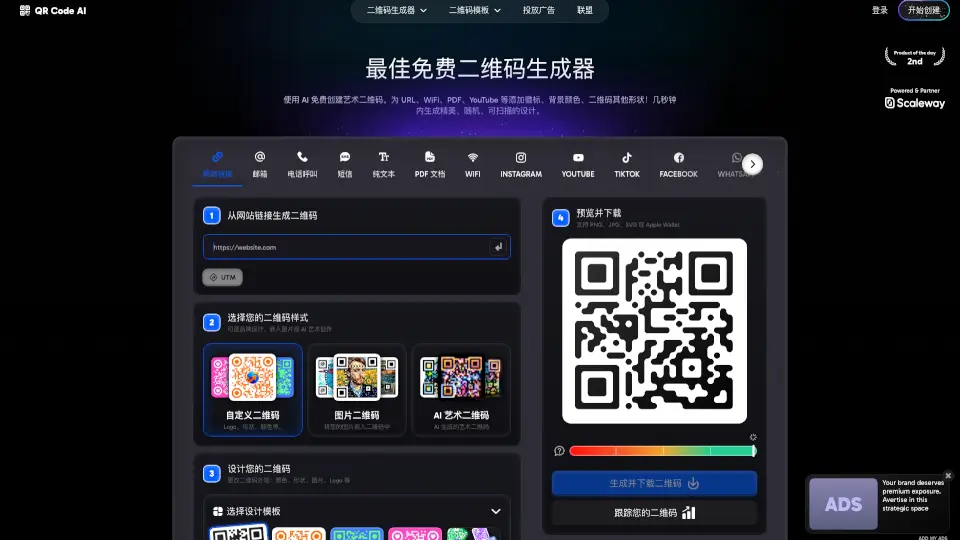
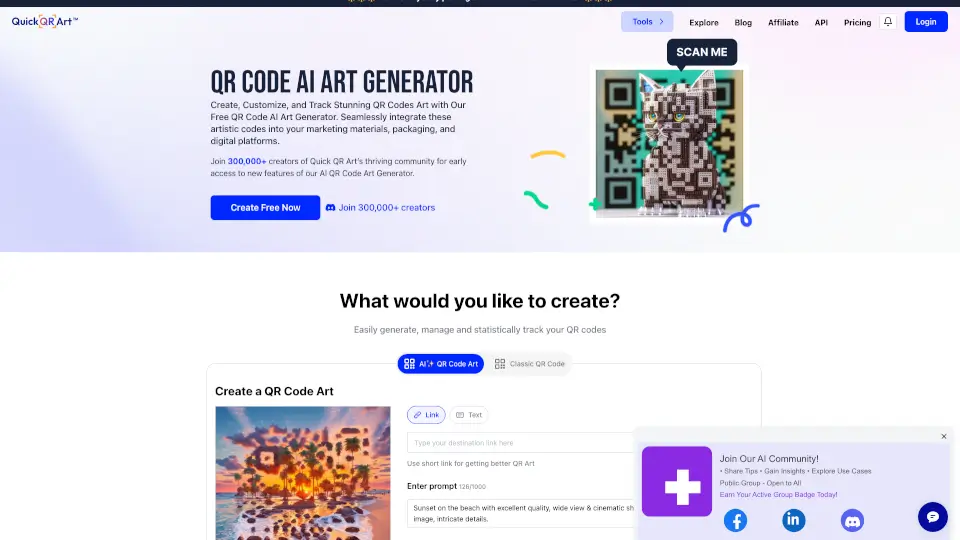
QRBTF is a cutting-edge AI-powered QR code generator that brings creativity and functionality to a whole new level. With QRBTF, you can transform ordinary QR codes into visually stunning, personalized images that still work perfectly for scanning. Whether you're looking to add a unique touch to your marketing materials or simply want to make your QR codes more engaging, QRBTF has got you covered. This innovative tool, developed by Latent Cat, combines the power of AI with the practicality of QR codes, making it a must-have for anyone who wants to stand out.
What are the features of QRBTF?
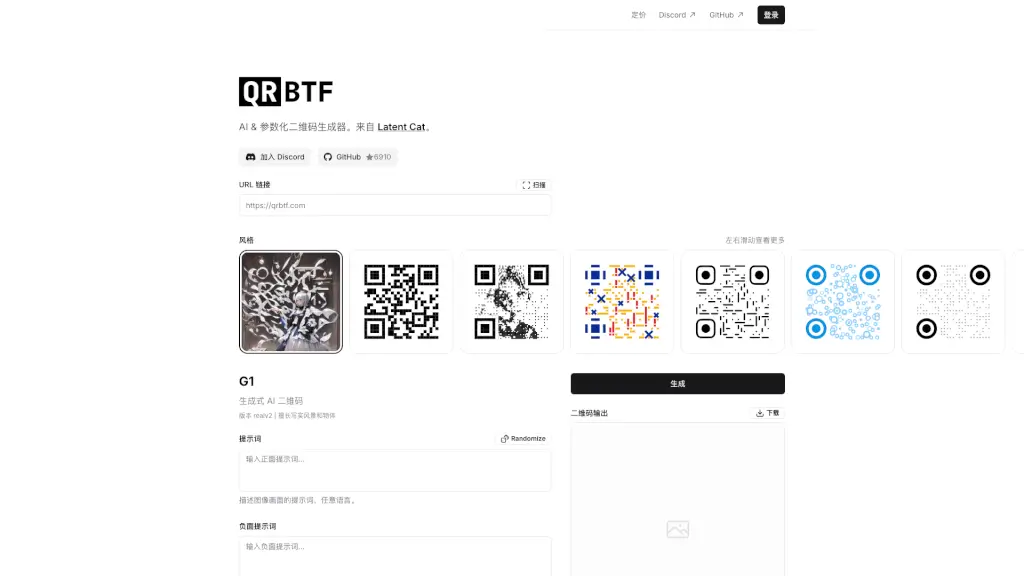
- AI-Generated QR Codes: QRBTF uses advanced AI to create QR codes that are embedded within beautiful, high-resolution images. You can choose from various styles and themes, including realistic landscapes and objects.
- Customization Options: The platform offers extensive customization, allowing you to adjust parameters like control strength, image repair ratio, and error correction levels to ensure both aesthetic appeal and functionality.
- Multiple Styles and Themes: Choose from a variety of artistic styles and themes, such as realistic, abstract, and more. The realv2 version is particularly adept at creating lifelike scenes and objects.
- Adjustable Control Strength: Fine-tune the balance between image quality and scanability. Higher control strength ensures better scanability but may make the image look more like a traditional QR code.
- Error Correction Levels: Select from different error correction levels (7%, 15%, 25%, 30%) to ensure your QR code remains scannable even if part of it is damaged or obscured.
- Positioning Markers: Customize the appearance of the positioning markers (square, circle, minimized) to blend seamlessly with your design while maintaining readability.
What are the use cases of QRBTF?
- Marketing Campaigns: Create eye-catching QR codes for promotional materials, event invitations, and product packaging to engage customers and drive traffic.
- Business Cards: Add a modern twist to your business cards by embedding your contact information in a beautifully designed QR code.
- Social Media: Share interactive and visually appealing QR codes on social media platforms to direct followers to your website, blog, or other online content.
- Event Tickets: Generate QR codes for event tickets that not only serve their functional purpose but also enhance the overall experience with a custom design.
- Product Packaging: Incorporate QR codes into product labels and packaging to provide additional information, such as instructions, recipes, or promotional offers.
How to use QRBTF?
- Choose Your Style: Start by selecting the style and theme for your QR code. You can choose from various options, including realistic, abstract, and more.
- Enter URL or Text: Input the URL or text you want to encode in the QR code. Make sure it's accurate and complete.
- Customize Parameters: Adjust the control strength, image repair ratio, and error correction level to achieve the desired balance between aesthetics and functionality.
- Preview and Refine: Preview your QR code and make any necessary adjustments. You can experiment with different settings to find the perfect look.
- Download and Share: Once you’re satisfied with the design, download your QR code and share it across various platforms.