
What is Bonsai?
Bonsai is an all-in-one business management platform built specifically for service-based small businesses and freelancers. It brings together client management, project tracking, time logging, and financial tools—like invoicing, expenses, and payments—into a single, easy-to-use system. Instead of juggling 10 different apps, teams can run their entire operation from one place, saving hours every week and reducing costly errors.
Used by over 500,000 small businesses globally, Bonsai helps creative agencies, consultants, engineers, IT firms, and more stay organized, bill accurately, and deliver projects on time and on budget. With smart automations, real-time reporting, and seamless client collaboration features, it’s designed to give you back your most valuable resource: time.
What are the features of Bonsai?
- Estimate Builder: Create detailed, accurate project estimates that show predicted costs, profits, and timelines—and turn them into full projects with budgets and tasks in one click.
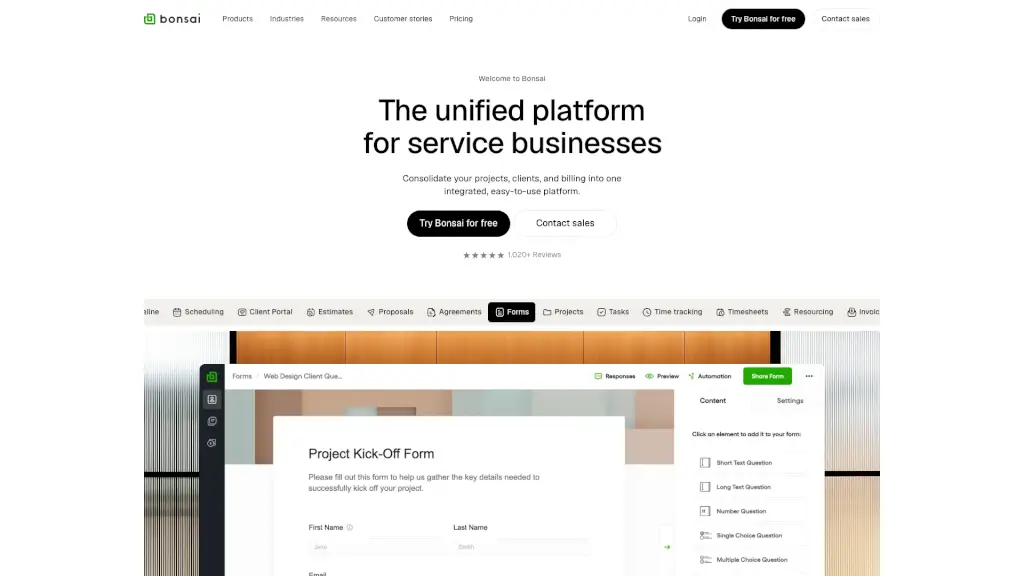
- Client Management: Manage leads, send proposals, e-sign contracts, collect info via custom forms, and collaborate through a secure client portal—all within a unified CRM.
- Project & Task Management: Track work with Gantt charts, assign tasks, monitor progress, and keep everything aligned from kickoff to delivery.
- Time Tracking & Timesheets: Log hours automatically or manually, generate timesheets, and ensure every billable minute is captured.
- Finance & Billing: Send professional invoices, accept online payments, track expenses, manage retainers, and sync with accounting tools like QuickBooks.
- Reporting & Insights: Get real-time visibility into profitability, utilization rates, budget burn, and team performance without spreadsheets.
What are the use cases of Bonsai?
- A creative agency uses Bonsai to streamline client onboarding, track design revisions, automate recurring invoices, and monitor project margins—all while keeping clients updated via the client portal.
- A software consultancy logs billable hours per feature or commit, creates precise estimates for new sprints, and converts them directly into tracked projects with allocated resources.
- An interior designer manages multiple client budgets, sends beautiful proposals in minutes, tracks purchase expenses, and invoices instantly after client approval.
- An IT services firm handles recurring maintenance contracts, schedules technician time, auto-generates monthly invoices, and tracks profitability across all clients.
- A freelance consultant uses Bonsai to draft contracts, collect payments upfront via retainers, log time against milestones, and report on project ROI—all from their phone or laptop.
How to use Bonsai?
- Start with the 7-day free trial—no credit card required—to explore core features.
- Use the Estimate Builder to scope your next project; once approved, convert it into a live project with pre-filled tasks and budget.
- Set up automated workflows (e.g., send a contract after a proposal is accepted or invoice when a milestone is marked complete).
- Invite your team and clients: team members get task access, while clients use the client portal to review work, sign docs, and pay invoices.
- Connect accounting integrations like QuickBooks or Xero to sync financial data automatically.
- Use built-in calculators (billable hours, utilization rate) to optimize pricing and staffing decisions.