
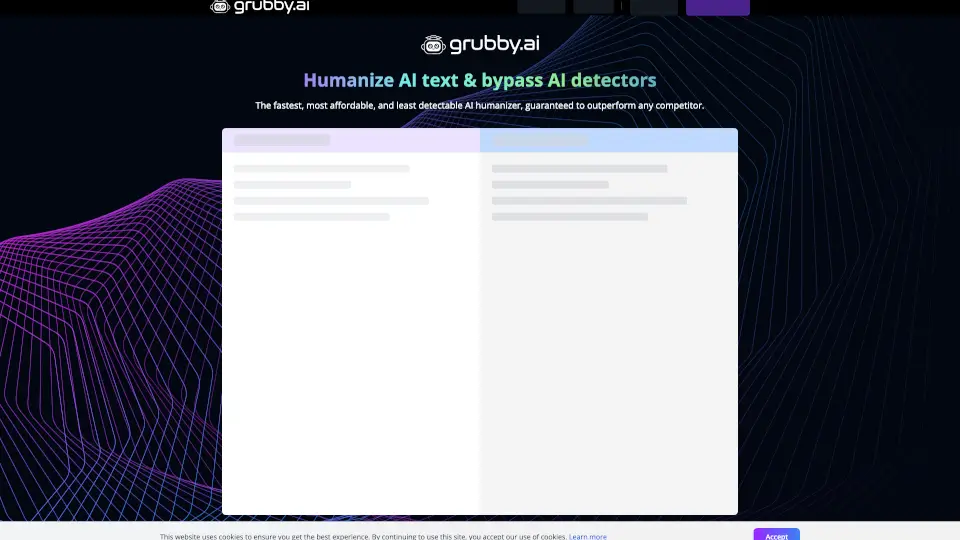
What is Grubby AI?
Hey there! Are you tired of AI detectors flagging your work and causing unnecessary stress? Meet GrubbyAI, the ultimate solution for students and content creators alike. This nifty tool is designed to humanize AI-generated text, making it look like it was written by a real person. No more worrying about false positives or watermarks—GrubbyAI has got your back. With its advanced algorithms, you can turn any AI-generated content into natural, plagiarism-free, and undetectable text with just a few clicks. Say goodbye to hours of manual rewriting and hello to peace of mind!
What are the features of Grubby AI?
- AI Detection Bypass: GrubbyAI ensures your content bypasses even the most advanced AI detectors, giving you a 99%+ human score.
- Watermark Removal: Automatically removes ChatGPT watermarks, replacing them with natural, human-like wording.
- Time-Saving: Humanize AI-generated text instantly, saving you 2-3 hours of manual rewriting.
- Plagiarism-Free: Generates original, unique content that passes all plagiarism checks.
- User-Friendly: Simple and easy to use, just let the tool rewrite your text and you're good to go.
What are the use cases of Grubby AI?
- Students: Submit your assignments with confidence, knowing they will pass AI detection and plagiarism checks.
- Content Creators: Create blog posts, articles, and other online content that looks natural and avoids being flagged as spam.
- SEO Marketers: Generate high-quality, undetectable content that ranks well on search engines.
- Advertisers: Craft ad copy that reads naturally and bypasses AI filters, ensuring better engagement and performance.
- Writers: Quickly humanize AI-generated drafts and save time on editing and rephrasing.
How to use Grubby AI?
- Copy the AI-generated text you want to humanize.
- Paste the text into the GrubbyAI tool.
- Click the "Humanize" button.
- Review the humanized text and make any necessary adjustments.
- Copy the final version and use it as needed.