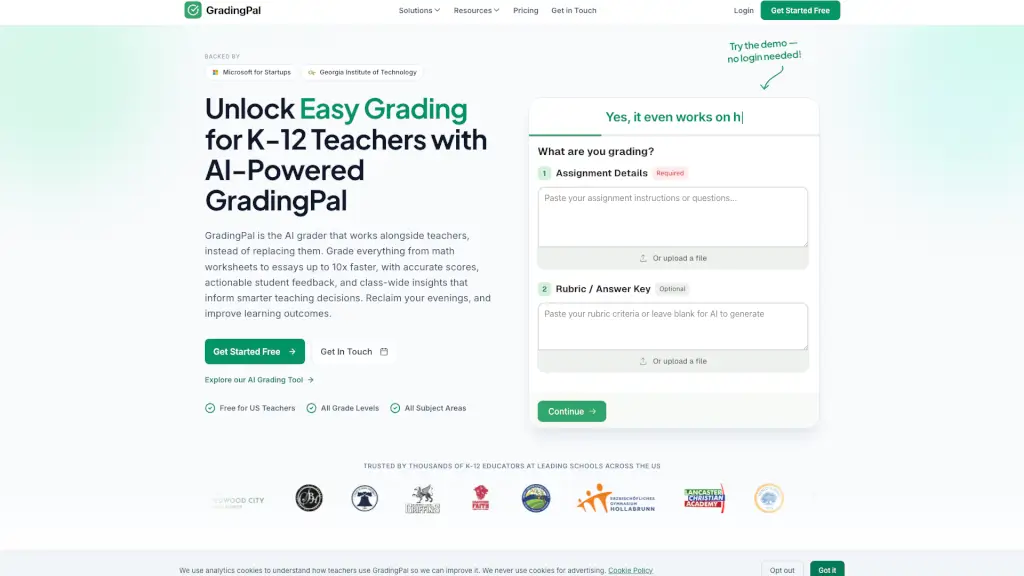
What is GradingPal?
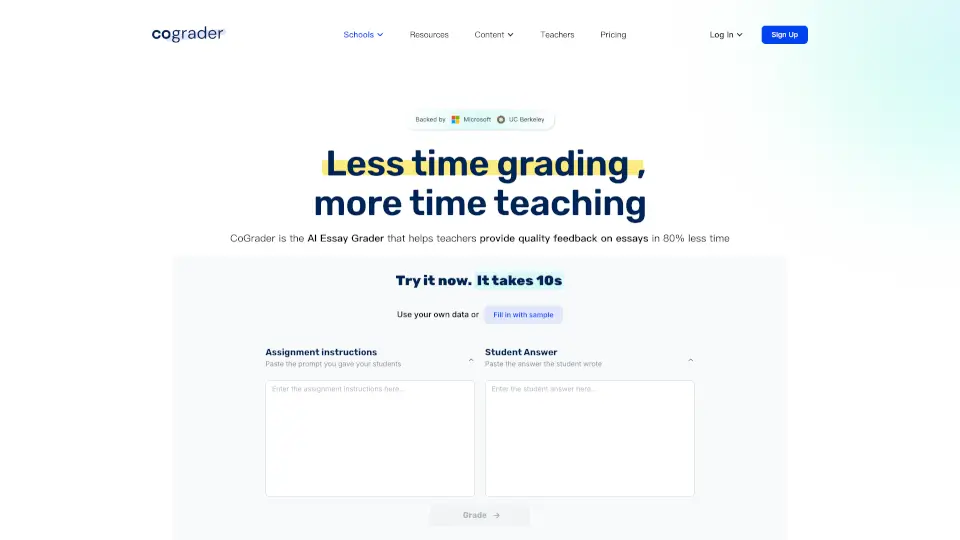
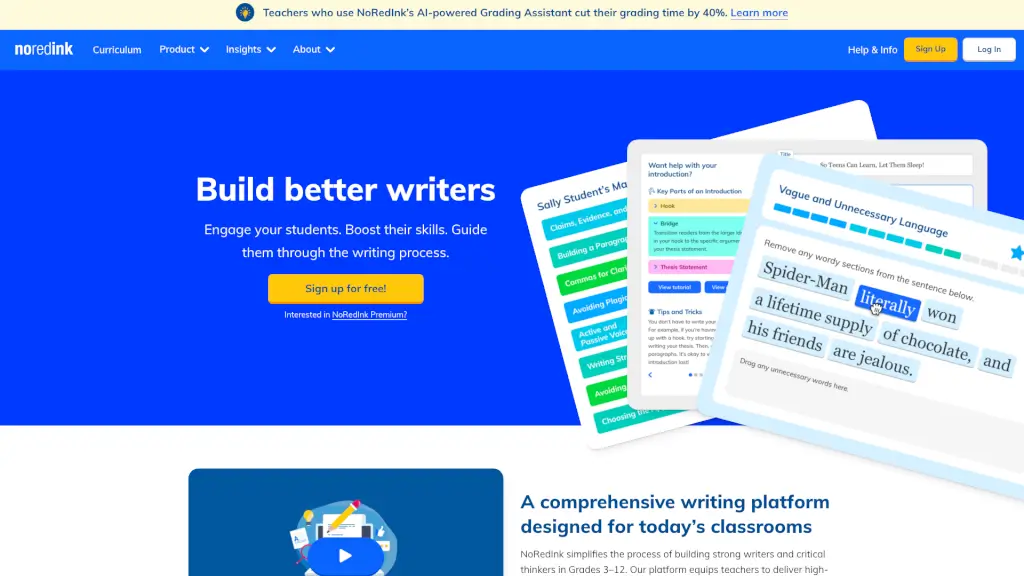
GradingPal is an AI grading tool built exclusively for K-12 teachers who are tired of spending hours scoring essays, math worksheets, and handwritten assignments. Instead of replacing educators, it works alongside them—delivering fast, rubric-aligned scores and personalized student feedback in minutes, not hours. Designed with real classroom needs in mind, GradingPal helps teachers reclaim their evenings while improving learning outcomes through actionable insights.
Whether you teach 6th-grade ELA or AP Physics, GradingPal handles everything from scanned homework to typed essays, all while aligning with Common Core, NGSS, and state standards like Texas STAAR, California CAASPP, and Florida BEST. Best of all? It’s free for individual U.S. K-12 teachers, with no credit card required.
What are the features of GradingPal?
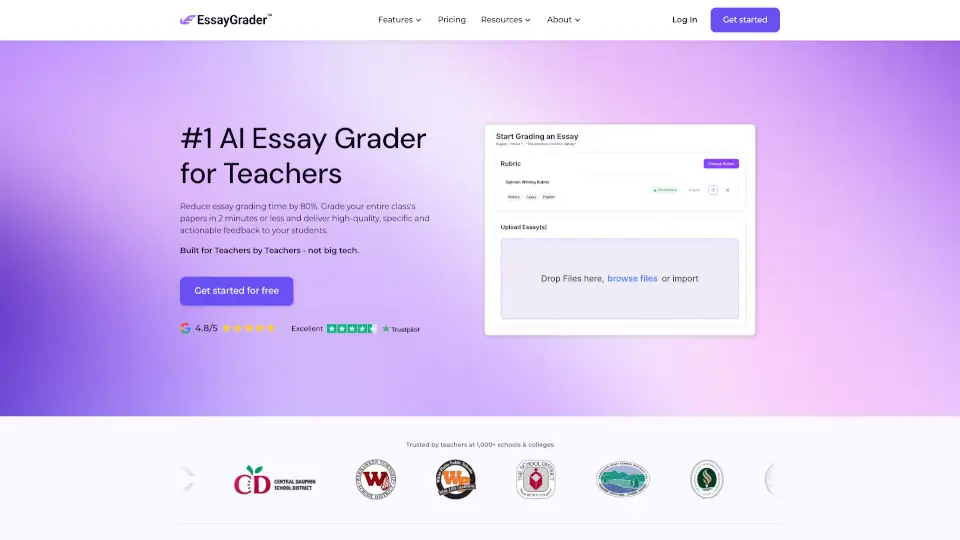
- Rubric-Based AI Grading: Upload your own rubric or let GradingPal generate one—then get instant, consistent scoring across essays, math problems, science labs, and more.
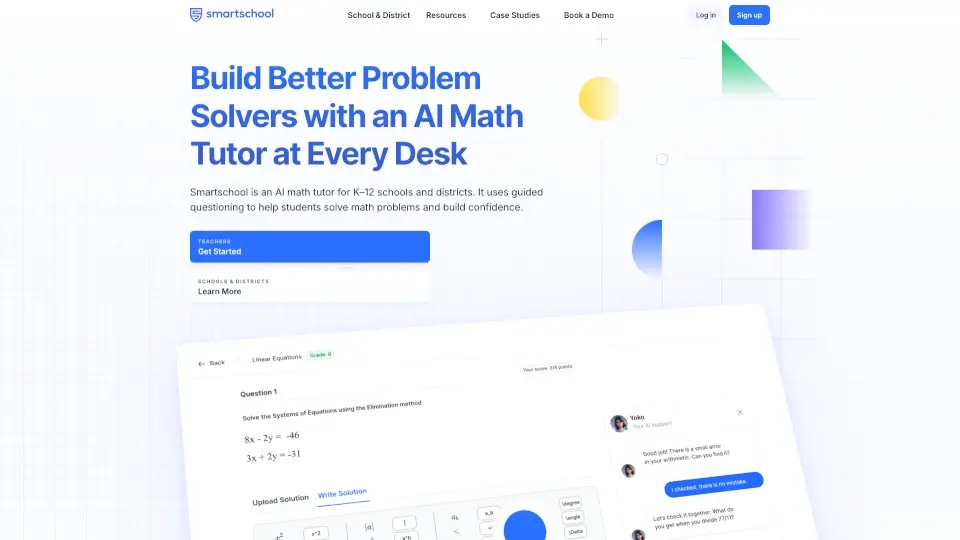
- Handwritten Work Support: Scan and upload handwritten assignments; the AI reads student responses, including math notation and short answers, and grades them using your criteria.
- Standards-Aligned Feedback: Receive personalized, actionable comments tied to specific learning standards (like RL.9-10.1 or W.8.2), helping students understand exactly how to improve.
- Analytics Dashboard: See class-wide trends at a glance—identify struggling standards, track mastery over time, and get AI-powered lesson recommendations.
- Google Classroom Integration: Import assignments and sync grades back with one click—no manual entry needed.
- Ethical, Teacher-in-Control Workflow: AI drafts grades and feedback, but you always review and approve before anything reaches students.
What are the use cases of GradingPal?
- Grade 30 handwritten algebra worksheets overnight instead of over the weekend.
- Provide detailed, standards-based feedback on persuasive essays for your 10th-grade ELA class within minutes.
- Quickly assess DBQs or source-based writing for AP History using your custom rubric.
- Analyze performance across an entire unit to plan targeted mini-lessons for standards most students missed.
- Collect and grade video or audio submissions (like oral presentations) with structured feedback.
- Streamline formative assessments like reading comprehension quizzes with instant scoring and class insights.
How to use GradingPal?
- Upload your assignment prompt, rubric, and student submissions (PDF, DOC, JPG, PNG—all formats accepted).
- Let GradingPal generate initial scores and personalized feedback aligned to your rubric.
- Review each student’s results in the dashboard—edit scores or tweak feedback as needed.
- Use the analytics view to spot class-wide gaps (e.g., “62% struggled with citing textual evidence”).
- Approve and share feedback directly with students or push grades to Google Classroom.
- Adjust feedback tone (warm, formal, concise) to match your teaching style for future assignments.